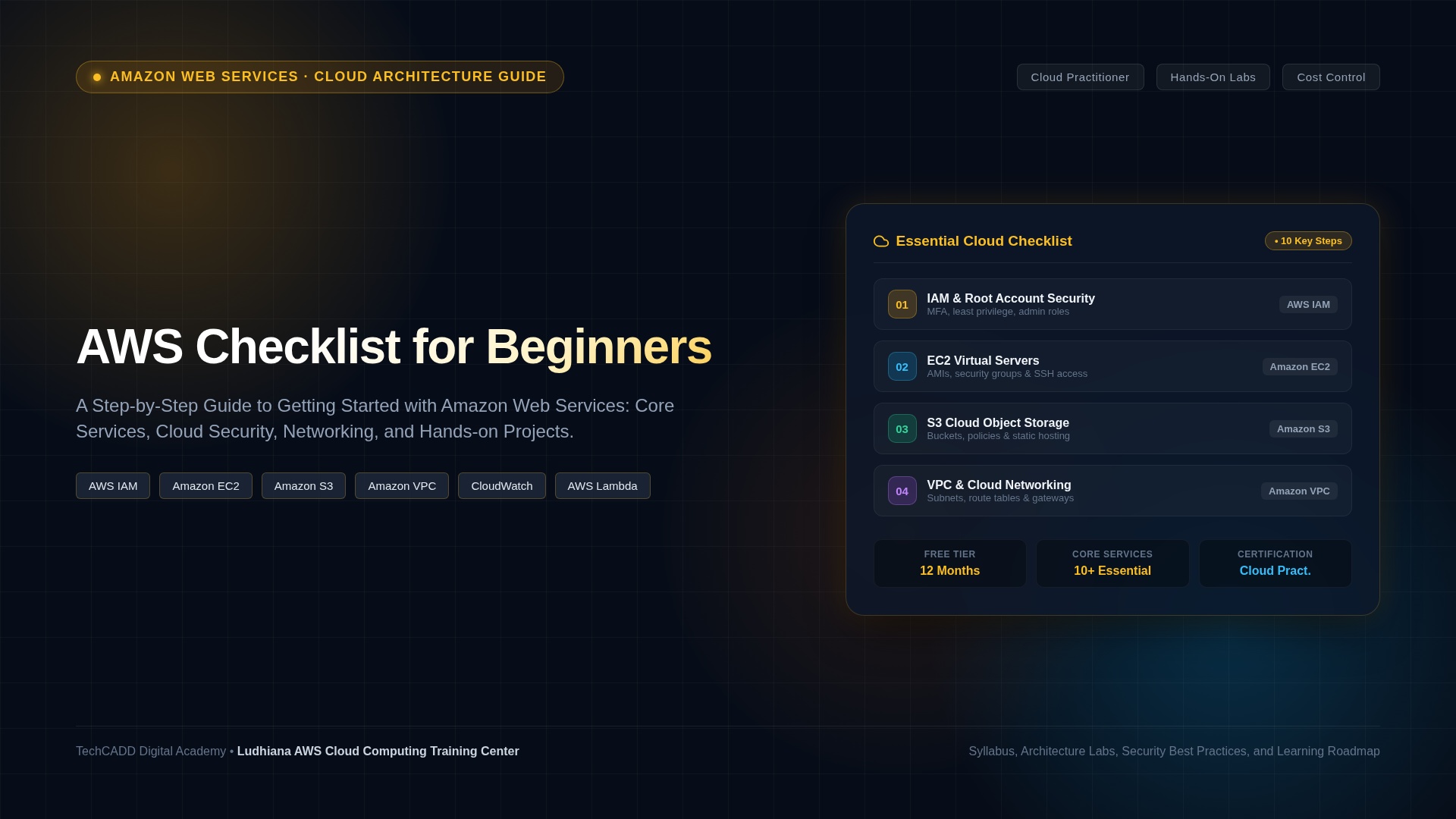
AWS Checklist for Beginners: A Step-by-Step Learning Guide
Amazon Web Services (AWS) is a cloud computing platform that provides services for hosting applications, storing files, managing databases, configuring networks, monitoring systems, and building scalable digital solutions. For beginners, learning AWS can feel overwhelming because the platform offers a wide range of services and technical concepts.
A structured AWS checklist makes the process easier. Instead of trying to learn every service at once, start with cloud computing fundamentals, understand the AWS Management Console, practise essential services, secure your environment, and build small projects.
This guide provides an AWS checklist for beginners, including essential services, account security, practical exercises, cost management, and a learning roadmap for students, IT professionals, and aspiring cloud engineers.
What Is AWS?
Amazon Web Services is a cloud computing platform offering on-demand infrastructure and managed services. Instead of purchasing and maintaining all your own physical servers, you can provision computing resources, storage, databases, and networking services through AWS.
AWS services are commonly used for website hosting, application development, data storage, backups, analytics, cloud infrastructure, and security monitoring. The services you need depend on your project and technical goals.
AWS Checklist for Beginners
Use this checklist as a practical guide to track your progress. Complete the foundational tasks before moving into more advanced cloud architecture.
1. Understand Cloud Computing Fundamentals
2. Set Up Your AWS Environment Safely
Important: Free-tier eligibility and pricing rules can change, and not every service or usage level is free. Check the current pricing page before deploying resources.
3. Learn AWS Identity and Access Management (IAM)
IAM is one of the most important AWS foundations because it controls who or what can access cloud resources and which actions are permitted.
4. Explore Amazon EC2
EC2 is useful for learning how cloud-based servers work. Begin with a small test environment and avoid exposing administrative ports to the entire internet.
5. Learn Amazon S3
Amazon S3 is an object storage service used for documents, images, backups, application assets, and many other data storage needs.
6. Understand AWS Networking
Networking knowledge is essential for cloud engineers because application connectivity, isolation, and security depend on correct network configuration.
7. Explore Databases and Application Services
You do not need to master every database or application service immediately. Begin with the services that support your first project, then expand your knowledge.
8. Learn Monitoring and Logging
9. Understand AWS Security Basics
10. Practise Cost Management
Stopping a virtual machine does not necessarily eliminate every related charge. Storage, snapshots, networking resources, and other services may continue to incur costs.
Essential AWS Services Beginners Should Know
| AWS service | Primary purpose | Beginner exercise |
|---|---|---|
| IAM | Identity and access control | Review a basic policy and practise least-privilege access |
| EC2 | Virtual computing servers | Launch and terminate a small test instance |
| S3 | Object storage | Upload files to a private bucket |
| VPC | Virtual networking | Draw a VPC with public and private subnets |
| RDS | Managed relational databases | Study database deployment and access controls |
| Lambda | Serverless code execution | Create a simple function and test it |
| CloudWatch | Monitoring and observability | Explore a metric and configure a test alarm |
| CloudTrail | Account activity and API event history | Locate a relevant management event |
| Elastic Load Balancing | Distributes application traffic | Study how a load balancer routes requests |
| Auto Scaling | Adjusts computing capacity according to configured conditions | Learn the components of a scaling group |
AWS Projects for Beginners
Projects help you apply cloud concepts and demonstrate practical skills. Start with small exercises and keep a record of your architecture, configuration decisions, security controls, and results.
Project 1: Host a Static Website with Amazon S3
Learn object storage, static website hosting concepts, and access control. For a public website, review the recommended hosting architecture and security implications carefully. Do not make a bucket public simply to test file uploads.
Project 2: Launch a Linux Server with EC2
Deploy a small Linux test instance, connect through a secure method, install a web server, and test a simple webpage. Restrict inbound access, review costs, and terminate resources after the exercise if you no longer need them.
Project 3: Create a Cloud Monitoring Dashboard
Use CloudWatch to explore metrics, create a basic dashboard, and configure an alarm for a suitable test resource. Document what the alarm measures and how a user should respond to it.
Project 4: Build a Serverless Function
Create a simple Lambda function, invoke it with a test event, and review its logs. Learn how execution roles, permissions, and monitoring support a secure serverless application.
Project 5: Design a Secure Cloud Architecture
Draw an architecture containing a VPC, appropriate subnets, a web application, a database, IAM permissions, and monitoring. Explain how the design limits access, protects data, and supports recovery.
AWS Learning Roadmap for Beginners
| Stage | Learning focus | Progress indicator |
|---|---|---|
| Stage 1 | Cloud concepts and AWS global infrastructure | Explain Regions, Availability Zones, and shared responsibility |
| Stage 2 | IAM, account security, and billing | Secure the account and explain basic permissions |
| Stage 3 | EC2, S3, and VPC | Complete a small computing, storage, or networking lab |
| Stage 4 | Databases, serverless, and application services | Build or explain a simple cloud application |
| Stage 5 | Monitoring, logging, and security | Review events, metrics, and access controls |
| Stage 6 | Projects and certification preparation | Document a project and test your knowledge with practice questions |
Your learning pace will depend on prior IT experience and the amount of time you can practise. Focus on understanding services and completing projects rather than memorizing service names.
Which AWS Certification Should a Beginner Consider?
Beginners who want a structured introduction to AWS can explore the AWS Certified Cloud Practitioner certification. It covers broad cloud concepts, AWS services, security, and pricing at a foundational level.
Learners who want to move toward technical cloud roles may later consider an associate-level certification that matches their goals, such as AWS Certified Solutions Architect – Associate. Review the current exam guide, recommended experience, exam fees, and official requirements before registering.
A certification can help organize learning, but it does not replace hands-on experience. Practical projects, troubleshooting, and the ability to explain architecture decisions are important parts of cloud skill development.
Common AWS Mistakes Beginners Should Avoid
- Creating resources before understanding their pricing.
- Leaving unused resources running after finishing a lab.
- Using the root account for routine administration.
- Giving users or services broader permissions than necessary.
- Making storage buckets or administrative ports publicly accessible without a clear need.
- Sharing access keys in code, screenshots, or public repositories.
- Learning service names without practising how they work together.
- Skipping monitoring, backups, and recovery planning.
How to Learn AWS in Ludhiana, Punjab
If you are searching for AWS training in Ludhiana, compare classroom programs, online courses, and self-paced learning according to your schedule and budget. Look for a structured syllabus, guided practical labs, clear explanations of cloud security, and projects that use the AWS Management Console or relevant tools.
Before enrolling in an AWS course in Ludhiana, ask the provider:
- Does the course begin with cloud and networking fundamentals?
- Will students practise IAM, EC2, S3, VPC, and monitoring?
- Are lab costs explained, and are learners taught how to clean up resources?
- Are practical assignments and project reviews included?
- Does the course prepare learners for a specific certification, and is the current exam guide followed?
- What are the total fees, duration, support options, and certificate conditions?
Search for AWS course in Ludhiana, AWS training in Punjab, and AWS certification preparation. Compare the syllabus and practical experience offered instead of relying only on promotional claims.
Frequently Asked Questions
What should I learn first in AWS?
Begin with cloud computing concepts, AWS Regions and Availability Zones, the shared responsibility model, account security, IAM, billing, and then basic services such as EC2, S3, and VPC.
Is AWS suitable for complete beginners?
Yes. Beginners can start with cloud fundamentals and gradually learn computing, storage, networking, security, and monitoring. Basic computer knowledge helps, while networking and Linux skills are useful for technical projects.
Can I learn AWS for free?
You can learn many AWS concepts using official learning resources and carefully selected free learning materials. Some hands-on services may incur charges, so verify current Free Tier eligibility and pricing before creating resources.
Do I need Linux to learn AWS?
You can begin learning AWS without being a Linux expert. However, basic Linux commands are valuable for managing EC2 instances, troubleshooting, and working with cloud-hosted applications.
Which AWS services should beginners learn?
Start with IAM, EC2, S3, VPC, CloudWatch, and CloudTrail. Add databases, Lambda, load balancing, and Auto Scaling as you begin building applications and more advanced architectures.
Which AWS certification is good for beginners?
AWS Certified Cloud Practitioner is a foundational option for understanding AWS and cloud concepts. Learners pursuing technical cloud engineering can explore associate-level certifications after developing the relevant knowledge and practical skills.
How can I avoid unexpected AWS bills?
Review service pricing before deployment, configure billing alerts or budgets, inspect active resources regularly, and delete resources you no longer need. Remember that stopping an instance does not necessarily stop every associated charge.
Where can I learn AWS in Ludhiana?
Compare local training providers, online programs, and self-paced options. Review their syllabus, practical labs, trainer support, project work, fees, and certification preparation before choosing a course.
Conclusion
This AWS checklist for beginners provides a practical starting point for learning cloud computing. Begin with cloud fundamentals, secure your account, learn IAM, EC2, S3, and VPC, then practise monitoring, security, cost management, and application development.
Use small projects to test your understanding, document what you build, and clean up resources when finished. Whether you are learning independently or comparing AWS training in Ludhiana, a structured approach and consistent hands-on practice will help you develop a stronger foundation in Amazon Web Services.