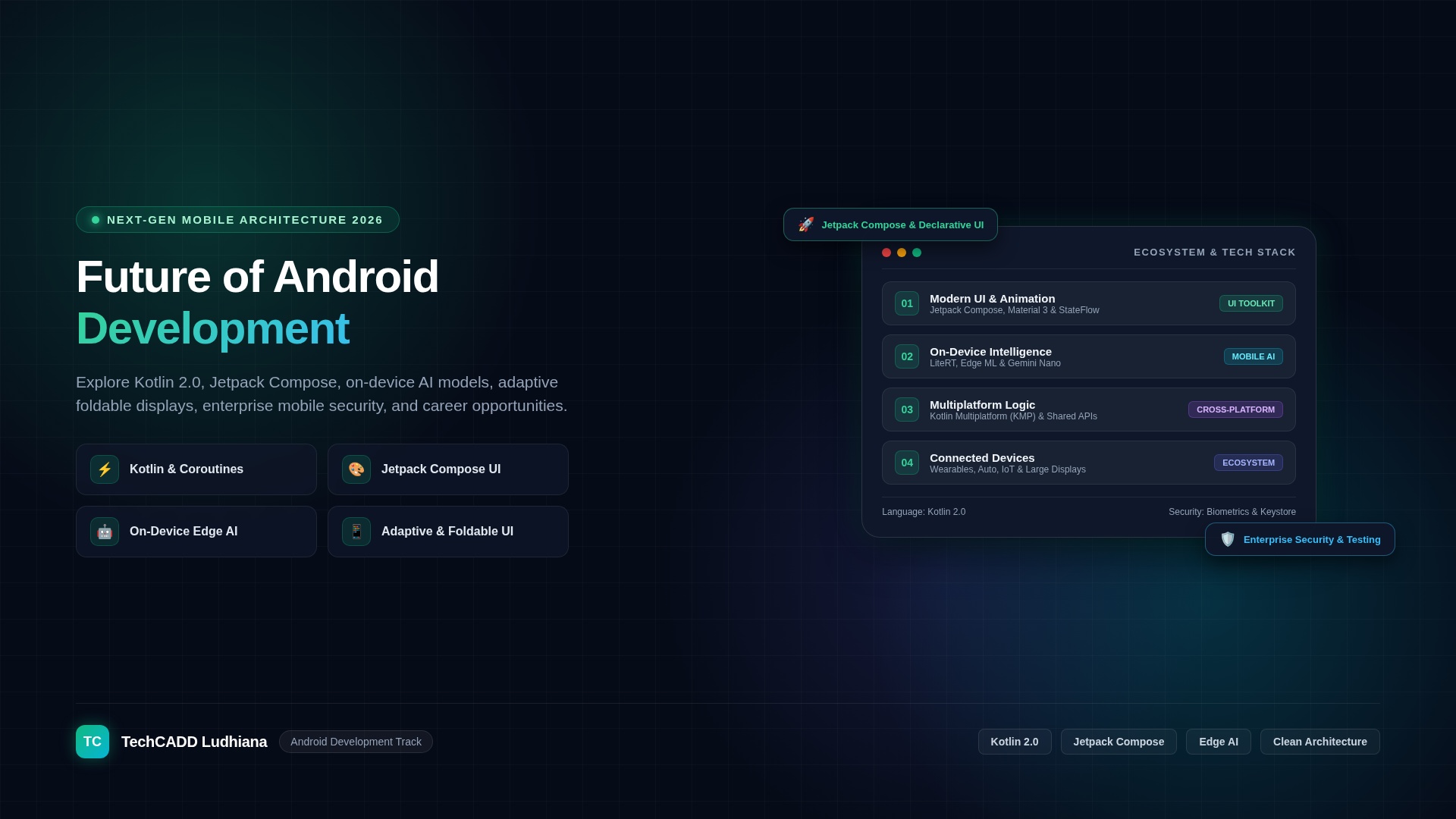
Future of Android Development: Trends, Technologies and Career Opportunities
Android development continues to evolve as mobile devices become more intelligent, connected, and capable. Modern Android applications go beyond displaying information and handling basic interactions. They can integrate artificial intelligence, communicate with connected devices, process information locally, and deliver personalized experiences while maintaining strong security and performance.
For students, aspiring developers, and software professionals, understanding the future of Android development means learning the technologies shaping modern mobile applications and building practical skills that can adapt to changing industry requirements.
What Is the Future of Android Development?
The future of Android development is moving toward more intelligent, secure, accessible, and connected applications. Kotlin, Jetpack Compose, modern Android architecture, AI integration, and improved development workflows are important parts of this evolution.
Android developers will continue to need strong programming fundamentals, an understanding of user experience, effective testing practices, and the ability to build applications that work reliably across different devices and screen sizes. Emerging technologies can expand what apps do, but dependable software engineering remains essential.
Top Android Development Trends to Watch
1. Kotlin as a Core Android Development Skill
Kotlin is a major language for modern native Android development. Its concise syntax, null-safety features, and support for structured asynchronous programming make it suitable for building maintainable applications.
Developers should learn Kotlin fundamentals, classes and interfaces, collections, coroutines, error handling, and integration with Android libraries. Understanding existing Java code is also useful because many established Android projects contain Java components.
Example: A shopping application can use Kotlin coroutines to load product information asynchronously, handle failures, and keep the user interface responsive.
2. Jetpack Compose and Declarative User Interfaces
Jetpack Compose is Android's modern declarative UI toolkit. Instead of manually updating every visual component, developers describe the interface based on application state, and Compose updates the UI when that state changes.
Important topics include composable functions, state management, layouts, navigation, accessibility, animations, and UI testing. Developers should also understand how Compose can work alongside existing View-based interfaces.
Example: A fitness app can update its dashboard automatically when a user's daily activity data changes.
3. Artificial Intelligence and Machine Learning in Android Apps
AI can help Android applications provide conversational interfaces, summarize information, classify images, recognize speech, and make recommendations. Some features can run on the device, while others rely on remote model APIs or cloud services.
Developers need to understand the differences between on-device inference and cloud-based processing, including latency, cost, privacy, hardware limitations, and network availability.
- Conversational assistants and natural-language interfaces.
- Image recognition and document scanning.
- Speech-to-text and text-to-speech experiences.
- Personalized recommendations and content discovery.
- AI-assisted search and summarization.
AI features should be evaluated for accuracy, privacy, accessibility, and their behavior when predictions are incorrect. They should not be added simply because they are fashionable.
4. On-Device AI and Edge Computing
On-device AI processes data directly on a phone or tablet rather than sending every request to a remote server. Depending on the model and device, this can reduce network dependence and improve responsiveness while limiting the amount of data transmitted.
Developers should explore model size, memory usage, battery consumption, inference latency, and device compatibility. Some workloads will still require server-side processing because they exceed local hardware or storage constraints.
5. Cross-Platform Development
Businesses sometimes want to deliver similar experiences on Android, iOS, and other platforms while sharing some development effort. Technologies such as Flutter, React Native, and Kotlin Multiplatform offer different approaches to code sharing.
Native Android development remains important, particularly when an application requires deep platform integration, specialized device features, or highly tailored performance. Developers should choose a technology according to the product requirements rather than assuming one approach is best for every project.
| Approach | Typical Strength | Consideration |
|---|---|---|
| Native Android with Kotlin | Direct access to Android APIs and platform-specific capabilities | Separate implementation may be needed for other platforms |
| Flutter | Shared UI implementation across supported platforms | Requires learning its framework and Dart ecosystem |
| React Native | Cross-platform development using JavaScript or TypeScript and React concepts | Native integrations and platform differences still matter |
| Kotlin Multiplatform | Sharing selected business logic across platforms | The amount of shared code depends on architecture and platform needs |
6. Foldables, Tablets and Adaptive Interfaces
Android apps need to support a wider range of device experiences, including compact phones, large screens, foldables, and multi-window environments. Adaptive layouts help applications make better use of available space and respond to changes in device posture or window size.
Developers should practice responsive layouts, navigation patterns for large screens, continuity during configuration changes, and testing across different screen sizes. A layout that looks correct on one phone may not work well on a tablet or foldable device.
7. Wearables, IoT and Connected Devices
Android applications can connect users with wearables, smart-home devices, sensors, and other connected systems. These experiences create opportunities in health and fitness, home automation, logistics, industrial monitoring, and personal productivity.
Developers should learn device communication concepts, background work, permissions, connectivity failures, synchronization, and secure handling of device data. The correct implementation depends on the device, protocol, and platform APIs involved.
8. Privacy, Security and Responsible Data Handling
Mobile security will remain a fundamental requirement as apps handle payments, identity information, personal messages, location data, and business records. New AI integrations also introduce risks involving sensitive prompts, third-party APIs, and unintended data exposure.
- Request only the permissions an application genuinely needs.
- Use secure network communication and appropriate authentication.
- Store sensitive information using suitable platform security mechanisms.
- Avoid hardcoding API secrets in an application package.
- Validate data received from APIs and deep links.
- Use secure session management and review dependencies.
- Provide clear privacy disclosures and appropriate data controls.
- Test authentication, authorization, storage, and network behavior.
Developers interested in cybersecurity can combine Android programming with mobile application security testing, secure coding, and authorized penetration testing.
9. Better Testing, Automation and Development Workflows
As mobile applications become more complex, automated testing and reliable delivery processes are essential. Developers can use unit tests, UI tests, integration tests, continuous integration pipelines, and crash monitoring to find issues earlier.
AI-assisted coding tools can help explain code, generate initial test cases, and accelerate routine work, but generated code still needs review. Developers remain responsible for correctness, security, maintainability, and performance.
10. Accessibility and Inclusive Design
Future-ready Android applications should work for people with different abilities and interaction preferences. Accessibility includes readable text, appropriate contrast, screen-reader support, touch target sizes, keyboard navigation where relevant, and alternatives to interactions that depend only on color or gestures.
Accessibility is not merely a visual enhancement. It helps more people use an application and can improve usability for everyone.
Essential Skills for Future Android Developers
Developers should build a strong foundation before specializing in emerging technologies. The following skills provide a practical learning sequence.
| Skill | What to Learn | Why It Matters |
|---|---|---|
| Kotlin | Syntax, collections, classes, null safety, coroutines | Core native Android programming |
| Android fundamentals | Lifecycle, activities, intents, permissions, resources | Understanding platform behavior |
| Jetpack Compose | Layouts, state, navigation, accessibility | Building modern interfaces |
| Architecture | Separation of concerns, repositories, ViewModels, state flow | Maintaining larger applications |
| Data and networking | REST APIs, JSON, local persistence, offline behavior | Connecting apps to services and storing data |
| Testing | Unit, integration, and UI testing | Improving reliability and preventing regressions |
| Security | Authentication, secure storage, permissions, network security | Protecting users and application data |
| AI integration | Model APIs, inference, privacy, evaluation | Adding useful intelligent features |
| Release and monitoring | Build configuration, signing, crash reports, performance | Maintaining applications after launch |
How to Start Learning Android Development
Step 1: Learn programming fundamentals
Begin with variables, data types, conditions, loops, functions, collections, object-oriented programming, and error handling. Kotlin is a practical first choice for a native Android learning path.
Step 2: Set up Android Studio
Install Android Studio and learn how to create a project, use Gradle, run an emulator, inspect logs, and test an application on a supported physical device. Check the current system requirements before installing the development environment.
Step 3: Build simple Android apps
Create a calculator, notes application, unit converter, or basic task tracker. Focus on correct behavior, readable code, input validation, and handling configuration changes.
Step 4: Learn Jetpack Compose and application state
Build multiple screens, manage UI state, implement navigation, and make interfaces accessible. Understand why UI state and business logic should not be mixed unnecessarily.
Step 5: Connect an API and local storage
Build an application that fetches data from a public API, displays loading and error states, and stores appropriate information locally. Learn how to support slow networks and offline conditions.
Step 6: Add testing and security
Write tests for core logic, validate user inputs, review permissions, protect credentials, and check the application's network and data-storage behavior.
Step 7: Explore one specialization
Choose an area such as AI-powered apps, cross-platform development, wearables, mobile security, or advanced UI development. Build a project that demonstrates real skills in that area.
Android Development Project Ideas for the Future
1. AI-powered study assistant
Create an Android app that helps users organize notes, generate study questions, and summarize selected material through an AI service. Include clear data-handling disclosures, limits on API usage, and an option to review generated content.
2. Personal expense tracker
Build an application for recording expenses, categorizing transactions, displaying monthly summaries, and exporting user-controlled reports. Use local storage and add optional secure backup.
3. Smart-home control dashboard
Create an interface that displays connected-device status and controls a simulated smart-home environment. Begin with mock devices before integrating actual hardware or network services.
4. Adaptive productivity app
Develop a task-management application that adjusts its layout for phones and tablets. Add accessibility support, state restoration, and offline functionality.
5. Android security checklist app
Create an educational application that explains permissions, screen locks, app updates, phishing awareness, and safe data-sharing practices. Avoid claiming that a checklist alone can guarantee device security.
6. Fitness and wearable companion
Build a prototype that displays sample activity data, summarizes trends, and synchronizes data from a simulated wearable. Clearly distinguish sample information from real measurements.
7. Offline-first field reporting app
Create a form-based app that saves reports locally when a network is unavailable and synchronizes them when connectivity returns. Include duplicate handling, error recovery, and appropriate authentication.
Career Opportunities in Android Development
Android development can lead to different career paths depending on your experience, interests, and the requirements of employers.
- Android developer: Builds and maintains native Android applications.
- Mobile application developer: Develops mobile products using native or cross-platform technologies.
- Android UI engineer: Specializes in interface architecture, performance, accessibility, and user experience.
- Mobile application security engineer: Assesses application security and helps teams implement secure coding practices.
- Mobile AI application developer: Integrates AI services or on-device models into mobile products.
- Mobile software engineer: Works across application architecture, APIs, testing, release processes, and maintenance.
Employers typically value practical programming ability, debugging, software design, collaboration, and demonstrable projects. Learning a new framework is useful, but it does not replace core software engineering skills.
How to Choose an Android Development Course in Ludhiana
If you are searching for an Android development course in Ludhiana, Punjab, evaluate the curriculum, practical work, and instructor support before enrolling. A useful course should teach the foundations of application development rather than focus only on copying sample projects.
- Does the course teach Kotlin and modern Android development practices?
- Does it include Jetpack Compose, navigation, state management, and application architecture?
- Will you connect APIs and implement local data storage?
- Does the syllabus cover testing, debugging, accessibility, and mobile security?
- Will you build and document a complete project that you can demonstrate?
- Are fees, duration, prerequisites, and post-course support clearly explained?
Compare classroom training in Ludhiana with online resources and official Android learning materials. Confirm the current syllabus and project requirements directly with each provider. Avoid relying on unverified salary claims or guaranteed-placement promises when making a decision.
Challenges Android Developers Should Prepare For
New technologies also bring engineering challenges. Android developers must handle differences in screen sizes, operating system versions, hardware capabilities, network quality, and background execution behavior.
AI-powered features can introduce additional cost, privacy, accuracy, and latency concerns. Cross-platform projects require thoughtful decisions about shared code and platform-specific functionality. Connected-device apps must handle unreliable connections and changing device states.
The most effective response is to test realistic conditions, measure performance, limit unnecessary complexity, and choose technology based on clear product requirements.
Frequently Asked Questions
What is the future of Android development?
Android development is evolving through modern Kotlin practices, Jetpack Compose, AI integration, adaptive interfaces, connected devices, security improvements, and better development workflows. Core programming and testing skills will remain important.
Is Android development a good career choice?
It can be a worthwhile career for people who enjoy software engineering and mobile products. Opportunities depend on skills, project experience, location, employer demand, and the ability to keep learning.
Should beginners learn Kotlin or Java for Android development?
Kotlin is a strong starting point for modern native Android development. Java remains useful for understanding legacy projects and working with existing codebases.
Is Jetpack Compose replacing XML layouts?
Jetpack Compose is an important modern UI toolkit, but existing Android applications still use XML-based Views, and both approaches can coexist. Developers may need to understand both depending on their projects.
Will AI replace Android developers?
AI tools can assist with code generation, explanations, and testing ideas, but applications still need developers to define requirements, design architecture, validate outputs, protect data, debug issues, and maintain software. The long-term impact will vary across tasks and organizations.
Can Android apps use artificial intelligence?
Yes. Apps can integrate remote AI APIs or use suitable on-device machine learning models. The choice depends on performance, cost, privacy, network availability, and device capabilities.
How long does it take to learn Android development?
The timeline depends on your programming background and study schedule. A beginner can start with simple applications in a few weeks, but developing reliable, portfolio-ready apps usually requires sustained practice over several months.
What projects should an Android beginner build?
Start with a calculator or notes app, then build a task tracker with local storage, an API-powered application, and a more complete project that includes testing, accessibility, and secure data handling.
Can I learn Android development in Ludhiana?
You can explore local training providers in Ludhiana, online courses, and official Android documentation. Compare practical projects, teaching support, syllabus coverage, and fees before choosing a learning path.
Is cross-platform development better than native Android development?
Neither approach is universally better. Native Android is useful for platform-specific features and direct Android integration, while cross-platform technologies can help teams share code across supported platforms. The best choice depends on product requirements and team skills.
Conclusion
The future of Android development will be shaped by intelligent mobile experiences, modern UI frameworks, connected devices, adaptive design, and stronger privacy and security practices. Developers who combine Kotlin and Android fundamentals with architecture, testing, networking, and deployment skills will be better prepared to adapt as technologies evolve.
Start with small projects, build a reliable foundation, and explore emerging technologies when they solve a genuine user problem. A portfolio of well-tested applications is a practical way to demonstrate your skills and prepare for Android development opportunities.