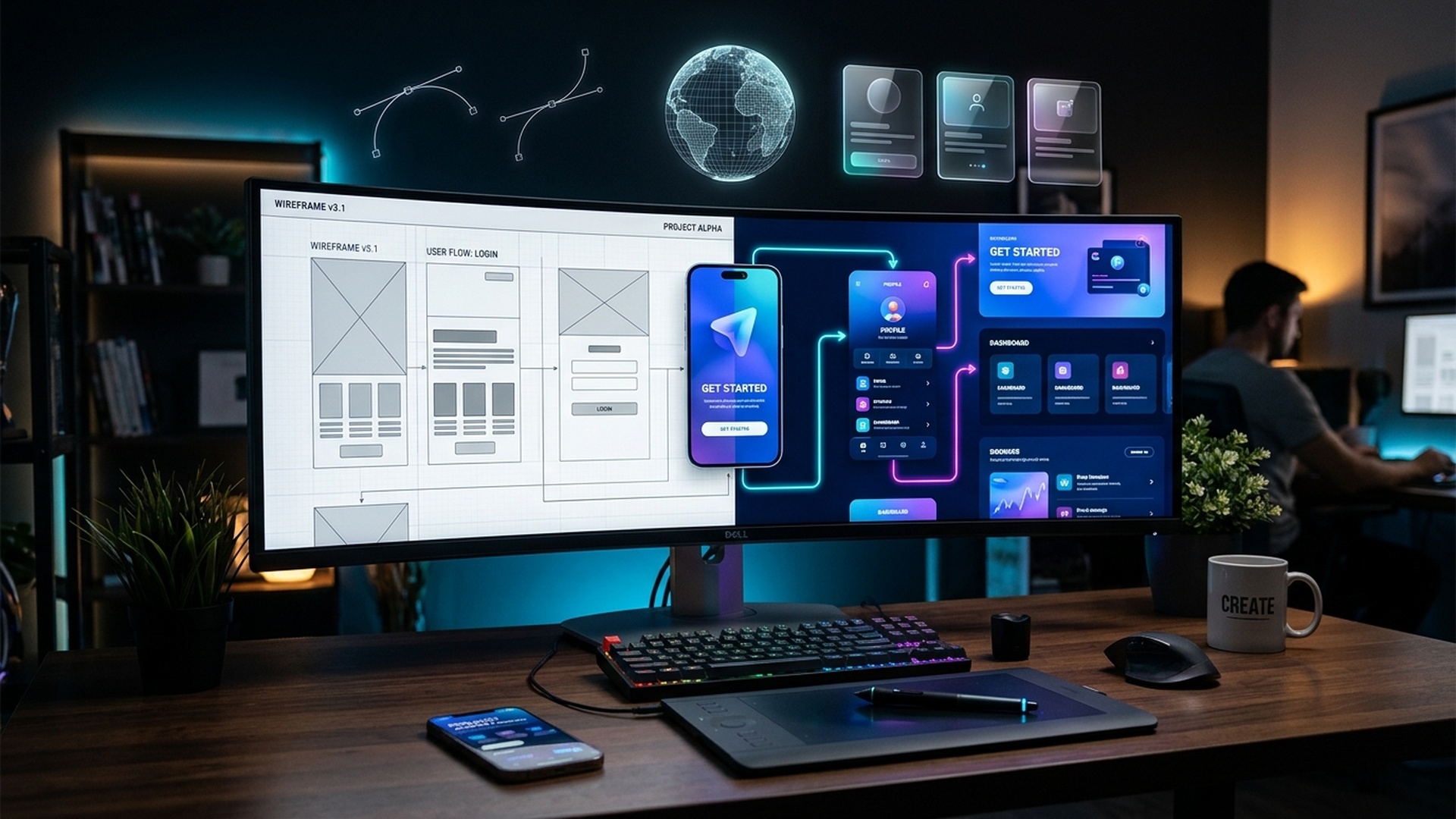
Wireframing and Prototyping Explained: A Complete Guide
Wireframing and prototyping are important steps in the web design process. Before developers write code, designers need to plan how a website will look, how its content will be organized, and how visitors will interact with its features. Wireframes help define the structure of a page, while prototypes demonstrate how a design may behave when users interact with it.
Understanding these techniques helps web designers identify usability problems early, communicate ideas clearly, and reduce unnecessary revisions. This guide explains wireframing and prototyping, their differences, common tools, practical workflows, and how beginners can use them in real website projects.
What Is Wireframing in Web Designing?
A wireframe is a simplified visual representation of a webpage or application screen. It focuses on layout, structure, hierarchy, and the placement of important elements rather than detailed visual styling.
A website wireframe may show the location of a logo, navigation menu, headline, image, content section, call-to-action button, and footer. Designers often use boxes, lines, and placeholder text to represent these elements.
Example of a Website Wireframe
Imagine designing a homepage for a training institute. A basic wireframe might contain the following sections:
- Header with the logo and navigation links.
- Hero section with a headline, short description, and enquiry button.
- Featured courses displayed in a grid.
- Benefits and reasons to choose the institute.
- Student testimonials or project highlights.
- Contact form and footer information.
This layout can be evaluated before selecting exact colors, fonts, illustrations, or animations.
What Is Prototyping in Web Designing?
A prototype is an interactive or partially interactive representation of a proposed website or application. It allows designers and stakeholders to experience important interactions before the final product is developed.
For example, a prototype of the training institute homepage might let a user click a course card, open a navigation menu, move between pages, submit a simulated enquiry form, or follow a registration journey. These interactions help the team evaluate whether the proposed experience is understandable and convenient.
Prototypes vary in fidelity. Some are simple clickable layouts, while others closely resemble the final interface with realistic content, transitions, and detailed visual styling. A prototype does not necessarily contain a working backend or production-ready functionality.
Wireframing vs Prototyping: Key Differences
| Aspect | Wireframing | Prototyping |
|---|---|---|
| Main purpose | Plan page structure and content hierarchy | Explore interactions and user journeys |
| Typical appearance | Simple boxes, labels, and placeholders | May range from basic layouts to realistic interfaces |
| Interactivity | Usually limited or absent | Often includes clickable or simulated interactions |
| Primary questions | Where should each element go? | How should the interface behave? |
| Typical output | Page or screen layout | Interactive experience model |
| When used | Early planning and structure definition | After initial structure is understood and interactions need evaluation |
| Common feedback | Layout, content priority, and navigation structure | Usability, task completion, interaction flow, and behaviour |
Wireframes and prototypes are related but not identical. A wireframe can be linked into a simple prototype, and a prototype can use wireframes or highly polished screens. The appropriate level of detail depends on the design question being investigated.
What Is the Difference Between a Wireframe, Mockup, and Prototype?
These terms describe different aspects of design planning and are often used together.
- Wireframe: Defines the layout, hierarchy, and placement of elements.
- Mockup: Shows the visual appearance of the design, including colors, typography, spacing, imagery, and branding.
- Prototype: Simulates interactions so users can explore the proposed experience.
For example, a wireframe defines where a login form belongs, a mockup shows its final visual style, and a prototype lets a user move between the login screen and a simulated dashboard.
Why Are Wireframing and Prototyping Important?
1. Clarify Project Requirements
Visual layouts help designers, clients, developers, and business teams agree on the website's structure before implementation begins. This reduces misunderstandings about which sections and features are required.
2. Improve User Experience
Designers can evaluate navigation, content hierarchy, form placement, and user journeys before development. Testing early concepts helps identify confusing steps and unnecessary interactions.
3. Reduce Costly Rework
Changing a layout in a design file is generally easier than changing a fully developed website. Early feedback can reveal issues while they are less expensive to fix.
4. Support Collaboration
Wireframes and prototypes give stakeholders something concrete to review. Developers can understand intended layouts, and content teams can see where headings, descriptions, and calls to action will appear.
5. Enable Early Usability Testing
Even a basic prototype can help reveal whether users understand labels, find important actions, and complete common tasks. Designers can use the feedback to improve the interface before production.
Types of Wireframes
Low-Fidelity Wireframes
Low-fidelity wireframes are quick, rough layouts made using paper sketches or simple digital shapes. They are useful when exploring multiple ideas or discussing the overall page structure.
Best for: Brainstorming, initial planning, and early discussions with clients.
Mid-Fidelity Wireframes
Mid-fidelity wireframes provide more precise spacing, layout proportions, content labels, and component placement. They are useful when the overall structure is established but visual polish is not the main priority.
Best for: Reviewing page layouts, navigation, and content hierarchy.
High-Fidelity Wireframes
High-fidelity wireframes are more detailed and may include realistic text, accurate component dimensions, and additional interface details. They remain focused primarily on structure rather than the complete visual treatment of a mockup.
Best for: Detailed layout reviews and preparation for design refinement or handoff.
Types of Prototypes
Low-Fidelity Prototypes
These use simple screens and basic links to test a proposed flow. They are useful when the team wants to validate the idea without spending time on detailed styling.
High-Fidelity Prototypes
These use realistic interface designs, typography, colors, and more refined interactions. They are useful for testing visual expectations and detailed user journeys, although they may still use simulated data.
Clickable Prototypes
Clickable prototypes let users navigate between screens by selecting buttons, links, or other interactive elements. They are commonly used to evaluate navigation and task completion.
Functional Prototypes
Functional prototypes implement selected behaviours to explore technical feasibility or complex interactions. Depending on the project, they may include real code, API calls, or sample data, but they are not necessarily production-ready.
Popular Wireframing and Prototyping Tools
| Tool | Common use | Suitable for |
|---|---|---|
| Figma | Interface design, collaborative wireframes, and interactive prototypes | Beginners and design teams |
| Balsamiq | Quick, sketch-like wireframes | Early layout planning |
| Adobe XD | Interface design and prototyping where existing access and workflows support it | Teams with established projects |
| Sketch | Interface design and prototyping workflows | Designers working in supported Apple-based environments |
| Pen and paper | Fast sketches and early layout concepts | Anyone starting out |
| InVision | Historically used for interactive prototypes and design collaboration | Teams assessing existing workflows and tool availability |
Tool availability, pricing, and feature support can change. Before choosing a platform, verify its current capabilities, collaboration options, supported operating systems, and subscription requirements. Beginners can start with paper sketches or a suitable free design tool rather than purchasing multiple tools immediately.
Step-by-Step Wireframing Process
- Understand the website's goal: Define what the site should help users accomplish, such as finding information, requesting a service, or purchasing a product.
- Identify target users: Understand their needs, common questions, and expected browsing behaviour.
- List essential content: Prepare the main headings, navigation items, page sections, forms, and calls to action.
- Create a basic sitemap: Map the relationship between pages such as Home, About, Services, Courses, and Contact.
- Sketch the main layout: Arrange the most important elements in a logical order.
- Check hierarchy: Make sure the primary message and action are easy to identify.
- Review responsive layouts: Consider how the page will adapt to mobile, tablet, and desktop screens.
- Collect feedback: Ask stakeholders or representative users to review the layout.
- Revise the wireframe: Address major structure and navigation issues before adding detailed styling.
Step-by-Step Prototyping Process
- Start with an approved layout: Use the wireframe or initial design as the starting point.
- Define the important user journeys: Identify tasks such as signing up, searching for a service, or submitting an enquiry.
- Connect screens: Link buttons, navigation items, cards, and other controls to their intended destinations.
- Specify interactions: Decide how menus, forms, tabs, overlays, and transitions should behave.
- Use realistic content: Add meaningful labels and representative content so users can understand the interface.
- Test with users: Ask participants to complete tasks without coaching them through every step.
- Observe difficulties: Note where users hesitate, make errors, or misunderstand the next action.
- Refine the design: Improve confusing interactions and repeat testing where necessary.
- Prepare design handoff: Share screens, interaction notes, component specifications, and relevant assets with developers.
Practical Example: Designing a Course Website
Suppose you are designing a website for a technical training institute in Ludhiana. The goal is to help prospective students explore courses and submit an enquiry.
Wireframe Stage
- Place the institute logo and main navigation in the header.
- Display a headline explaining the training offering.
- Add a primary enquiry button.
- Show course cards with course names and short descriptions.
- Include sections for learning outcomes, student projects, and frequently asked questions.
- Place contact details and a footer at the bottom.
Prototype Stage
- Make course cards open their corresponding course detail screens.
- Connect the enquiry button to a contact form.
- Simulate form validation and a confirmation state.
- Allow users to navigate between the homepage, course details, and contact page.
- Test whether users can find course information and understand how to enquire.
After testing, you might discover that visitors cannot easily locate course duration or eligibility details. You can revise the layout before development begins, saving time and improving clarity.
Best Practices for Effective Wireframes and Prototypes
- Start simple: Focus on the core problem before investing in detailed visual styling.
- Design around users: Base decisions on user needs and observed behaviour rather than personal preference alone.
- Keep navigation consistent: Use predictable menu structures and clear labels.
- Consider accessibility early: Plan readable text, logical focus order, descriptive labels, and accessible interactions.
- Think responsively: Plan how content reorganizes on small screens rather than merely shrinking the desktop layout.
- Use realistic text where it matters: Placeholder text can hide layout and comprehension problems.
- Test specific tasks: Give users a clear objective and observe whether they can complete it.
- Document interaction details: Explain states, errors, loading indicators, and expected navigation behaviour.
- Maintain design consistency: Reuse components and naming conventions where practical.
- Iterate based on evidence: Prioritize feedback that reveals genuine usability or requirement issues.
Common Wireframing and Prototyping Mistakes
- Adding too much detail too early: Highly polished screens can make teams reluctant to change a flawed layout.
- Skipping user research: A design may look attractive but fail to address the audience's actual needs.
- Creating unrealistic prototypes: Missing or misleading interactions can make usability testing less meaningful.
- Ignoring mobile users: A desktop layout may not translate well to smaller screens.
- Using unclear labels: Navigation and buttons should communicate what users can expect.
- Failing to test forms: Form flows should account for validation errors, required fields, and confirmation states.
- Confusing a prototype with a finished product: A clickable design does not necessarily include secure authentication, real data storage, or production logic.
- Ignoring developer handoff: Incomplete interaction notes can lead to inconsistent implementation.
Wireframing and Prototyping in the Web Design Workflow
Wireframing and prototyping fit within a broader design and development process. A typical workflow is:
- Research user needs and business requirements.
- Define the sitemap and content structure.
- Create wireframes for important pages.
- Develop visual mockups or a design system.
- Build a prototype to explore interactions.
- Conduct usability testing and refine the design.
- Hand off design specifications to developers.
- Implement the website and test it in real browsers and devices.
- Review user feedback and improve the live experience.
Teams may revisit earlier stages as requirements change. The goal is not to follow a rigid sequence but to resolve important design questions before they become expensive implementation problems.
How to Learn Wireframing and Prototyping in Ludhiana
Beginners in Ludhiana, Punjab, can learn wireframing and prototyping through self-study, online tutorials, practical design projects, or structured courses. Enrolling in a comprehensive web designing course in Ludhiana provides hands-on training with industry tools like Figma, wireframing workflows, interactive prototyping, and real-world portfolio building under expert mentors. When evaluating a training program, check whether it covers user research, page layout, responsive design, interface hierarchy, clickable prototypes, accessibility, and developer handoff.
Ask whether you will complete a portfolio project from the initial wireframe through the interactive prototype. Review the instructor's practical experience, feedback process, syllabus, course fees, and available tools before enrolling. You can also practise by redesigning a familiar website's navigation or creating a prototype for a small business homepage.
Frequently Asked Questions
What is wireframing in web design?
Wireframing is the process of creating a simplified layout that shows a webpage's structure, content hierarchy, navigation, and placement of major elements before detailed visual design or development.
What is prototyping in web design?
Prototyping creates a representation of a website's intended behaviour. It may include clickable screens, navigation, form interactions, and simulated states so the design can be evaluated before full implementation.
What is the main difference between wireframing and prototyping?
Wireframing focuses primarily on page structure and element placement, while prototyping focuses on how screens and interactions work together. A prototype may use wireframes or fully styled designs.
Which tool is best for wireframing and prototyping?
The best tool depends on the project and workflow. Figma is commonly used for interface design and interactive prototypes, while paper sketches and simple wireframing tools are useful for early planning.
Should I create a wireframe before a prototype?
Often, yes. Wireframes help establish the structure before interaction details are added. However, teams can combine the stages or create quick prototypes early when they need to test an idea rapidly.
Are wireframing and prototyping useful for beginners?
Yes. They help beginners organize ideas, communicate layouts, test user journeys, and identify problems before writing extensive code. They are useful for personal projects, coursework, and professional web design workflows.
Can I create a prototype without coding?
Yes. Many interface design tools allow you to connect screens and simulate interactions without writing production code. A no-code prototype is useful for testing concepts, but it may not demonstrate every technical behaviour of a real application.
What is the difference between a mockup and a prototype?
A mockup primarily shows how an interface looks, while a prototype demonstrates how users can interact with it. A design project may use both to communicate visual appearance and behaviour.
How do wireframes improve user experience?
Wireframes help designers review information hierarchy, navigation, and layout before implementation. Early reviews can reveal confusing content placement and missing user actions.
Where can I learn wireframing and prototyping in Ludhiana?
Compare local web design training and online learning options by their practical curriculum, prototype exercises, portfolio projects, instructor feedback, and fees. Choose a learning path that includes hands-on design practice.
Conclusion
Wireframing and prototyping help turn website ideas into structured, testable design experiences. Wireframes clarify layout and content hierarchy, while prototypes help teams evaluate navigation and interactions before production. By practising both methods, testing real user tasks, and refining designs based on feedback, beginners can develop stronger web design skills and build a more effective portfolio.