Programming, AI and data, digital marketing, cyber and cloud, design and drafting, and the training formats universities ask for. Filter by category or search for the skill you are after.
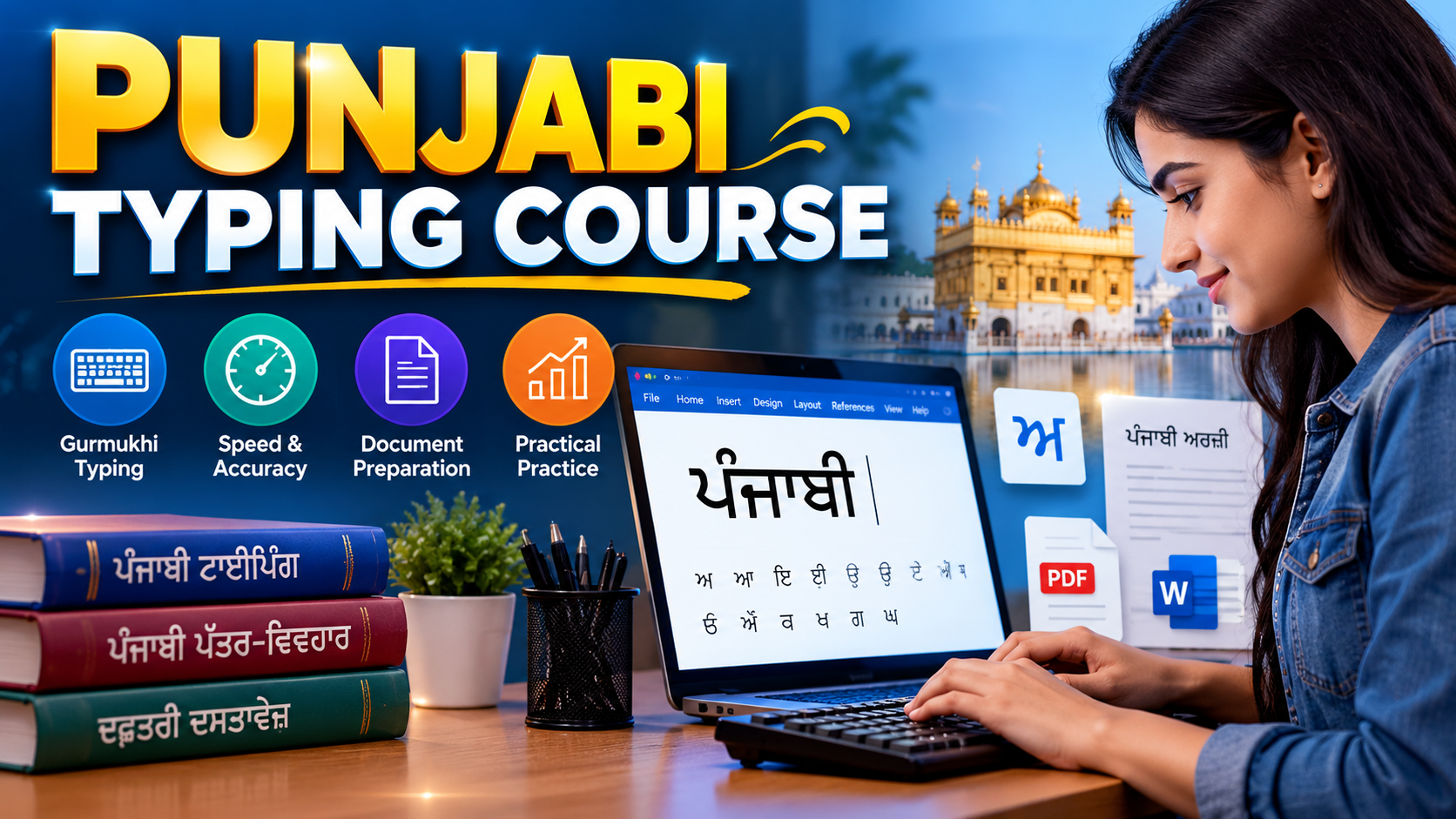
Learn Punjabi typing in Gurmukhi with hands-on keyboard practice, speed and accuracy tests, and Punjabi document formatting to build practical skills for academic and professional use.
Learn Punjabi typing in Gurmukhi with hands-on keyboard practice, speed and accuracy tests, and Punjabi document formatting to build practical skills for academic and professional use.
Punjabi Typing Course in Phagwara Course Overview Develop practical Punjabi typing skills with our Punjabi Typing Course in Phagwara at TechCADD. This course is designed for beginners, students, job seekers, and professionals who want to improve their Punjabi typing speed, accuracy, and computer-based document preparation skills. Learn to type in Punjabi using the Gurmukhi script through structured lessons, guided keyboard practice, typing exercises, and practical assignments. Build confidence in typing Punjabi words, sentences, paragraphs, applications, and official documents. What You Will Learn Punjabi Typing Fundamentals: Understand keyboard layouts, key positions, and the basics of Punjabi typing. Gurmukhi Script: Practise Punjabi letters, vowels, matras, half letters, and commonly used characters. Typing Software and Fonts: Get familiar with relevant Punjabi typing layouts and fonts, such as Raavi and Asees, according to your learning and examination requirements. Speed and Accuracy: Improve typing consistency through regular exercises, timed tests, and error correction. Punjabi Document Preparation: Create and format Punjabi applications, letters, notices, and other documents using word-processing software. Practical Typing Tests: Assess your progress through timed typing exercises and final performance evaluations. Practical Training The course emphasises hands-on practice to help learners apply their skills in real-world situations. Practical activities include typing Punjabi paragraphs, preparing formatted documents, completing daily typing exercises, and tracking words-per-minute speed and accuracy. Who Should Join? This course is suitable for: Students who want to develop Punjabi computer typing skills. Beginners looking to learn Punjabi typing from scratch. Job seekers preparing for recruitment tests that require Punjabi typing proficiency. Office assistants and professionals who prepare Punjabi-language documents. Anyone who wants to improve their Punjabi typing speed and accuracy. Why Choose TechCADD Phagwara? At TechCADD, learners can develop their typing skills through structured instruction, practical exercises, and regular performance assessments. The learning approach focuses on building a strong foundation before progressing to longer passages and timed typing tests. Course Duration and Learning Outcomes A one-month foundation programme can help learners understand Punjabi typing layouts, practise Gurmukhi typing, and develop basic document-formatting skills. Progress depends on prior experience and consistent practice. By the end of the course, learners should be able to type common Punjabi words and passages, prepare basic Punjabi documents, and assess their typing speed and accuracy. Note: Typing layouts, fonts, speed requirements, and eligibility criteria may vary across recruitment examinations and workplaces. Learners should confirm the required layout and standards for their intended examination or role.
A practical, project-based introduction to digital marketing for beginners and entrepreneurs — SEO, social media ads, live campaigns, and career placement support.
A practical, project-based introduction to digital marketing for beginners and entrepreneurs — SEO, social media ads, live campaigns, and career placement support.
techcadd's Digital Marketing Course in Phagwara is a comprehensive, hands-on programme designed to help students, job seekers, and business owners master modern online promotion strategies. You start with the core fundamentals of search engine optimization (SEO) and social media marketing, then move into running live ad campaigns, managing Google and Meta ad platforms, and analyzing web traffic. Throughout the course, you work on live marketing campaigns and real-world brand briefs rather than just theory. You finish with a complete portfolio of digital strategies, campaign reports, professional resume preparation, and interview practice to launch your career in digital marketing or scale your own business.
Learn AutoCAD in Phagwara with practical training in 2D drafting, 3D modelling, technical drawings, dimensions, layouts and professional CAD projects at techcadd
Learn AutoCAD in Phagwara with practical training in 2D drafting, 3D modelling, technical drawings, dimensions, layouts and professional CAD projects at techcadd
Build practical design and drafting skills with the AutoCAD Course at techcadd , Phagwara. This course is designed for students, beginners, engineering aspirants and professionals who want to learn computer-aided design (CAD) for technical and engineering applications. Learn how to create accurate 2D drawings, modify designs, work with layers, apply dimensions and develop 3D models using AutoCAD software. Through practical exercises and guided projects, students gain experience in preparing professional technical drawings and understanding real-world drafting workflows. What You Will Learn AutoCAD interface and drawing fundamentals 2D drafting and technical drawing Drawing tools and modification commands Layers, blocks and annotations Dimensions, text and layouts Engineering drawings and floor plans Introduction to 3D modelling Printing, plotting and project presentation Practical Training Students work on guided drawing exercises and practical assignments to develop accuracy, design understanding and confidence in using AutoCAD. Who Can Join? Civil and mechanical engineering students Diploma and ITI students Architecture and design students Beginners interested in CAD designing Working professionals looking to upgrade their skills Join techcadd in Phagwara and develop the practical AutoCAD skills needed for technical drafting, design and engineering-related career opportunities.
Learn PHP, MySQL, HTML, CSS and JavaScript at TechCADD Phagwara. Build dynamic websites, database-driven applications and practical web development projects.
Learn PHP, MySQL, HTML, CSS and JavaScript at TechCADD Phagwara. Build dynamic websites, database-driven applications and practical web development projects.
The PHP Development Course in Phagwara at TechCADD is designed for students, beginners and aspiring web developers who want to learn how to create dynamic websites and database-driven web applications. This course combines programming fundamentals with practical development exercises to help learners build a strong foundation in server-side web development. Students begin by learning the basics of PHP, including variables, data types, operators, conditional statements, loops, functions, arrays and object-oriented programming concepts. The course also covers essential frontend technologies such as HTML, CSS, JavaScript and Bootstrap to help learners create responsive and interactive website interfaces. A major part of the training focuses on MySQL database integration , where students learn to create databases, manage records, execute SQL queries and connect PHP applications with databases. Learners also explore form handling, GET and POST methods, sessions, cookies, user registration, login systems, form validation and file uploads. At TechCADD Phagwara, the learning approach emphasises practical exercises, coding practice and project-based development. Students can apply their knowledge by building projects such as student management systems, employee dashboards, blog websites, appointment booking systems and basic e-commerce applications. The course also introduces debugging techniques, secure coding practices, database security, version control with Git and GitHub, and the fundamentals of website hosting and deployment. These skills help learners understand the development process from writing code to preparing an application for real-world use. This programme is suitable for students pursuing computer science or IT, freshers, aspiring web developers and individuals looking to strengthen their programming skills. No advanced programming experience is required to begin, although basic computer knowledge is beneficial. By completing the course, learners can develop practical PHP programming skills, build a project portfolio and prepare for entry-level opportunities such as PHP Developer, Junior Web Developer, Backend Developer Trainee or Web Application Developer, depending on their skills and experience. Join the PHP Development Course in Phagwara at TechCADD to learn through practice, develop real projects and take the next step towards a career in web development.
Learn professional web development in Phagwara at techcadd . Master HTML, CSS, JavaScript, Bootstrap, PHP and MySQL through practical training and real-world website development project
Learn professional web development in Phagwara at techcadd . Master HTML, CSS, JavaScript, Bootstrap, PHP and MySQL through practical training and real-world website development project
Build your future in the IT industry with the Web Development Course at tecxhcadd , Phagwara. This practical, career-oriented programme is designed for students, beginners, graduates and aspiring developers who want to learn how to create professional websites and dynamic web applications. Learn website development from the fundamentals to advanced concepts, including HTML5, CSS3, JavaScript, Bootstrap, PHP, database management and modern development frameworks. Understand how websites are designed, developed, managed and deployed through structured lessons and hands-on assignments. The course focuses on practical coding, responsive website design, interactive features, database connectivity and real-world projects. Students get opportunities to develop their own websites and build a portfolio that demonstrates their technical abilities. Whether you want to become a frontend developer, backend developer, full-stack developer or freelance web designer, this course helps you develop the technical foundation needed to pursue opportunities in web development. What You Will Learn Website structure and web development fundamentals HTML5 and semantic webpage development CSS3, styling and professional layouts Responsive website design for mobile, tablet and desktop JavaScript programming and interactive features Bootstrap and reusable website components PHP fundamentals and server-side programming MySQL database management and connectivity Website forms, validation and dynamic content Website testing, debugging and deployment Basic website security and maintenance Git and GitHub fundamentals Course Modules Module 1: Introduction to Web Development Understanding websites and web applications Frontend and backend development How the internet and browsers work Introduction to development tools VS Code and browser developer tools Module 2: HTML5 HTML document structure Headings, paragraphs and formatting Images, hyperlinks and lists Tables and forms Semantic HTML elements Module 3: CSS3 and Web Designing CSS selectors and properties Colours, backgrounds and typography Box model and positioning Flexbox and CSS Grid Responsive layouts and media queries Module 4: Bootstrap Bootstrap framework introduction Grid system and containers Navigation bars and cards Buttons, forms and components Responsive website layouts Module 5: JavaScript Variables and data types Operators and conditional statements Loops, arrays and functions DOM manipulation Events and form validation Interactive website features Module 6: Backend Development Introduction to server-side development PHP fundamentals Variables, functions and arrays Form handling Sessions and database connectivity Module 7: Database Management Introduction to MySQL Creating databases and tables SQL queries and operations Insert, update, delete and retrieve records Connecting websites with databases Module 8: Website Development Projects Creating complete websites Developing dynamic web pages Integrating frontend and backend Testing and debugging Website hosting and deployment Practical Projects During the programme, students can work on projects such as: Personal Portfolio Website Business Website Responsive Landing Page Educational Institute Website Online Registration Form Dynamic Database-Driven Website Mini E-Commerce Website Who Can Join? 10th and 12th pass students College students BCA, MCA, B.Tech and IT students Graduates and freshers Beginners interested in coding Individuals interested in freelancing Anyone looking to develop professional websites Career Opportunities After completing the course, students can explore opportunities such as: Junior Web Developer Frontend Developer Backend Developer Website Designer PHP Developer WordPress Website Developer Web Application Developer Freelance Web Developer Why Choose techcadd ? Practical, skill-based training Beginner-friendly learning approach Hands-on website development exercises Industry-relevant tools and technologies Project-based learning Individual guidance and doubt support Portfolio development Career guidance and placement assistance Start Your Web Development Journey Turn your interest in technology into practical development skills. Join techcadd in Phagwara and learn to design, develop and manage professional websites through practical training.
Learn practical accounting skills with our Tally Prime Course in Phagwara techcadd . Gain hands-on experience in company creation, ledger management, voucher entries, GST, invento
Learn practical accounting skills with our Tally Prime Course in Phagwara techcadd . Gain hands-on experience in company creation, ledger management, voucher entries, GST, invento
Build a strong foundation in accounting and business management with the Tally Prime Course in Phagwara at techcadd This practical, career-oriented programme is designed for students, beginners, commerce graduates, job seekers and aspiring accounting professionals who want to develop professional accounting skills and understand how businesses manage their financial activities. Tally Prime is widely used by businesses, accountants and organisations for maintaining financial records, managing GST transactions, handling inventory, preparing invoices and generating business reports. Through this course, students learn how to use Tally Prime confidently for everyday accounting operations and business management tasks. What You Will Learn The course covers essential accounting concepts and practical Tally Prime operations, including: Introduction to Accounting: Basic accounting principles, debit and credit, assets, liabilities, income, expenses and financial transactions. Tally Prime Fundamentals: Software introduction, interface navigation, company creation and company configuration. Ledger & Group Creation: Creating and managing ledgers, groups, account heads and opening balances. Voucher Entries: Recording payment, receipt, contra, journal, sales and purchase transactions. GST Accounting: Understanding GST concepts, tax configuration, CGST, SGST, IGST, GST sales and purchase entries, and GST reports. Inventory Management: Stock groups, stock categories, stock items, units of measurement, godowns and stock tracking. Sales & Purchase Management: Creating invoices, recording purchases, managing bills and maintaining customer and supplier accounts. Banking Operations: Bank entries, cheque management, bank reconciliation and payment tracking. Payroll Management: Employee records, salary structures, payroll vouchers and salary calculations. Financial Reporting: Profit and Loss Account, Balance Sheet, Trial Balance, Day Book, Cash Book and outstanding reports. Business Data Management: Backup, restore, data security and maintaining accurate accounting records. Practical Training Approach At techcadd , the focus is on learning through practical accounting activities. Students get opportunities to work with sample business transactions, create company accounts, enter vouchers, prepare GST invoices, manage inventory and generate financial reports. Practical exercises help learners understand how accounting operations are performed in shops, trading companies, offices and other business organisations. Who Can Join This Course? This course is suitable for: 10th and 12th pass students. Commerce students and graduates. B.Com and other degree students. Beginners interested in accounting. Job seekers looking for accounts-related opportunities. Business owners and entrepreneurs. Office assistants and administrative professionals. Anyone interested in learning GST and computerised accounting. No advanced accounting software experience is required to get started. Career Opportunities After Tally Prime Training After completing the training and developing practical skills, students can explore opportunities such as: Accounts Assistant Junior Accountant Computerised Accounting Operator Billing Executive GST Assistant Inventory Executive Office Accounts Assistant Accounts Data Entry Operator Why Choose techcadd in Phagwara? Practical, hands-on software training. Step-by-step guidance from fundamentals to advanced operations. Realistic accounting and business transaction exercises. GST billing and accounting practice. Inventory and financial reporting training. Learning support for beginners and students. Career-focused skill development. Start Your Accounting Career with Tally Prime Whether you want to begin a career in accounting, improve your office administration skills or manage your own business accounts, learning Tally Prime can help you develop valuable professional skills. Join the Tally Prime Course at techcadd Phagwara , and gain practical knowledge of accounting, GST, inventory management and financial reporting to prepare for opportunities in today's business environment.
Learn 3D modeling, object creation, texturing, lighting, and rendering through practical projects at TechCADD Phagwara. Build creative skills for 3D design and visualization.
Learn 3D modeling, object creation, texturing, lighting, and rendering through practical projects at TechCADD Phagwara. Build creative skills for 3D design and visualization.
3D Modeling Course in Phagwara Turn your creative ideas into realistic 3D designs with the 3D Modeling Course at TechCADD Phagwara. This course introduces students to the fundamentals of three-dimensional modeling, object creation, materials, textures, lighting, and rendering through practical exercises and guided projects. Designed for beginners, students, and aspiring design professionals, the course helps learners understand 3D modeling workflows and develop the technical skills required to create detailed digital objects and visual presentations. What You Will Learn 3D Modeling Fundamentals: Understand 3D space, coordinates, geometry, shapes, and the modeling workspace. Object Creation and Editing: Create, modify, and refine 3D objects using essential modeling techniques. Materials and Texturing: Apply materials, colors, textures, and surface details to improve model appearance. Lighting and Rendering: Learn basic lighting setups, camera positioning, and rendering techniques to produce polished visuals. Practical Project Work: Create 3D models and complete guided assignments to strengthen your skills. Design Presentation: Prepare and present completed models for portfolios and project demonstrations. Practical Learning Approach At TechCADD Phagwara, the course emphasizes hands-on practice, step-by-step demonstrations, and project-based learning. Students work on exercises that gradually progress from simple objects to more detailed models, helping them build confidence and improve their design accuracy. Who Can Join? This course is suitable for beginners, students, creative learners, and individuals interested in 3D design, product visualization, architecture, interior design, animation, or engineering-related visualization. No prior 3D modeling experience is required. Career Opportunities After developing the necessary skills and building a strong portfolio, learners can explore entry-level opportunities such as 3D Modeler, Junior 3D Artist, Product Visualization Assistant, and 3D Visualization Designer. Career options depend on software proficiency, specialization, and practical experience. Start your 3D design journey with TechCADD Phagwara and develop practical modeling skills through structured training and creative projects.
Learn ethical hacking, network security, Linux, vulnerability assessment, and web application security through hands-on labs and practical cybersecurity projects at TechCADD Phagwara.
Learn ethical hacking, network security, Linux, vulnerability assessment, and web application security through hands-on labs and practical cybersecurity projects at TechCADD Phagwara.
Ethical Hacking Course in Phagwara Build your cybersecurity skills with the Ethical Hacking Course at TechCADD Phagwara. This practical training programme introduces you to ethical hacking, computer networking, Linux, vulnerability assessment, and web application security. Learn how security professionals identify weaknesses, assess risks, and recommend effective security solutions. The course covers essential cybersecurity concepts, industry-relevant tools, and guided hands-on exercises in controlled lab environments. You will explore reconnaissance, network scanning, vulnerability identification, common web security issues, and security reporting while developing a strong foundation in ethical hacking. What You Will Learn Cybersecurity fundamentals and ethical hacking principles Computer networking, IP addressing, ports, and protocols Linux commands and Kali Linux fundamentals Reconnaissance, scanning, and enumeration Vulnerability assessment and risk analysis Web application security and OWASP Top 10 concepts Network traffic analysis using Wireshark Security documentation and remediation recommendations Practical Training and Projects Gain practical experience through guided cybersecurity labs and beginner-friendly projects, including network reconnaissance, vulnerability assessment, web application security testing, and professional security report preparation. All exercises are performed in authorised, controlled environments. Who Can Join? This course is suitable for students, beginners, graduates, IT enthusiasts, and aspiring cybersecurity professionals who want to develop foundational ethical hacking skills. Basic computer knowledge is helpful, while networking and Linux concepts can be learned during the programme. Career Opportunities After gaining relevant skills and practical experience, learners can work towards entry-level opportunities such as Junior Cybersecurity Analyst, SOC Analyst Trainee, Vulnerability Assessment Trainee, Network Security Technician, and Junior Penetration Tester. Start your cybersecurity journey with TechCADD Phagwara and develop the technical knowledge, practical skills, and security mindset needed to progress in the growing field of cybersecurity. Note: Ethical hacking must always be practised on systems you own or have explicit permission to test.
Learn Google Ads at TechCADD Phagwara through practical training in keyword research, search campaigns, ad creation, budget management, conversion tracking, and campaign optimization.
Learn Google Ads at TechCADD Phagwara through practical training in keyword research, search campaigns, ad creation, budget management, conversion tracking, and campaign optimization.
Google Ads Course in Phagwara – TechCADD Phagwara Master online advertising with the Google Ads Course at TechCADD Phagwara. This practical training programme is designed to help students, freshers, business owners, freelancers, and aspiring digital marketers develop the skills required to create, manage, and optimize paid advertising campaigns. Course Overview Learn how Google Ads works, how businesses reach potential customers through paid search, and how to plan advertising campaigns around specific business goals. The course covers keyword research, campaign setup, ad copywriting, audience targeting, bidding strategies, budget management, conversion tracking, and performance analysis. Through guided practical exercises and real-world case studies, learners develop an understanding of how to build effective advertising strategies, monitor campaign performance, and make data-driven marketing decisions. What You Will Learn Google Ads Fundamentals: Understand PPC advertising, campaign objectives, account structure, and the Google Ads platform. Keyword Research: Identify relevant search terms, analyze search intent, and understand keyword match types and negative keywords. Search Campaigns: Learn campaign setup, ad groups, responsive search ads, and location targeting. Display and Video Advertising: Explore visual advertising formats, audience targeting, and YouTube advertising fundamentals. Performance Max Campaigns: Understand automated campaign types, creative assets, conversion goals, and optimization principles. Ad Copywriting: Develop compelling headlines, descriptions, calls to action, and relevant advertising messages. Budgeting and Bidding: Learn about daily budgets, bidding strategies, cost-per-click, and budget allocation. Conversion Tracking: Understand how to measure leads, purchases, form submissions, and other valuable customer actions. Performance Analysis: Interpret impressions, clicks, click-through rate (CTR), cost per click (CPC), conversion rate, and return on ad spend (ROAS). Campaign Optimization: Learn how to review search terms, improve ad relevance, evaluate results, and identify opportunities for improvement. Practical Training and Projects The programme can include hands-on exercises and guided projects such as: Creating a Google Ads campaign plan for a local business. Conducting keyword research and preparing a keyword list. Writing search advertisements for a product or service. Developing a sample advertising budget and bidding strategy. Preparing a campaign performance report. Evaluating campaign results and recommending optimization improvements. Live advertising campaigns may require an advertising account, suitable landing pages, and a separate advertising budget. Who Can Join? This course is suitable for college students, freshers, job seekers, entrepreneurs, small business owners, freelancers, and professionals who want to develop paid advertising skills. No advanced technical background is required to begin learning. Career Opportunities After developing the relevant practical skills, learners can pursue opportunities such as: Google Ads Executive PPC Executive Digital Marketing Executive Paid Media Assistant Performance Marketing Executive Search Engine Marketing (SEM) Specialist Freelance Google Ads Campaign Manager Career opportunities depend on practical proficiency, experience, and demonstrated campaign performance. Why Choose TechCADD Phagwara? The programme is designed around practical learning, clear explanations, guided exercises, and business-oriented advertising examples. Learners can build a foundation in campaign planning, advertising metrics, and optimization while developing skills relevant to digital marketing roles and freelance projects. Learners can also explore official Google Ads learning resources and certification preparation through Google Skillshop. Start learning Google Ads at TechCADD Phagwara and develop practical skills to plan, manage, and measure online advertising campaigns.
Learn QuickBooks accounting, bookkeeping, invoicing, expense management, bank reconciliation, and financial reporting through practical, career-focused training at TechCADD Phagwara.
Learn QuickBooks accounting, bookkeeping, invoicing, expense management, bank reconciliation, and financial reporting through practical, career-focused training at TechCADD Phagwara.
QuickBooks Accounting & Bookkeeping Course in Phagwara Build practical accounting and bookkeeping skills with the QuickBooks Accounting & Bookkeeping Course at TechCADD Phagwara. This course is designed for students, beginners, job seekers, accounting professionals, and small-business owners who want to learn how to manage financial records efficiently using QuickBooks accounting software. The course introduces essential accounting concepts and guides learners through practical bookkeeping tasks, including company setup, customer and vendor management, invoicing, expense tracking, payment recording, bank reconciliation, and financial reporting. Through hands-on exercises and real-world business scenarios, students learn how accounting software supports accurate financial recordkeeping and everyday business operations. What You Will Learn Accounting Fundamentals: Understand basic accounting principles, income, expenses, assets, liabilities, debit, credit, and ledgers. QuickBooks Setup: Create a company profile, configure the chart of accounts, and manage customer and supplier information. Invoicing and Sales: Prepare estimates, create invoices, record customer payments, and monitor outstanding balances. Purchases and Expenses: Record bills, manage business expenses, track supplier payments, and maintain organised financial records. Bank Reconciliation: Review transactions, categorise bank activity, and reconcile accounting records with bank statements. Financial Reporting: Generate and interpret profit and loss statements, balance sheets, cash flow reports, and accounts receivable and payable reports. Practical Bookkeeping: Apply your knowledge to sample business transactions and complete a structured bookkeeping project. Business Record Management: Develop good recordkeeping practices and understand the importance of accurate, consistent financial data. Practical Training Approach At TechCADD Phagwara, the learning approach focuses on practical application rather than theory alone. Students practise common accounting workflows using suitable QuickBooks software access, working with sample company records and business transactions. Exercises are designed to help learners understand how financial information moves from daily transactions to organised accounting records and business reports. Who Should Join This Course? This course is suitable for students, freshers, aspiring accountants, office administrators, business owners, entrepreneurs, and professionals who want to improve their bookkeeping skills. Previous experience with QuickBooks is not required, although basic computer knowledge and an interest in accounting are helpful. Career Opportunities After developing the relevant practical skills, learners can explore opportunities such as bookkeeping assistant, accounts assistant, junior bookkeeper, accounting software operator, accounts receivable assistant, and accounts payable assistant. The skills may also support freelance bookkeeping work, subject to client requirements, accounting knowledge, and familiarity with the relevant country's financial and tax regulations. Why Choose TechCADD Phagwara? Practical, software-oriented learning. Step-by-step guidance for beginners. Business-focused accounting exercises. Training in essential bookkeeping and reporting workflows. A foundation for further learning in accounting software and financial administration. Whether you are beginning your accounting journey or looking to strengthen your existing skills, the QuickBooks Accounting & Bookkeeping Course at TechCADD Phagwara can help you develop a structured understanding of digital bookkeeping and everyday accounting operations. Start learning QuickBooks and build a practical foundation for accounting, bookkeeping, and business record management.
Learn Power BI in Phagwara with practical training in data analysis, dashboards, Power Query, DAX, reporting, and real-world business intelligence projects.
Learn Power BI in Phagwara with practical training in data analysis, dashboards, Power Query, DAX, reporting, and real-world business intelligence projects.
Power BI Course in Phagwara Build practical data analytics and business intelligence skills with our Power BI Course in Phagwara , designed for students, graduates, working professionals, and anyone looking to learn how to transform data into meaningful business insights. This comprehensive course takes you from the fundamentals of Power BI to advanced dashboard development, data modelling, Power Query, DAX, data visualisation, and professional reporting. You will learn through hands-on exercises and practical projects that help you understand how Power BI is used in real business environments. What You Will Learn Power BI Fundamentals Understand the Power BI interface, workflow, reports, dashboards, datasets, and the complete process of turning raw data into useful insights. Data Import & Preparation Learn how to connect Power BI with Excel, CSV files, databases, and other data sources. Use Power Query to clean, transform, merge, append, and prepare datasets for analysis. Data Modelling Understand tables, relationships, data models, dimensions, fact tables, and best practices for creating efficient and reliable Power BI models. DAX & Calculations Learn DAX fundamentals, calculated columns, measures, aggregation functions, logical functions, time intelligence, and commonly used business calculations. Interactive Dashboards Create professional dashboards using charts, tables, cards, slicers, filters, KPIs, maps, and other Power BI visualisations. Learn how to present complex information in a clear and engaging format. Reports & Business Intelligence Develop reports for sales, finance, marketing, operations, HR, and other business functions. Learn how to identify trends, compare performance, monitor KPIs, and support data-driven decision-making. Power BI Service Understand publishing, sharing, dashboards, workspaces, reports, refresh concepts, and collaboration through the Power BI Service. Practical Project-Based Training The course focuses on practical learning rather than only theoretical concepts. You will work with realistic datasets and build complete Power BI projects, giving you experience in data preparation, modelling, analysis, visualisation, and dashboard presentation. Projects can include sales dashboards, financial reports, marketing analytics, HR dashboards, inventory analysis, and business performance reports. Who Can Join? This Power BI course is suitable for: Students and fresh graduates BCA, B.Tech , BBA, B.Com , MBA, and other graduates Data analytics beginners Excel users who want to upgrade their skills MIS and reporting professionals Business and management professionals Working professionals looking to move into data analytics Anyone interested in Business Intelligence No advanced programming background is required to get started. Basic computer knowledge and an interest in working with data are sufficient. Career Opportunities Power BI skills can support careers in data analytics, reporting, business intelligence, and management information systems. After completing the course, learners can explore roles such as: Power BI Developer Data Analyst Business Intelligence Analyst Reporting Analyst MIS Analyst Business Intelligence Executive Data Visualisation Analyst Why Learn Power BI? Businesses generate large amounts of data every day, but raw data is only useful when it can be understood and acted upon. Power BI provides tools for transforming data into interactive reports and dashboards that make business information easier to analyse. By learning Power BI through practical projects, you can develop a valuable combination of data preparation, analytical, visualisation, and reporting skills that can be applied across multiple industries. Start Your Power BI Journey in Phagwara Our Power BI Course in Phagwara is designed to provide a structured learning path from beginner concepts to practical business intelligence projects. Build dashboards, analyse real-world data, strengthen your portfolio, and develop job-ready Power BI skills through hands-on training.
Master Java programming with practical projects, OOP, databases, Spring Boot and real-world development skills to build a strong career in software development.
Master Java programming with practical projects, OOP, databases, Spring Boot and real-world development skills to build a strong career in software development.
Java Programming Course in Phagwara Build a strong foundation in Java programming with a practical, career-focused course designed for students, beginners and aspiring software developers. This Java Programming Course in Phagwara takes you from programming fundamentals to object-oriented programming, databases and modern Java development. You’ll learn how to write clean, structured Java code, work with classes and objects, handle exceptions, use collections, connect applications with databases and build practical applications through hands-on exercises and projects. The programme also introduces essential backend development technologies such as JDBC, SQL, REST APIs and Spring Boot , helping you move beyond basic programming and understand how Java is used in real-world software development. Throughout the course, practical assignments and projects help you strengthen problem-solving skills, build confidence with development tools and create work that can support your portfolio. You’ll also develop a better understanding of debugging, version control and professional development practices. Whether you are starting from scratch, preparing for a software development career or looking to strengthen your existing programming skills, this course provides a structured pathway to become more confident in Java and explore opportunities in software, web and backend development.
Learn Local SEO in Phagwara with practical training in Google Business Profile, Google Maps ranking, local keywords, citations, reviews, on-page SEO, and real-world local business optimization.
Learn Local SEO in Phagwara with practical training in Google Business Profile, Google Maps ranking, local keywords, citations, reviews, on-page SEO, and real-world local business optimization.
Advanced Local SEO Course Master the strategies, tools, and techniques required to improve the online visibility of local businesses and increase their presence across Google Search and Google Maps. The Advanced Local SEO Course is designed for students, digital marketers, freelancers, business owners, and professionals who want to build practical expertise in local search optimization. The course goes beyond basic SEO and focuses on real-world methods for improving local rankings, generating qualified traffic, increasing customer enquiries, and managing a business's local online presence. What You Will Learn You will learn how to conduct comprehensive local SEO audits, perform location-based keyword research, optimize Google Business Profiles, improve Google Maps visibility, build high-quality local citations, manage online reviews, create location-focused content, and analyze local competitors. The course also covers advanced On-Page SEO, Technical SEO, Local Link Building, Schema Markup, NAP consistency, citation management, reputation management, Google Search Console, Google Analytics, and SEO reporting . Practical Training The course emphasizes hands-on learning rather than theory alone. You will work on practical exercises and real-world-style projects such as optimizing a local business profile, identifying ranking opportunities, conducting competitor research, building a local citation strategy, and preparing a complete Local SEO audit report. Key Modules Local SEO Fundamentals & Ranking Factors Advanced Local Keyword Research Google Business Profile Optimization Google Maps SEO Local On-Page SEO NAP & Citation Management Local Link Building Review & Reputation Management Local Content Strategy Technical SEO for Local Businesses LocalBusiness Schema Markup Competitor & SERP Analysis Google Search Console & Analytics Local SEO Tools & Automation Local SEO Audit & Reporting Client Management & Freelancing Basics Who Can Join? This course is suitable for: Students and freshers Digital marketing professionals SEO executives Freelancers Website owners Small-business owners Marketing professionals Entrepreneurs Anyone interested in Local SEO Course Outcome After completing the course, learners will have the practical knowledge required to plan, implement, monitor, and report Local SEO campaigns for businesses targeting specific cities, areas, and service locations. The course also provides a foundation for working on freelance SEO projects, agency campaigns, in-house SEO roles, and local business marketing projects .
Master Adobe Photoshop with practical training in photo editing, retouching, graphic design, social media creatives, posters, and professional visual content in Phagwara.
Master Adobe Photoshop with practical training in photo editing, retouching, graphic design, social media creatives, posters, and professional visual content in Phagwara.
Adobe Photoshop Course in Phagwara Learn Adobe Photoshop from the fundamentals to professional-level design skills with practical, project-based training in Phagwara. This course is designed for students, beginners, photographers, freelancers, business owners, and aspiring graphic designers who want to create high-quality digital and print visuals. You will learn how to confidently use Photoshop for photo editing, image retouching, background removal, colour correction, image manipulation, typography, poster design, social media graphics, banners, advertisements, thumbnails, and other creative projects. What You’ll Learn Photoshop interface, tools and essential workflows Layers, selections, masks and blending modes Image cropping, resizing and composition Professional photo retouching and enhancement Background removal and replacement Colour correction and creative colour grading Typography and text effects Poster, banner and advertisement design Social media posts and digital creatives Photo manipulation and creative compositions Exporting designs for web, social media and print Practical projects to build your design portfolio Practical, Career-Focused Training Rather than focusing only on theory, the course emphasises hands-on practice and real-world design tasks. You will work on projects that help you understand how Photoshop is used by graphic designers, photographers, digital marketers, businesses, advertising agencies and content creators. By the end of the course, you should be able to work independently on a wide range of Photoshop projects and create professional-looking designs with greater speed and confidence. Who Can Join? The course is suitable for beginners as well as learners who already have basic computer knowledge and want to develop professional Photoshop skills. No previous graphic-design experience is required to get started. Whether you want to pursue graphic design as a career, improve your photography and editing skills, create content for social media, start freelancing, or develop skills for your own business, this Photoshop course in Phagwara provides a practical foundation for your next step.
Learn SEO from basics to advanced strategies, including keyword research, on-page SEO, technical SEO, link building, Google tools, and practical projects to boost your career.
Learn SEO from basics to advanced strategies, including keyword research, on-page SEO, technical SEO, link building, Google tools, and practical projects to boost your career.
SEO Course in Phagwara Learn the skills needed to build, optimize, and grow websites with our comprehensive SEO Course in Phagwara . This practical training program is designed for students, beginners, business owners, freelancers, and digital marketing professionals who want to develop strong SEO skills and improve website visibility on search engines like Google. The course covers keyword research, on-page SEO, technical SEO, off-page SEO, link building, local SEO, content optimization, Google Search Console, Google Analytics, competitor analysis, and SEO tools . You will learn how search engines work and how to create effective SEO strategies for real websites. With practical exercises and project-based learning, you can gain hands-on experience in optimizing web pages, identifying ranking opportunities, improving website performance, and tracking SEO results. Whether you want to start a career in digital marketing, become an SEO specialist, offer freelance SEO services, or grow your own business online, this course provides a strong foundation in modern search engine optimization. Key topics include: SEO fundamentals and search engine algorithms Keyword research and competitor analysis On-page and content SEO Technical SEO and website optimization Off-page SEO and link building Local SEO and Google Business Profile optimization Google Search Console and Analytics SEO audits and performance tracking SEO tools and practical strategies Live projects and real-world SEO implementation Join our SEO Course in Phagwara and develop practical skills to improve website rankings, attract organic traffic, and build a successful career in SEO and digital marketing.
Master advanced computer skills, MS Office, Excel, AI tools, digital productivity, networking basics, and practical workplace applications with our 6-month job-oriented course in Phagwara.
Master advanced computer skills, MS Office, Excel, AI tools, digital productivity, networking basics, and practical workplace applications with our 6-month job-oriented course in Phagwara.
The 6 Month Advanced Computer Course in Phagwara is a practical, job-oriented program designed to help students build strong computer skills for today’s digital workplace. The course covers essential computer operations along with advanced MS Office, Excel, AI tools, digital productivity, basic networking, cybersecurity awareness, and practical workplace applications. Students begin with computer fundamentals, Windows, internet usage, email, file management, and troubleshooting before progressing to professional document creation, PowerPoint presentations, and advanced Excel. The Excel module includes formulas, functions, data management, Pivot Tables, charts, dashboards, reporting, and real-world business applications. The course also introduces students to Generative AI and modern productivity tools , including practical use of AI for documentation, research, presentations, data handling, and everyday office tasks. Basic networking and cybersecurity concepts help students understand computer networks, internet connectivity, IP addressing, common security threats, password security, phishing, and data protection. Throughout the program, students work on practical assignments and projects to develop confidence in using computers in real workplace situations. The final stage focuses on project work, resume preparation, interview skills, and career readiness. This 6-month advanced computer training is suitable for students, beginners, graduates, job seekers, office professionals, and anyone looking to improve their digital and workplace technology skills . By completing the course, learners can confidently handle office applications, digital documentation, spreadsheets, presentations, data-related tasks, AI-assisted productivity, and basic technical support activities.
Build practical office skills in MS Office, Excel, Word, PowerPoint, email, documentation and workplace productivity with hands-on training in Phagwara.
Build practical office skills in MS Office, Excel, Word, PowerPoint, email, documentation and workplace productivity with hands-on training in Phagwara.
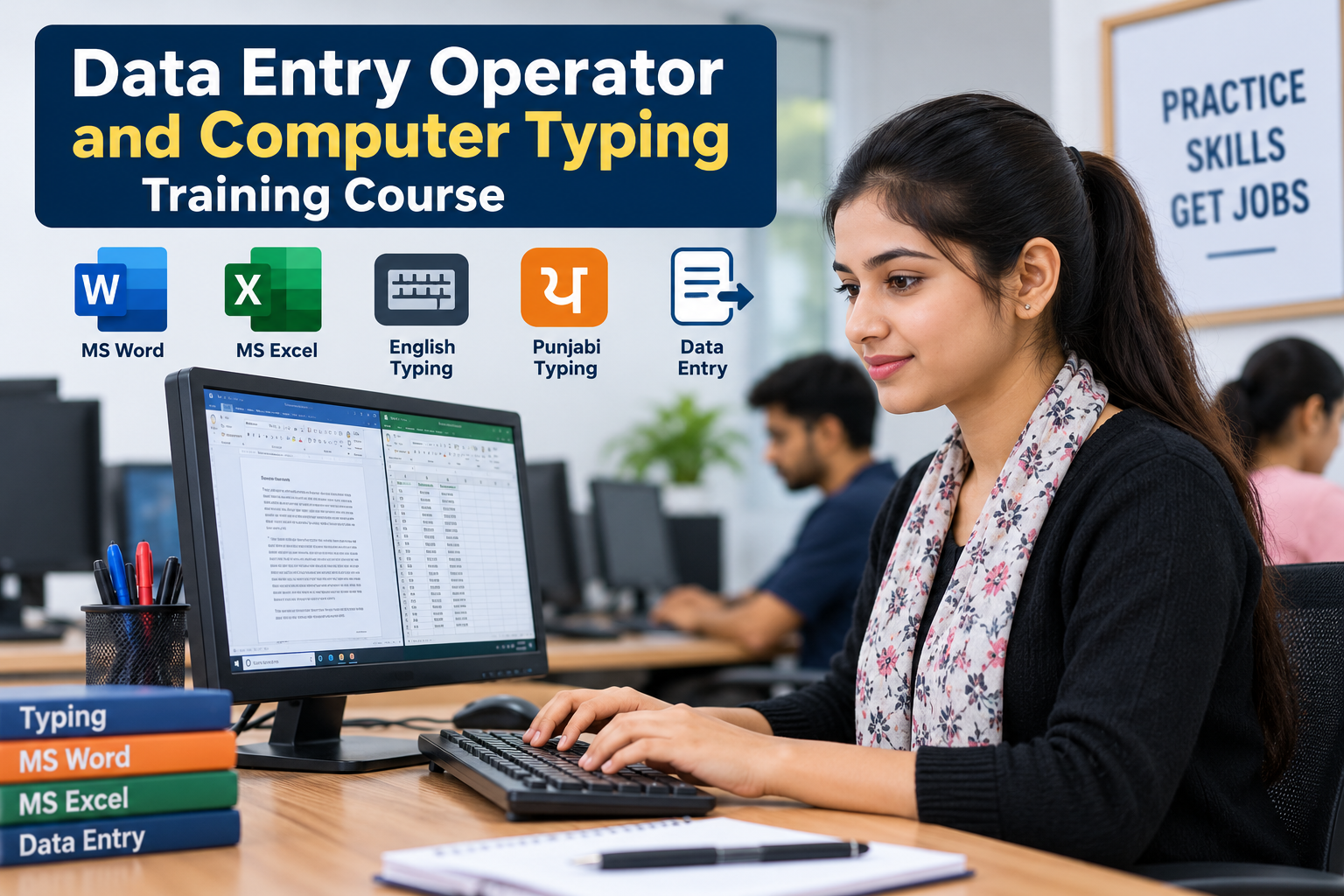
Professional Office Skills Course in Phagwara Build the practical skills you need to work confidently in today’s professional office environment with our Professional Office Skills Course in Phagwara . This job-oriented programme is designed for students, freshers, job seekers and working professionals who want to improve their computer, communication and everyday office-management skills. You’ll learn how to use essential workplace tools such as MS Word, MS Excel and PowerPoint , along with email, internet, file management, documentation and other common office applications. The course focuses on hands-on learning, helping you create professional documents, manage spreadsheets, prepare presentations and handle routine office tasks efficiently. The programme also introduces modern productivity practices, including digital documentation and AI-assisted office workflows, so you can work faster and more effectively. What You’ll Learn MS Word for professional documents, letters, reports and formatting MS Excel for data entry, formulas, functions, tables and basic analysis PowerPoint for professional presentations Email and internet skills for workplace communication File, folder and document management PDF creation, editing, printing and scanning workflows Basic office administration and documentation Data handling and spreadsheet management Professional communication and workplace etiquette AI tools for improving everyday office productivity Practical office projects and job-oriented exercises Who Should Join? This course is suitable for students, freshers, graduates, job seekers, office assistants, administrative staff and anyone looking to develop professional computer and office skills . No advanced technical background is required. The training starts with the fundamentals and gradually builds the practical skills needed for everyday office work. Career Benefits After completing the course, you can be better prepared for entry-level roles such as Office Assistant, Computer Operator, Data Entry Executive, Administrative Assistant, Receptionist, Back Office Executive and Office Coordinator . The focus is not simply on learning software—it is on developing the confidence to use these tools in real workplace situations. Why Choose a Professional Office Skills Course? Employers increasingly expect candidates to be comfortable with computers, documents, spreadsheets, email and digital workplace tools. A practical office-skills programme can help you develop these abilities together, giving you a stronger foundation for employment and future career growth. Whether you are preparing for your first job or want to upgrade your existing skills, the Professional Office Skills Course in Phagwara provides a practical pathway to becoming more confident, productive and workplace-ready.
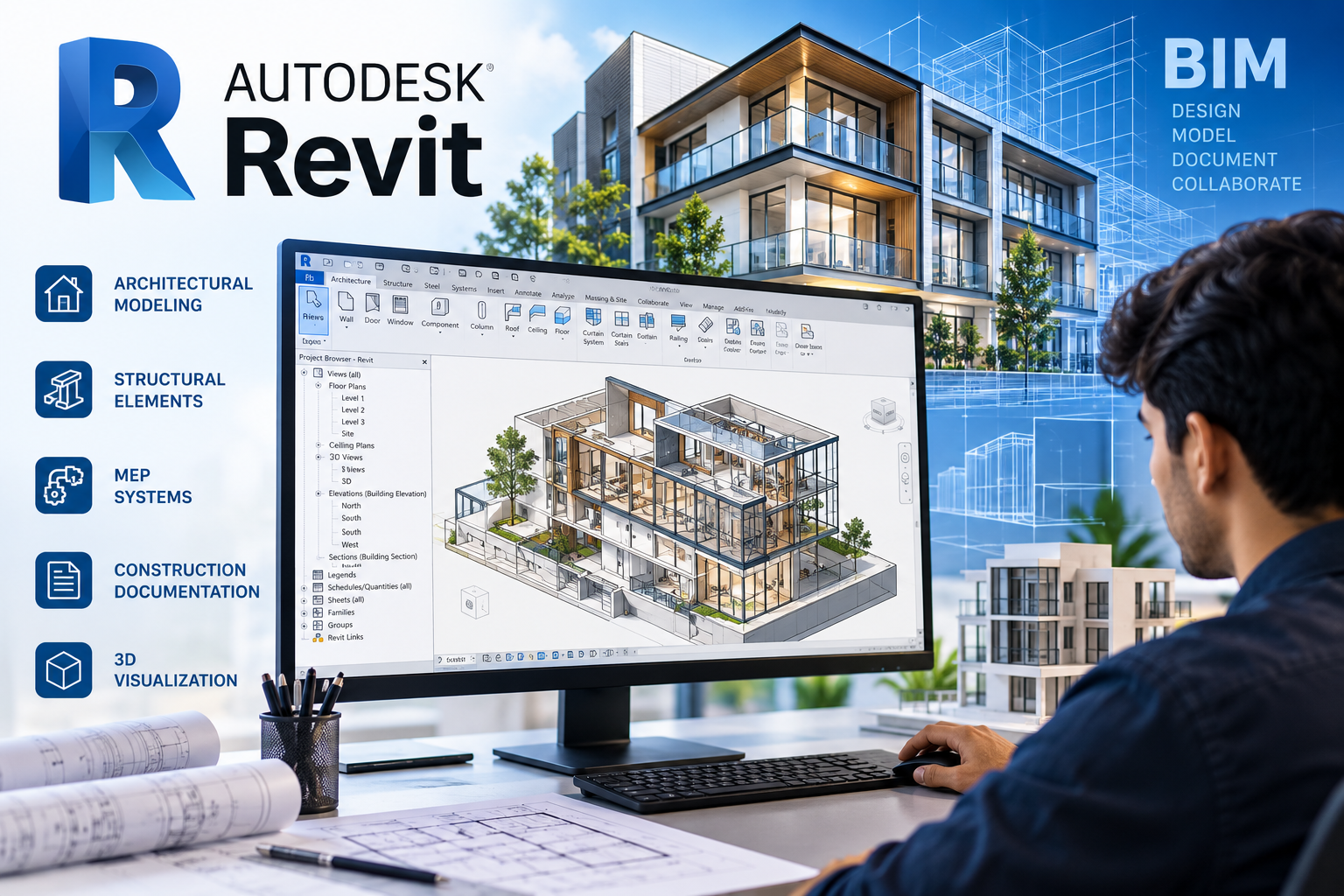
Learn Autodesk Revit and BIM with practical training in architectural design, structural modelling, MEP, 3D modelling, and real-world projects at TechCADD Phagwara.
Learn Autodesk Revit and BIM with practical training in architectural design, structural modelling, MEP, 3D modelling, and real-world projects at TechCADD Phagwara.
Course Overview Build your skills in modern architectural design and Building Information Modelling (BIM) with the Revit Course at TechCADD Phagwara . This practical training program introduces students and professionals to Autodesk Revit, a widely used BIM software for creating intelligent 3D building models, architectural drawings, construction documentation, and coordinated project designs. The course combines software fundamentals with hands-on exercises and practical projects to help learners understand how digital building models are created, modified, and presented in real-world workflows. What You Will Learn Revit Fundamentals: Interface, project setup, navigation, and essential tools. Architectural Modelling: Create walls, doors, windows, floors, roofs, stairs, and other building components. 3D Building Design: Develop detailed 3D models and generate realistic building views. Structural Modelling: Understand structural elements such as columns, beams, foundations, and slabs. MEP Fundamentals: Introduction to mechanical, electrical, and plumbing systems in BIM workflows. 2D Drawings and Documentation: Create floor plans, elevations, sections, dimensions, annotations, and construction sheets. Families and Components: Work with Revit families, reusable components, and basic customisation. Schedules and Quantities: Generate schedules, organise project information, and understand quantity take-offs. BIM Coordination: Learn the basics of model coordination, project organisation, and collaboration. Project Presentation: Prepare professional drawing sheets, views, and project documentation. Practical Training Approach At TechCADD Phagwara, learners can develop their skills through guided demonstrations, software exercises, model creation, and project-based practice. Training focuses on understanding the tools and applying them to architectural and construction-related tasks. Depending on the course level, practical activities may include residential building modelling, floor plan development, elevations, sections, 3D views, and construction documentation. Who Can Join? This course is suitable for: Civil engineering students and graduates Architecture students and aspiring architects Civil engineers and construction professionals Draftsmen and CAD operators Interior design students and professionals Working professionals who want to develop BIM skills Beginners interested in digital building design Career Opportunities Learning Revit can help you prepare for entry-level opportunities and develop relevant skills for roles such as: Revit Technician BIM Modeller Architectural Draftsman Junior BIM Engineer Architectural Design Assistant CAD/BIM Technician Career opportunities depend on your educational background, practical skills, project portfolio, and employer requirements. Why Choose TechCADD Phagwara? Practical, software-focused learning Guidance from trainers Real-world project exercises Support in developing a project portfolio Exposure to architectural and BIM workflows Guidance on career preparation and interview readiness Start Your Revit Learning Journey Take the next step toward digital building design with the Revit Course in Phagwara at TechCADD . Develop practical modelling and documentation skills, strengthen your technical portfolio, and explore how BIM is used in modern architecture and construction. Enquire with TechCADD Phagwara for the latest course duration, fees, batch timings, certification details, and available training options.
Learn Generative AI, prompt engineering, ChatGPT, AI image creation, content generation, and automation through practical projects at TechCADD Phagwara.
Learn Generative AI, prompt engineering, ChatGPT, AI image creation, content generation, and automation through practical projects at TechCADD Phagwara.
Generative AI Course in Phagwara Unlock the power of Artificial Intelligence with the Generative AI Course at TechCADD Phagwara . This practical training program introduces you to modern AI tools and techniques that help you create content, generate images, develop presentations, conduct research, analyze information, and automate everyday tasks. The course covers Generative AI fundamentals, prompt engineering, ChatGPT, AI-powered content creation, image generation, productivity tools, and workflow automation . You will learn how to write effective prompts, improve AI-generated outputs, and apply AI tools to real-world academic, professional, and business challenges. Through hands-on exercises and practical projects, you will explore how Generative AI can support digital marketing, graphic design, education, business operations, research, and software development. The training emphasizes responsible AI use, output verification, data privacy, and understanding the limitations of AI-generated information. What You Will Learn Fundamentals of Artificial Intelligence and Generative AI Prompt engineering techniques for better AI responses ChatGPT and other AI-powered productivity tools AI-assisted content writing, summarization, and research AI image generation and creative content development Presentation, document, and marketing material creation AI-assisted data analysis and coding support Introduction to AI workflow automation Practical projects based on real-world use cases Responsible AI practices, privacy, and output verification Who Can Join? This course is suitable for students, fresh graduates, working professionals, entrepreneurs, freelancers, teachers, content creators, and digital marketing professionals who want to develop practical AI skills. Beginners can start without advanced programming knowledge. Career Opportunities Generative AI skills can complement careers in digital marketing, content creation, graphic design, business support, research, education, and technology. The course can also help freelancers and business owners explore ways to improve productivity and develop AI-assisted services. Join the Generative AI training program at TechCADD Phagwara to build practical AI knowledge, strengthen your digital skills, and learn how to use emerging AI tools effectively in your studies, career, or business.
Learn practical web designing with HTML, CSS, JavaScript, responsive design, Bootstrap, UI/UX, Figma, and real-world projects to build professional websites and start your web career.
Learn practical web designing with HTML, CSS, JavaScript, responsive design, Bootstrap, UI/UX, Figma, and real-world projects to build professional websites and start your web career.
The Web Designing Course in Phagwara is a practical, career-focused program designed for students, beginners, freelancers, and aspiring web professionals who want to learn how modern websites are planned, designed, developed, and published. Students begin with the fundamentals of the web and gradually learn HTML5, CSS3, responsive web design, JavaScript, Bootstrap, UI/UX principles, Figma, WordPress, Git & GitHub, domain and hosting basics , and website deployment. The course combines concepts with hands-on practice so learners can understand how professional websites are created from scratch. Throughout the training, students work on practical assignments and real-world projects such as business websites, portfolio websites, landing pages, responsive layouts, and interactive web pages . They also learn how to create mobile-friendly designs, improve website usability, structure web content, and maintain websites. By the end of the course, learners can build and present a portfolio of web projects and develop skills relevant to opportunities such as Web Designer, Junior Front-End Developer, UI Designer, WordPress Developer, Website Developer, and Freelance Web Designer .
Learn performance marketing with Google Ads, Meta Ads, analytics, conversion tracking, campaign optimisation and real-world projects to build job-ready digital advertising skills.
Learn performance marketing with Google Ads, Meta Ads, analytics, conversion tracking, campaign optimisation and real-world projects to build job-ready digital advertising skills.
Master the skills needed to plan, launch, measure and optimise high-performing digital advertising campaigns with our Performance Marketing Course in Phagwara. This practical course covers Google Ads, Meta Ads, audience targeting, keyword research, conversion tracking, campaign analytics, remarketing and performance optimisation. Students learn how to create campaign strategies, develop ad creatives and copy, manage advertising budgets, analyse key metrics such as CTR, CPC, CPL, CPA and ROAS, and make data-driven improvements. The training also introduces Google Analytics, Google Tag Manager, Looker Studio and AI-powered marketing tools to support modern campaign management. Through practical exercises, campaign simulations and real-world projects, learners build experience in lead generation, e-commerce advertising, local business campaigns and performance reporting. The course is suitable for students, freshers, entrepreneurs, freelancers and marketing professionals looking to develop practical paid advertising skills and prepare for careers in performance marketing and digital advertising.
Learn Tally-Prime, GST, accounting, invoicing, tax returns, inventory and practical business finance skills through hands-on training in Phagwara.
Learn Tally-Prime, GST, accounting, invoicing, tax returns, inventory and practical business finance skills through hands-on training in Phagwara.
The Tally GST Course in Phagwara is a practical, job-focused training program designed to help students, freshers, job seekers and business professionals build strong skills in accounting, TallyPrime and GST. Learn how to create and manage company accounts, maintain ledgers, record sales and purchase transactions, manage inventory, prepare invoices, handle GST calculations, understand input tax credit, and work with GST reports and returns. The course also introduces e-invoicing, e-way bills, TDS, payroll and essential MS Excel skills for accounting work. Through hands-on exercises and real-world business transactions, learners gain practical experience in maintaining accurate financial records and generating important accounting reports. The training is suitable for beginners as well as learners looking to strengthen their existing accounting skills. By the end of the course, learners will have a practical understanding of TallyPrime, GST accounting and day-to-day business bookkeeping, helping them prepare for entry-level roles in accounting, billing and finance.
Learn CSS from basics to advanced styling, responsive layouts, Flexbox, Grid, animations and modern web design through practical projects in Phagwara.
Learn CSS from basics to advanced styling, responsive layouts, Flexbox, Grid, animations and modern web design through practical projects in Phagwara.
The CSS & Responsive Web Design Course in Phagwara is designed to help students build modern, responsive and visually engaging websites from the ground up. Starting with CSS fundamentals, students learn how to control layouts, colors, typography, spacing, borders, backgrounds and other visual elements of a webpage. The course provides practical training in the CSS Box Model, positioning, Flexbox, CSS Grid, media queries and responsive design techniques used to create websites that work smoothly across desktops, tablets and mobile devices. Students also explore transitions, animations, pseudo-classes, pseudo-elements and CSS variables to create interactive and professional web interfaces. Through hands-on exercises and real-world projects, students apply their knowledge to create landing pages, business websites, portfolios and responsive web layouts. The course also introduces modern tools and frameworks such as Bootstrap and Tailwind CSS to help students understand contemporary frontend development workflows. This course is suitable for beginners, students, aspiring web designers and anyone looking to develop practical frontend styling skills. By the end of the training, students will have a project-based portfolio demonstrating their ability to create clean, responsive and user-friendly website designs using CSS.
Learn cybersecurity, ethical hacking, network security, Linux, penetration testing, and vulnerability assessment through practical labs and real-world security scenarios.
Learn cybersecurity, ethical hacking, network security, Linux, penetration testing, and vulnerability assessment through practical labs and real-world security scenarios.
Cyber Security and Ethical Hacking 1. Course Overview The Cyber Security and Ethical Hacking course is designed to help learners understand how computer systems, networks, applications, and digital information can be protected against modern cyber threats. The course combines cybersecurity fundamentals with practical exercises to develop the technical knowledge required to identify vulnerabilities, assess security risks, and implement appropriate security measures. As organisations increasingly rely on digital infrastructure, cloud platforms, online applications, and interconnected networks, protecting sensitive information and maintaining system security have become essential. This course introduces learners to the technologies, methodologies, tools, and professional practices used by cybersecurity specialists to secure digital environments. The training begins with foundational concepts and gradually progresses to more advanced topics, including network reconnaissance, vulnerability assessment, penetration testing, web application security, network traffic analysis, and incident response. Learners will explore commonly used cybersecurity tools such as Kali Linux, Nmap, Wireshark, and other security assessment utilities. Through guided demonstrations, hands-on laboratory exercises, simulated attack scenarios, and practical projects, participants will develop an understanding of how vulnerabilities arise, how attackers exploit weaknesses, and how security professionals detect, analyse, and mitigate potential threats. This course is suitable for beginners, students, IT professionals, networking enthusiasts, and individuals seeking to build a foundation for a career in cybersecurity, ethical hacking, penetration testing, or information security. 2. Course Objectives The primary objective of this course is to develop a strong technical foundation in cybersecurity while encouraging responsible security practices and analytical thinking. By participating in this course, learners will work towards the following objectives: Understand the fundamental principles of cybersecurity and information security. Develop knowledge of computer networking, communication protocols, and network architecture. Learn to use Linux-based systems and command-line utilities for security-related tasks. Understand common cyberattacks, vulnerabilities, and threat actors. Learn the methodologies used in ethical hacking and authorised penetration testing. Identify security weaknesses in computer systems, networks, and web applications. Analyse network traffic and recognise suspicious communication patterns. Understand authentication, authorisation, encryption, and access control. Explore vulnerability assessment, risk analysis, and security reporting. Learn basic security monitoring, incident investigation, and defensive techniques. Develop practical problem-solving and technical documentation skills. Apply cybersecurity knowledge in controlled laboratory environments. 3. Detailed Course Curriculum Module 1: Introduction to Cybersecurity Learn the fundamental concepts of cybersecurity and understand why information security is essential for individuals, businesses, and organisations. Topics include: Introduction to cybersecurity and information security. The CIA triad: Confidentiality, Integrity, and Availability. Types of cyber threats and security incidents. Common threat actors and their motivations. Malware, ransomware, spyware, and trojans. Phishing, social engineering, and identity theft. Security vulnerabilities, threats, and risks. Security policies and organisational controls. Introduction to risk assessment and risk management. Cybersecurity ethics and responsible disclosure. Overview of cybersecurity career paths. Module 2: Computer Networking Fundamentals Develop the networking knowledge required to understand how devices communicate and how networks can be secured. Topics include: Introduction to computer networks. LAN, WAN, WLAN, and network topologies. OSI and TCP/IP networking models. IPv4 and IPv6 addressing fundamentals. Public and private IP addresses. Subnetting and subnet masks. MAC addresses and ARP. TCP and UDP protocols. Common network ports and services. DNS, DHCP, HTTP, and HTTPS. Routing, switching, and default gateways. NAT and basic network segmentation. Introduction to VLANs and access control lists. Network troubleshooting utilities. Common network attacks and defensive measures. Practical exercises may include IP configuration, connectivity troubleshooting, DNS resolution analysis, and inspection of network communication. Module 3: Linux Operating System and Command Line Learn how Linux systems operate and how security professionals use Linux environments for administration, investigation, and security testing. Topics include: Introduction to Linux distributions. Linux file system structure. Essential terminal commands. File and directory management. Users, groups, and permissions. Ownership and access control. Process and service management. Package management and software installation. System logs and log inspection. SSH fundamentals and secure remote access. Bash scripting basics. Environment variables and shell configuration. System updates and security hardening. Introduction to Kali Linux. Safe management of security testing environments. Practical exercises will focus on navigating Linux systems, managing permissions, inspecting logs, and configuring basic security settings. Module 4: Programming and Scripting for Cybersecurity Understand how programming and automation support security analysis and repetitive technical tasks. Topics include: Introduction to Python programming. Variables, data types, operators, and control structures. Functions, loops, and conditional statements. Working with strings, lists, dictionaries, and files. Exception handling and debugging. Reading and analysing log files. Basic regular expressions. Introduction to network programming. Understanding HTTP requests and responses. Automating repetitive administrative tasks. Parsing security-related data. Introduction to shell scripting. Responsible use of automation in security testing. Practical projects may include a log analysis utility, a basic port-checking script for authorised targets, and a simple tool for extracting information from structured security logs. Module 5: Ethical Hacking Fundamentals Learn the principles, methodology, and professional responsibilities associated with ethical hacking. Topics include: Introduction to ethical hacking. Differences between ethical hacking and malicious hacking. Legal authorisation and rules of engagement. Security assessment methodologies. Scope definition and target identification. Passive and active reconnaissance. Information gathering and asset discovery. DNS and domain information analysis. Network discovery and enumeration. Service identification and version analysis. Vulnerability identification and validation. Introduction to exploitation concepts. Evidence collection and documentation. Risk prioritisation and remediation. Security assessment reporting. All practical testing will be conducted against authorised targets or intentionally vulnerable laboratory systems. Module 6: Cybersecurity Tools and Techniques Become familiar with widely used tools that support network discovery, traffic inspection, and security assessment. Tools and topics include: Kali Linux: Introduction to a security testing environment. Nmap: Network discovery, port scanning, and service identification. Wireshark: Packet capture and network traffic analysis. tcpdump: Command-line packet inspection. Netcat: Basic network connectivity testing in authorised environments. Burp Suite: Introduction to web application traffic inspection and security testing. OWASP ZAP: Web application security assessment fundamentals. Nikto: Introduction to web server security checks. OpenSSL: Basic certificate and cryptographic operations. curl: HTTP request inspection and API troubleshooting. Git: Version control for scripts and security projects. Learners will understand the purpose, limitations, and appropriate use of each tool rather than simply memorising commands. Tool availability and specific exercises may vary according to the training environment. Module 7: Network Security and Infrastructure Protection Explore the technologies and practices used to secure network infrastructure against unauthorised access and malicious activity. Topics include: Network security architecture. Firewall fundamentals and rule configuration. Stateful and stateless traffic filtering. Network segmentation and VLAN security. Access control lists. Secure remote access. VPN concepts and encrypted communication. SSH hardening and secure administration. Intrusion Detection Systems (IDS). Intrusion Prevention Systems (IPS). Network traffic monitoring. Secure wireless network configuration. Common network attack patterns. Denial-of-service attack concepts and mitigation. Introduction to Zero Trust security. Network security auditing and documentation. Practical activities may include analysing packet captures, reviewing firewall rules, identifying insecure services, and recommending network security improvements. Module 8: Web Application Security Understand how web applications communicate and how security weaknesses can affect users, servers, and sensitive information. Topics include: Introduction to web application architecture. Client-server communication. HTTP methods, headers, and status codes. Cookies, sessions, and authentication. Authorisation and access control. Input validation and output encoding. SQL injection fundamentals. Cross-Site Scripting (XSS). Cross-Site Request Forgery (CSRF). Insecure Direct Object References and broken object-level authorisation. Security misconfiguration. File upload vulnerabilities. Path traversal concepts. Authentication and session management weaknesses. API security fundamentals. Security headers and HTTPS configuration. Introduction to the OWASP Top 10. Web application testing and remediation. Practical exercises will use intentionally vulnerable applications or dedicated training environments to demonstrate how common weaknesses are identified and corrected. Module 9: Vulnerability Assessment and Penetration Testing Learn how security professionals systematically evaluate systems for weaknesses and communicate their findings. Topics include: Introduction to vulnerability assessment. Differences between vulnerability scanning and penetration testing. Planning and defining assessment scope. Asset discovery and attack surface mapping. Service enumeration. Vulnerability scanner fundamentals. False positives and result validation. CVE and CVSS fundamentals. Vulnerability severity and risk prioritisation. Manual validation of identified weaknesses. Introduction to controlled exploitation. Evidence collection and impact analysis. Remediation recommendations. Retesting and verification. Technical report writing. Executive summaries and risk communication. Rules of engagement and responsible disclosure. Learners will practise preparing structured security assessment reports that explain the vulnerability, its potential impact, supporting evidence, and recommended corrective actions. Module 10: Cryptography and Data Security Understand how cryptographic techniques protect information and support secure digital communication. Topics include: Introduction to cryptography. Symmetric and asymmetric encryption. Hashing and message integrity. Digital signatures. Public Key Infrastructure (PKI). TLS and HTTPS fundamentals. Digital certificates and certificate validation. Password storage and secure password hashing. Key management principles. Authentication and multi-factor authentication. Data encryption at rest and in transit. Common cryptographic implementation mistakes. Secure handling of sensitive information. Practical demonstrations may include file hashing, certificate inspection, and basic cryptographic operations using standard tools. Module 11: Security Monitoring and Incident Response Learn the fundamentals of detecting suspicious activity, investigating security events, and responding to incidents. Topics include: Introduction to security monitoring. Security Operations Centre (SOC) fundamentals. Security logs and event analysis. Indicators of Compromise (IOCs). Suspicious network activity. Authentication and access logs. Introduction to Security Information and Event Management (SIEM). Alert triage and prioritisation. Incident identification and classification. Incident response lifecycle. Evidence preservation fundamentals. Basic threat intelligence. Introduction to endpoint security. Malware behaviour and defensive analysis. Security incident documentation. Recovery, lessons learned, and prevention. Practical exercises may include analysing sample logs, investigating simulated alerts, identifying suspicious events, and documenting incident response steps. Module 12: Wireless Security and Cloud Security Fundamentals Explore common security considerations for wireless networks and cloud-based infrastructure. Wireless Security Topics: Wi-Fi security fundamentals. WPA2 and WPA3 concepts. Wireless encryption and authentication. Rogue access points and evil twin attack concepts. Wireless network configuration weaknesses. Wireless monitoring and defensive practices. Cloud Security Topics: Introduction to cloud computing. Cloud service models: IaaS, PaaS, and SaaS. Shared responsibility model. Identity and Access Management (IAM). Cloud permissions and least privilege. Secure storage configuration. Logging and monitoring. Cloud network security fundamentals. Misconfiguration risks. Cloud security best practices. Practical demonstrations will focus on identifying configuration weaknesses and applying appropriate security controls in authorised environments. 4. Hands-On Practical Training Practical learning is an important component of cybersecurity education. Learners will apply theoretical concepts through structured exercises, guided demonstrations, and controlled laboratory activities. Potential practical exercises include: Configuring a virtual cybersecurity laboratory. Installing and navigating Linux-based security environments. Analysing IP addresses, ports, protocols, and network services. Capturing and examining network traffic using Wireshark. Performing authorised network discovery using Nmap. Inspecting DNS queries and HTTP communication. Identifying insecure services in a lab environment. Analysing sample security logs. Testing intentionally vulnerable web applications. Understanding common authentication and access control weaknesses. Reviewing vulnerability scan results. Practising basic Python scripting for security tasks. Applying system hardening measures. Reviewing firewall configurations. Preparing vulnerability assessment reports. Investigating simulated security alerts. The practical curriculum should emphasise repeatable procedures, evidence-based findings, secure configurations, and clear documentation. 5. Practical Projects Learners may complete individual or group projects to demonstrate their understanding of cybersecurity concepts. Project 1: Network Security Assessment Evaluate a small, authorised laboratory network to identify exposed services, assess potential risks, and recommend suitable security improvements. Project 2: Web Application Vulnerability Assessment Examine an intentionally vulnerable web application, identify selected security weaknesses, document their potential impact, and recommend corrective measures. Project 3: Network Traffic Analysis Capture and analyse network traffic to understand communication patterns, recognise protocol behaviour, and investigate suspicious activity in a controlled environment. Project 4: Python-Based Security Log Analyzer Develop a basic Python utility that processes sample logs, identifies selected patterns, and summarises potentially suspicious events. Project 5: Linux System Hardening Review a Linux laboratory system, identify insecure configurations, implement appropriate hardening measures, and document the changes. Project 6: Vulnerability Assessment Report Prepare a professional report containing an assessment scope, methodology, findings, risk ratings, supporting evidence, and remediation recommendations. Projects should be selected according to the learner's level, available laboratory facilities, and course duration. 6. Learning Methodology The course can be delivered through a combination of: Instructor-led classroom sessions. Conceptual explanations and technical demonstrations. Guided practical exercises. Virtual machine-based laboratory activities. Scenario-based learning. Individual assignments. Practical projects. Knowledge assessments and quizzes. Troubleshooting exercises. Final practical evaluation. The emphasis should be on understanding underlying technologies, applying appropriate testing methods, analysing results, and communicating findings clearly. 7. Who Should Enrol? This course is suitable for: Students interested in cybersecurity and information technology. Beginners seeking structured cybersecurity training. Computer science and IT students. Networking students and professionals. System administrators and IT support technicians. Software developers interested in application security. Individuals preparing for entry-level cybersecurity roles. Professionals looking to broaden their technical knowledge. Technology enthusiasts interested in digital security. No previous professional cybersecurity experience is required for the beginner-level pathway. However, basic computer literacy and a willingness to practise technical concepts are recommended. 8. Prerequisites Learners should ideally have: Basic computer operating skills. Familiarity with Windows or another operating system. An interest in networking and information technology. A willingness to learn command-line tools. Basic English reading skills for technical documentation. Access to a computer capable of running the required training tools. Prior programming or networking experience can be helpful but is not essential for beginners. 9. Learning Outcomes After completing the relevant course modules and practical assessments, learners should be able to: Explain core cybersecurity concepts, security principles, and common threats. Describe how computer networks and communication protocols operate. Use essential Linux commands for system administration and security tasks. Explain the methodology and ethical requirements of authorised security testing. Use introductory network discovery and traffic analysis tools. Recognise common network and web application vulnerabilities. Understand the fundamentals of vulnerability assessment and penetration testing. Interpret basic vulnerability scan results and prioritise identified risks. Apply fundamental system hardening and network security practices. Analyse sample logs and investigate basic security events. Develop simple scripts to automate selected security tasks. Document findings and recommend appropriate security improvements. Follow responsible disclosure practices and established testing boundaries. Achievement of these outcomes depends on the learner's participation, practice, and successful completion of the relevant assessments. 10. Career Opportunities Cybersecurity offers several professional pathways. Depending on their qualifications, technical proficiency, practical experience, and additional certifications, learners may work towards roles such as: Cybersecurity Analyst. Security Operations Centre (SOC) Analyst. Junior Penetration Tester. Vulnerability Assessment Analyst. Information Security Analyst. Network Security Engineer. Security Support Technician. IT Security Administrator. Junior Application Security Tester. Incident Response Analyst. Some positions require additional experience, specialist training, industry certifications, or a relevant academic qualification. Completing this course alone does not guarantee employment or professional certification. 11. Professional Ethics and Legal Responsibilities Cybersecurity skills must be used responsibly and in accordance with applicable laws, organisational policies, and explicit authorisation. All penetration testing, vulnerability scanning, and security assessment exercises must be restricted to systems owned by the learner or systems for which appropriate permission has been granted. The course promotes: Responsible vulnerability disclosure. Respect for privacy and confidential information. Secure handling of assessment evidence. Compliance with agreed testing scope. Avoidance of unauthorised access and disruption. Professional conduct during security assessments. Clear documentation and honest reporting. A defensive, risk-aware approach to cybersecurity. 12. Assessment and Evaluation Learner progress may be assessed through a combination of: Module-based quizzes. Written assignments. Networking and Linux exercises. Tool usage demonstrations. Practical laboratory assessments. Security analysis reports. Project submissions. A final practical assessment. Assessment criteria should evaluate conceptual understanding, technical accuracy, safe testing practices, troubleshooting ability, and the quality of documented findings. 13. Course Duration and Delivery The duration and delivery format can be adapted to the learners' requirements and the depth of practical training. Possible delivery formats include: Short-term introductory training. Intermediate cybersecurity and ethical hacking programmes. Extended professional training with laboratory projects. Classroom-based training. Online instructor-led training. Hybrid learning programmes. The final duration, timetable, syllabus coverage, and practical hours should be specified by the training provider before enrolment. 14. Course Completion Learners who satisfy the training provider's attendance and assessment requirements may receive a course completion certificate, subject to the provider's certification policy. The certificate should accurately identify the training provider and the course completed. It should not be represented as an independently accredited or industry-recognised professional certification unless the relevant accreditation or recognition has been verified. 15. Why Learn Cyber Security and Ethical Hacking? Cybersecurity combines networking, operating systems, programming, risk management, and analytical problem-solving. Developing these skills helps learners understand how digital systems can fail, how security weaknesses can be identified, and how appropriate safeguards can reduce risk. This course provides a structured starting point for learners who want to explore ethical hacking, vulnerability assessment, network security, application security, or security operations. Through theoretical instruction, guided laboratory work, and practical projects, learners can build foundational skills and establish a pathway towards further cybersecurity education and professional development. Start building your cybersecurity knowledge today. Learn to analyse systems, understand vulnerabilities, strengthen security controls, and apply ethical hacking principles to protect digital environments.
Gain practical IT skills in networking, cybersecurity, programming, and troubleshooting through hands-on training designed to prepare you for entry-level IT jobs.
Gain practical IT skills in networking, cybersecurity, programming, and troubleshooting through hands-on training designed to prepare you for entry-level IT jobs.
Job-Oriented IT Training in Phagwara Build a successful career in the IT industry with our practical, job-oriented IT training program in Phagwara, Punjab. This course is designed to help students, freshers, graduates, and aspiring IT professionals develop the technical knowledge and hands-on skills required for entry-level IT jobs. What You Will Learn Computer Fundamentals: Understand computer hardware, operating systems, and essential IT concepts. Computer Networking: Learn network fundamentals, TCP/IP, IP addressing, subnetting, routing, switching, DNS, DHCP, and network troubleshooting. Linux Administration: Develop practical skills in Linux commands, file permissions, system management, and basic server administration. Cybersecurity Fundamentals: Understand network security, common cyber threats, security tools, and basic security practices. Programming Fundamentals: Explore Python programming, scripting, and task automation. IT Troubleshooting: Learn to diagnose and resolve common hardware, software, connectivity, and operating system issues. Practical Lab Training: Apply your knowledge through hands-on exercises, simulated environments, and real-world technical scenarios. Career Preparation: Develop your resume, improve interview skills, and prepare for technical assessments. Who Can Join? This course is suitable for: Students and recent graduates 12th-pass candidates interested in IT careers Diploma and degree holders Beginners looking to enter the IT industry Working professionals seeking to upgrade their technical skills Career Opportunities After developing the required skills and practical experience, learners can pursue entry-level opportunities such as: IT Support Technician Technical Support Executive Desktop Support Engineer Network Support Technician Junior Network Administrator IT Operations Trainee Cybersecurity Analyst Trainee Why Choose Job-Oriented IT Training? Our learning approach emphasizes practical knowledge, technical problem-solving, industry-relevant skills, and career preparation. The objective is to help learners understand real IT environments and build a foundation for continued professional growth. Start your IT career with practical skills, hands-on learning, and a clear path toward professional development. Note: Course modules, duration, fees, certifications, and placement assistance depend on the specific training program. Employment is not guaranteed.
Learn SolidWorks 3D CAD design, part modelling, assemblies, engineering drawings, and sheet metal design through hands-on projects for mechanical engineering applications.
Learn SolidWorks 3D CAD design, part modelling, assemblies, engineering drawings, and sheet metal design through hands-on projects for mechanical engineering applications.
SolidWorks 3D CAD Design and Mechanical Engineering Course Course Overview Learn professional 3D CAD modelling and mechanical design using SolidWorks. This course is designed for beginners, students, diploma holders, and engineering professionals who want to develop practical skills in computer-aided design (CAD) and product development. Through hands-on exercises and real-world projects, you will learn to create 3D mechanical components, design assemblies, prepare engineering drawings, and develop models used in manufacturing and mechanical engineering. What You Will Learn 1. Introduction to SolidWorks Understanding the SolidWorks interface and tools Creating and managing CAD documents Basic sketching tools and geometric relations Applying dimensions and constraints to sketches 2. 3D Part Modelling Creating 3D models using Extrude, Revolve, Sweep, and Loft Applying Fillet, Chamfer, Shell, and Pattern features Editing and managing feature trees Designing mechanical components with precision 3. Assembly Design Creating assemblies from individual components Applying mates and positioning components Understanding assembly relationships Detecting interference between components 4. Engineering Drawing and Detailing Creating 2D engineering drawings from 3D models Generating orthographic, isometric, sectional, and auxiliary views Applying dimensions, tolerances, and annotations Preparing drawings for manufacturing 5. Sheet Metal Design Creating sheet metal components Working with base flanges, edge flanges, and bends Generating flat patterns Understanding basic sheet metal manufacturing requirements 6. Practical Projects Designing mechanical components Creating multi-component assemblies Preparing detailed engineering drawings Completing practical CAD projects based on engineering applications Who Can Join? This course is suitable for: Mechanical engineering students Diploma and ITI students Engineering graduates Product design enthusiasts Beginners interested in 3D CAD modelling Professionals seeking to improve their mechanical design skills Career Opportunities SolidWorks skills can support career paths such as: CAD Designer Mechanical Design Engineer 3D Modelling Designer Product Design Assistant Drafting Engineer Design and Development Technician Course Benefits Practical, hands-on CAD training Step-by-step guidance from basic to advanced concepts Industry-relevant modelling exercises Real-world mechanical design projects Development of technical drawing and design skills Preparation for entry-level CAD design roles Start Your SolidWorks Learning Journey Build your mechanical design skills with structured SolidWorks training in Phagwara, Punjab. Develop practical knowledge of 3D modelling, assembly design, and engineering drawings to prepare for further learning and opportunities in mechanical design. Enrol today to begin learning SolidWorks and take the next step toward your CAD design goals.
Learn English typing with practical touch typing, speed, accuracy, keyboard skills, and regular typing tests for better computer and office skills.
Learn English typing with practical touch typing, speed, accuracy, keyboard skills, and regular typing tests for better computer and office skills.
The English Typing Course in Phagwara is designed for students, beginners, job seekers, government job aspirants, and working professionals who want to develop fast, accurate, and confident English typing skills. The course provides practical training in keyboard usage, touch typing techniques, finger positioning, typing speed, accuracy, and regular typing practice. Learners start with the basics of the keyboard and correct finger placement before progressing to letters, words, sentences, numbers, punctuation marks, and commonly used symbols. The training focuses on developing proper typing habits from the beginning so that learners can gradually increase their speed without compromising accuracy. Regular exercises help students develop muscle memory and improve their ability to type without continuously looking at the keyboard. The course includes structured practice sessions covering individual keys, common words, sentences, paragraphs, and longer passages. Learners practise frequently used English words and combinations to improve their typing flow and reduce unnecessary pauses. They also learn how to use the Shift, Enter, Backspace, Spacebar, Tab, Caps Lock, and other important keyboard keys efficiently while typing. Practical typing exercises are included to make the training relevant to everyday computer work. Students can practise typing letters, applications, emails, notices, reports, office documents, forms, and data-entry content . These activities help learners become comfortable with the type of work commonly performed in offices and computer-based workplaces. Special attention is given to typing speed and accuracy improvement . Timed typing tests allow learners to measure their performance in words per minute (WPM), track their progress, identify frequently repeated errors, and work on areas that require improvement. Regular mock tests help learners become more comfortable with time-based typing tasks and improve their confidence. The training can also help students preparing for jobs or examinations where English typing ability is useful. Learners can practise different passages and gradually work toward achieving their desired typing speed. The focus remains on developing a balance between speed, accuracy, consistency, and correct typing technique rather than simply typing as quickly as possible. Along with typing practice, learners can strengthen their basic computer and document-handling skills. Depending on the training requirements, practice may include typing and formatting content in word-processing applications, creating simple documents, editing text, correcting typing mistakes, saving files, and managing basic document operations. Key Skills Covered English keyboard fundamentals Correct finger positioning and hand placement Touch typing techniques Alphabet and word typing Sentence and paragraph typing Numbers and special characters Capital letters and punctuation Keyboard shortcuts and essential keys Typing speed improvement Accuracy and error reduction WPM measurement and progress tracking Timed typing tests Office document typing Email and application typing Data-entry typing practice Basic document editing and formatting The English Typing Course in Phagwara is suitable for learners with little or no previous typing experience as well as those who already know basic computer operations but want to improve their typing performance. With regular practice and guided exercises, learners can build stronger keyboard skills and become more confident when working on computers. Improved English typing skills can be useful for careers involving data entry, computer operation, office assistance, clerical work, back-office operations, documentation, administration, customer support, and other computer-based tasks . The course provides a practical foundation that learners can combine with MS Office, Excel, accounting, data-entry, or other professional computer skills to improve their overall employability.
Learn AutoCAD 2D and 3D drafting, technical drawing, and design skills through practical training. Ideal for beginners, civil engineers, mechanical engineers, and architects.
Learn AutoCAD 2D and 3D drafting, technical drawing, and design skills through practical training. Ideal for beginners, civil engineers, mechanical engineers, and architects.
AutoCAD Training Course in Phagwara, Punjab Master the fundamentals of computer-aided design with our AutoCAD Training Course in Phagwara. This course is designed for students, beginners, engineering professionals, architects, and designers who want to develop practical skills in technical drawing, drafting, and 2D and 3D design. Course Overview AutoCAD is a widely used computer-aided design (CAD) software application for creating accurate technical drawings, engineering plans, architectural layouts, and mechanical designs. This course introduces learners to essential AutoCAD tools and techniques through practical exercises and real-world drawing projects. Whether you are starting your career or improving your existing design skills, this training will help you build a strong foundation in computer-aided drafting. What You Will Learn Introduction to AutoCAD and its interface Drawing tools and basic geometry Editing and modification commands Layers, line types, colours, and object properties Precision drafting using coordinates and object snaps Dimensions, annotations, and text formatting Creating and editing 2D technical drawings Working with blocks and reusable components Hatching and section representation Layouts, plotting, and printing drawings Introduction to 3D modelling tools Practical drafting exercises and project work Who Can Join This Course? This course is suitable for: Civil engineering students and professionals Mechanical engineering students and professionals Architecture and interior design students Diploma and ITI students Polytechnic and engineering graduates Beginners interested in CAD drafting and design No previous AutoCAD experience is required for the beginner-level course. Career Opportunities After developing your AutoCAD skills, you can explore entry-level opportunities such as: CAD Draftsman AutoCAD Designer Junior Design Assistant Civil CAD Technician Mechanical Drafting Assistant Architectural Drafting Assistant Career opportunities depend on your technical skills, qualifications, practical experience, and the requirements of individual employers. Why Learn AutoCAD? Develop practical technical drawing skills. Improve your understanding of engineering and design drawings. Learn accurate and professional drafting techniques. Build a portfolio of sample projects. Strengthen your preparation for entry-level CAD-related roles. Establish a foundation for advanced design software. Enrol in an AutoCAD Course in Phagwara Start building your computer-aided design skills with structured AutoCAD training in Phagwara, Punjab. Contact the training provider to learn about available batches, course duration, fees, practical assignments, certification, and training options. Take the first step toward developing valuable CAD drafting and design skills for your future career.
Learn data analytics using Excel, SQL, Python, and Power BI. Develop practical skills in data cleaning, visualization, reporting, and insights to prepare for career opportunities.
Learn data analytics using Excel, SQL, Python, and Power BI. Develop practical skills in data cleaning, visualization, reporting, and insights to prepare for career opportunities.
Certificate Course in Data Analytics Course Overview The Certificate Course in Data Analytics is designed to help students, graduates, and working professionals develop practical skills in data analysis, visualization, and reporting. This course introduces learners to industry-relevant tools and techniques used to transform raw data into meaningful insights that support better decision-making. Through structured lessons, hands-on exercises, and practical projects, participants will learn how to collect, clean, organize, analyze, and visualize data using popular tools such as Microsoft Excel, SQL, Python, and Power BI. Course Objectives By the end of this course, learners will be able to: Understand the fundamentals of data analytics and its business applications. Clean, organize, and prepare datasets for analysis. Use Microsoft Excel for calculations, data manipulation, and reporting. Write SQL queries to retrieve and analyze data from databases. Apply Python libraries to perform basic data analysis. Create interactive dashboards and reports using Power BI. Interpret data patterns and communicate findings effectively. Complete practical projects that demonstrate analytical skills. Course Curriculum Module 1: Introduction to Data Analytics Fundamentals of data analytics Types of data and analytical methods Data analytics lifecycle Real-world applications of data analytics Module 2: Microsoft Excel for Data Analysis Data formatting and organization Essential formulas and functions Sorting, filtering, and data validation PivotTables and PivotCharts Data cleaning and reporting Module 3: SQL for Data Analytics Database fundamentals Basic SQL queries Filtering, sorting, and grouping data Aggregate functions Joins and subqueries Practical database analysis Module 4: Python for Data Analytics Python fundamentals Variables, data types, and functions Introduction to Pandas and NumPy Data cleaning and manipulation Exploratory data analysis Basic analytical visualizations Module 5: Data Visualization with Power BI Introduction to Power BI Importing and transforming data Data modeling fundamentals Creating charts and interactive dashboards Basic DAX calculations Publishing and presenting analytical reports Module 6: Statistics and Data Interpretation Descriptive statistics Mean, median, and mode Variance and standard deviation Understanding trends and patterns Correlation and basic statistical interpretation Module 7: Practical Projects Learners will apply their knowledge to practical datasets and complete projects such as: Sales performance analysis Customer data analysis Business performance dashboards Exploratory data analysis using Python Who Can Enroll? This course is suitable for: Students and recent graduates Beginners interested in data analytics Engineering and computer science students Commerce, mathematics, and statistics students Working professionals seeking to improve their analytical skills Individuals preparing for entry-level data analytics roles Basic computer knowledge is recommended. No advanced programming experience is required to begin. Career Opportunities After developing the relevant skills and completing practical projects, learners can prepare for entry-level opportunities such as: Junior Data Analyst Business Intelligence Analyst Trainee Reporting Analyst MIS Executive Excel Analyst Data Operations Associate Actual employment opportunities depend on individual skills, qualifications, project experience, and employer requirements. Learning Outcomes Upon successful completion, learners should be able to work with structured datasets, perform basic data analysis, generate reports, build dashboards, and communicate data-driven findings. The practical projects can also help learners build a portfolio for job applications. Certification Participants who successfully complete the course requirements will receive a Certificate of Completion from the course provider. The issuing institution, assessment requirements, and certificate recognition should be confirmed before enrollment. Why Learn Data Analytics? Organizations across industries use data to understand performance, identify opportunities, improve operations, and make informed decisions. Learning data analytics provides a foundation for working with data and developing valuable technical and analytical skills. Start your data analytics journey by building practical knowledge of Excel, SQL, Python, and Power BI.
Learn CNC programming, G-code, M-code, Fanuc controls, CNC turning, VMC milling, CAD/CAM, and practical machine operation skills for manufacturing careers.
Learn CNC programming, G-code, M-code, Fanuc controls, CNC turning, VMC milling, CAD/CAM, and practical machine operation skills for manufacturing careers.
CNC Programming and Machine Operation Course Course Overview The CNC Programming and Machine Operation Course is designed to provide students with the theoretical knowledge and practical skills required to operate and program Computer Numerical Control (CNC) machines used in modern manufacturing industries. The course covers CNC fundamentals, G-code, M-code, machine setup, tool selection, work coordinates, CNC turning, VMC milling, and program simulation. This course is suitable for beginners, ITI students, diploma holders, mechanical engineering students, and working professionals who want to develop their technical skills and pursue careers in CNC machining and manufacturing. Course Objectives By the end of this course, students will be able to: Understand CNC machine components, working principles, and applications. Read and interpret engineering drawings and machining dimensions. Write and understand CNC programs using G-code and M-code. Understand Fanuc-style CNC control systems. Perform basic CNC turning and milling programming. Understand tool offsets, work offsets, coordinate systems, and machining cycles. Identify common programming errors and understand basic troubleshooting. Simulate CNC programs and verify machining operations before production. Develop an understanding of industrial machining practices and workplace safety. Course Curriculum Module 1: Introduction to CNC Technology Fundamentals of CNC machining. Types of CNC machines and their applications. CNC machine components and control panels. Introduction to CNC lathes, milling machines, and Vertical Machining Centres (VMC). Overview of manufacturing processes and industrial applications. Module 2: Engineering Drawing and Machining Fundamentals Reading engineering drawings. Understanding dimensions, tolerances, and surface finish. Basic machining terminology. Cutting tools, workpieces, and tool materials. Introduction to cutting speed, feed rate, and depth of cut. Module 3: CNC Programming Fundamentals Introduction to CNC programming languages. Understanding machine coordinate systems. Absolute and incremental programming. Introduction to G-codes and M-codes. Program structure, sequence numbers, and block formats. Feed rate, spindle speed, and tool commands. Basic CNC program writing and interpretation. Module 4: CNC Turning Programming Introduction to CNC lathe operations. Workpiece coordinates and tool offsets. Programming facing and turning operations. Diameter and length control. Roughing and finishing cycles. Grooving and threading fundamentals. Basic CNC turning program development. Module 5: CNC Milling and VMC Programming Introduction to CNC milling and VMC operations. Machine axes and coordinate systems. Tool selection and tool-length offsets. Work coordinate offsets. Programming drilling, facing, pocketing, and contouring operations. Introduction to canned cycles. Basic milling program development. Module 6: CNC Machine Setup and Operation Understanding CNC control panels. Workpiece clamping and tool mounting principles. Tool setting and workpiece zero setting. Program loading and verification. Safe program execution and dry-run procedures. Basic machine maintenance and troubleshooting. Workshop safety and operating procedures. Module 7: CNC Simulation and CAD/CAM Introduction Introduction to CNC simulation software. Program verification and error identification. Understanding toolpaths and machining strategies. Introduction to CAD/CAM concepts. Overview of software such as Mastercam and Siemens NX CAM. Understanding the relationship between CAD models, CAM toolpaths, and CNC programs. Module 8: Practical Training and Projects Writing basic CNC turning programs. Developing CNC milling programs. Interpreting and correcting programming errors. Simulating machining operations. Understanding machining sequences and tool selection. Completing practice exercises based on manufacturing applications. Practical work on actual CNC machines will depend on the facilities available at the training centre. Who Can Enrol? This course is suitable for: Students who have completed Class 10 or Class 12. ITI students and graduates. Diploma holders in Mechanical Engineering. B.Tech students and graduates in Mechanical Engineering. Production and manufacturing professionals. Individuals interested in CNC programming and machining careers. Basic mathematics and an interest in mechanical manufacturing are helpful. Specific eligibility requirements may vary by training provider. Career Opportunities After completing the course and developing the required practical skills, learners may pursue entry-level or trainee opportunities such as: CNC Machine Operator. CNC Programming Trainee. CNC Turning Operator. VMC Operator. Junior CNC Programmer. Production Technician. Manufacturing Technician. CNC Setup Assistant. Career progression depends on practical experience, technical proficiency, employer requirements, and familiarity with industrial CNC controls. Learning Outcomes Students will gain an understanding of CNC machine operation, G-code and M-code programming, CNC turning, VMC milling, tool offsets, machining cycles, program verification, and manufacturing safety. The course aims to build a foundation for further specialization in CNC programming, CAD/CAM, and advanced manufacturing technologies. Enrolment Information Interested candidates can contact the training provider to learn about course duration, fees, batch schedules, eligibility, certification, practical machine access, and placement assistance. Start your journey toward a career in CNC programming and modern manufacturing with practical, industry-oriented technical training.
Learn Autodesk Civil 3D for civil engineering, road design, surveying, surface modelling, contour generation, corridor design, and earthwork calculations through practical, industry-oriented training.
Learn Autodesk Civil 3D for civil engineering, road design, surveying, surface modelling, contour generation, corridor design, and earthwork calculations through practical, industry-oriented training.
Autodesk Civil 3D – Civil Engineering Design and Road Design Course Course Overview Master Autodesk Civil 3D, a powerful civil engineering design and documentation software used for road design, surveying, land development, infrastructure planning, and earthwork calculations. This course provides practical, hands-on training to help students and professionals develop industry-relevant skills for civil engineering projects. What You Will Learn Introduction to Civil 3D: Interface, tools, drawing setup, and project configuration. Surveying and Point Data: Importing survey data, managing survey points, and creating point groups. Surface Modelling: Creating surfaces, generating contour maps, and analysing terrain. Alignment Design: Creating horizontal alignments for roads and infrastructure projects. Profile Design: Developing existing ground profiles and proposed road profiles. Corridor Modelling: Creating 3D road models using assemblies, subassemblies, and corridors. Cross-Sections: Generating sample lines, cross-sections, and section views. Grading and Earthwork: Performing cut-and-fill calculations and volume analysis. Pipe Networks and Drainage: Designing basic stormwater drainage and pipe network layouts. Plan Production: Preparing engineering drawings, labels, annotations, and project documentation. Quantity Estimation: Generating material quantities and earthwork reports. Practical Projects: Applying your skills to real-world road design and civil infrastructure scenarios. Who Can Enrol? This course is suitable for: Civil engineering diploma students. B.Tech and M.Tech Civil Engineering students. ITI Draughtsman Civil students. Civil engineers and site engineers. Surveyors and CAD technicians. Infrastructure design professionals. Fresh graduates seeking civil engineering design skills. Career Opportunities After completing the course, you can strengthen your skills for roles such as: Civil CAD Designer Autodesk Civil 3D Designer Road Design Technician Highway Design Assistant Civil Engineering Draughtsman Survey CAD Technician Infrastructure Design Assistant Career opportunities depend on your qualifications, practical experience, and project portfolio. Why Learn Autodesk Civil 3D? Autodesk Civil 3D helps civil engineering professionals create intelligent 3D models, automate design tasks, analyse terrain, and prepare engineering documentation. Learning this software can improve your productivity and prepare you for civil engineering design and infrastructure projects. Course Outcome By the end of this course, learners should be able to use essential Autodesk Civil 3D tools, create terrain surfaces, develop road alignments and profiles, model road corridors, calculate earthwork quantities, and prepare professional civil engineering drawings. Start your journey toward civil engineering design excellence with Autodesk Civil 3D training.
Learn SketchUp in Phagwara with hands-on 3D modelling, architectural design, interior visualisation, and practical projects for career growth.
Learn SketchUp in Phagwara with hands-on 3D modelling, architectural design, interior visualisation, and practical projects for career growth.
SketchUp Training in Phagwara – techcadd Master the art of 3D modelling, architectural design, and interior visualisation with SketchUp Training in Phagwara at techcadd. This course is designed for students, beginners, aspiring architects, interior designers, civil engineering students, and working professionals who want to develop practical skills in computer-aided 3D design. SketchUp is a widely used 3D modelling application that helps designers turn concepts, drawings, and creative ideas into detailed three-dimensional models for architectural planning, interior design, furniture layouts, and visual presentations. Introduction to SketchUp SketchUp provides an intuitive working environment for creating, modifying, and presenting 3D models. During the training, students can become familiar with the software interface, workspace navigation, toolbars, drawing commands, modelling techniques, and essential design workflows. The course introduces the fundamental concepts required to develop accurate models and organise design elements effectively. Students learn how to work with lines, faces, edges, surfaces, dimensions, and geometric shapes to construct practical models from scratch. SketchUp Course Curriculum The training covers essential modelling concepts and progressively introduces more advanced design techniques through practical exercises. 1. Introduction and Interface: Understand the SketchUp workspace, menus, toolbars, templates, file management, drawing environment, and navigation tools. Learn to orbit, pan, zoom, and inspect models from different viewpoints. 2. Basic Drawing and Modelling Tools: Practise using the Line, Rectangle, Circle, Arc, Push/Pull, Move, Rotate, Scale, Offset, Follow Me, and Eraser tools. Understand how these tools work together to transform basic shapes into three-dimensional objects. 3. Precision Modelling: Learn to create accurate geometry using measurements, dimensions, alignment, inference points, axes, and snapping techniques. Develop good modelling habits that improve accuracy and reduce errors. 4. Groups and Components: Understand how to group objects and create reusable components. Learn to organise complex models, duplicate repeated elements, and manage furniture, windows, doors, and other architectural details efficiently. 5. Architectural Modelling: Practise creating walls, floors, roofs, doors, windows, staircases, balconies, and other building elements. Develop residential building models and explore techniques for translating architectural concepts into 3D structures. 6. Interior Design and Furniture Modelling: Learn to plan and visualise bedrooms, living rooms, kitchens, offices, and commercial interiors. Create furniture arrangements, cabinets, tables, chairs, shelves, and decorative elements while maintaining proportion and spatial balance. 7. Materials, Colours, and Textures: Explore the Materials panel and learn to apply colours, finishes, surface textures, wood, stone, tiles, glass, and other materials. Understand how material selection influences the overall appearance of a model. 8. Components, Libraries, and 3D Warehouse: Explore reusable model assets and the 3D Warehouse to find suitable furniture, fixtures, equipment, and architectural objects. Learn how to incorporate external components while keeping models organised and efficient. 9. Scenes, Shadows, and Camera Views: Create useful camera angles, save scenes, adjust field of view, and explore shadow settings. Learn how to communicate the layout, proportions, and design intent of a project through clear visual views. 10. Landscape and Exterior Modelling: Develop exterior environments using terrain tools and suitable landscape elements where applicable. Practise adding pathways, gardens, outdoor furniture, boundary walls, and other features that complement architectural models. 11. Layouts and Presentations: Learn how to prepare professional design presentations by organising model views, dimensions, annotations, labels, and supporting drawings. Explore LayOut workflows where included in the training programme. 12. Rendering and Visualisation: Depending on the selected training module, gain exposure to rendering tools such as V-Ray. Explore lighting, reflections, material settings, camera composition, and rendering techniques to produce more realistic architectural and interior images. Practical Projects and Hands-On Learning Practical exercises help students apply the concepts covered throughout the course. Example projects may include a residential floor layout, a 3D house exterior, a modern living room, a modular kitchen, a bedroom interior, a furniture model, or a small commercial space. Each project can help develop modelling accuracy, design awareness, and presentation skills. Students learn to approach a project step by step, from creating the basic geometry to adding details, applying materials, organising components, setting up scenes, and preparing the final presentation. This project-based approach also helps learners develop a portfolio of work that can demonstrate their abilities to potential employers or clients. Who Can Join SketchUp Training? The course is suitable for beginners with no previous SketchUp experience, as well as learners who want to strengthen their existing design skills. It can benefit architecture students, civil engineering students, interior design students, architects, interior designers, furniture designers, construction professionals, 3D visualisation enthusiasts, and freelancers interested in architectural modelling. Basic computer knowledge is helpful. An advanced 3D modelling background is not essential for learning the fundamentals, although prior knowledge of architectural drawings or design principles can be useful for project work. Career Opportunities After SketchUp Training Practical SketchUp skills can support work in several design-related fields, depending on a learner's education, experience, portfolio, and additional technical abilities. Relevant career paths may include junior 3D modeller, architectural visualisation assistant, interior design assistant, architectural drafting support, furniture modelling specialist, and 3D design freelancer. SketchUp can also complement knowledge of AutoCAD, Revit, V-Ray, and other architectural or visualisation applications. Combining these tools with design fundamentals, communication skills, and a strong portfolio can help learners expand their professional opportunities. Why Choose TECHCADD Phagwara? TECHCADD aims to help students develop practical software skills through structured training and guided exercises. SketchUp training can provide an opportunity to understand real-world design workflows, practise modelling techniques, receive feedback, and work towards creating presentable design projects. The programme is intended to help learners build confidence with 3D modelling, understand design visualisation, and develop skills relevant to architectural and interior design work. Prospective students can contact the institute to confirm the current curriculum, software versions, available project modules, batch timings, course fees, and any certificate or placement-support arrangements. Build Your 3D Design Skills with SketchUp Whether you want to explore architectural modelling, develop interior design concepts, create furniture models, or improve your visual presentation skills, SketchUp offers a practical starting point for working in three dimensions. With consistent practice and project-based learning, you can develop a stronger understanding of 3D design and create models that communicate your ideas clearly. Join SketchUp Training in Phagwara at TECHCADD and begin developing the practical modelling skills needed to turn your design concepts into detailed 3D visualisations.
Master SEO, social media, Google Ads, content marketing, analytics, email marketing and lead generation through practical projects and industry-focused training in Phagwara.
Master SEO, social media, Google Ads, content marketing, analytics, email marketing and lead generation through practical projects and industry-focused training in Phagwara.
Advanced Digital Marketing Course in Phagwara The Advanced Digital Marketing Course in Phagwara is a comprehensive, practical, and career-oriented training program designed for students, fresh graduates, job seekers, freelancers, entrepreneurs, business owners, and working professionals who want to develop advanced digital marketing skills. The course introduces learners to modern digital marketing strategies, industry tools, campaign management techniques, and data-driven approaches used by businesses to strengthen their online presence, reach target audiences, generate qualified leads, and increase conversions. As businesses increasingly depend on digital platforms to connect with customers, digital marketing skills can be valuable across a wide range of industries. This course focuses on developing a strong understanding of digital marketing fundamentals while providing opportunities to apply that knowledge through practical exercises, campaign planning, case studies, and real-world projects. Comprehensive Digital Marketing Curriculum The course covers essential digital marketing channels and techniques, helping learners understand how different strategies work together to support business growth. 1. Search Engine Optimization (SEO) Learn how to improve website visibility in search engine results through effective SEO practices. Topics include keyword research, search intent, competitor analysis, on-page optimization, technical SEO fundamentals, internal linking, backlink strategies, content optimization, website audits, and SEO performance monitoring. 2. Social Media Marketing Understand how to plan and manage marketing activities across platforms such as Facebook, Instagram, LinkedIn, and other relevant social networks. Learn content planning, audience research, social media calendars, creative strategy, community engagement, brand awareness campaigns, and performance reporting. 3. Google Ads and Pay-Per-Click Advertising Develop an understanding of paid advertising, including campaign structure, keyword targeting, ad copywriting, audience selection, budget planning, bidding strategies, conversion tracking, and campaign optimization. Learn how businesses use paid campaigns to attract relevant visitors, generate enquiries, and support sales objectives. 4. Meta Ads and Social Media Advertising Explore paid advertising through Meta Ads Manager. Learn campaign objectives, audience targeting, ad placements, creative formats, remarketing concepts, budget allocation, and performance analysis for Facebook and Instagram advertising campaigns. 5. Content Marketing Discover how valuable and relevant content can attract audiences and support marketing goals. Learn content strategy development, blog planning, website copywriting, content calendars, landing page content, promotional messaging, and content optimization for search engines and users. 6. Local SEO and Google Business Profile Learn how local businesses can improve their visibility in location-based searches. Topics include Google Business Profile optimization, local keyword research, business information consistency, review management, local landing pages, citation building, and local search performance tracking. 7. Website and Landing Page Optimization Understand the role of websites and landing pages in digital marketing. Explore website structure, user experience fundamentals, calls to action, mobile responsiveness, lead capture forms, conversion-focused content, and methods for identifying opportunities to improve website performance. 8. Web Analytics and Reporting Learn how to interpret marketing data and evaluate campaign performance. Understand website traffic, user engagement, traffic sources, conversion events, campaign tracking, key performance indicators (KPIs), and reporting techniques using tools such as Google Analytics 4 and Looker Studio. 9. Email Marketing and Lead Generation Explore email campaign planning, audience segmentation, lead magnets, email content, automated communication workflows, and campaign performance metrics. Learn how businesses attract prospects, nurture potential customers, and guide audiences through the marketing funnel. 10. Online Reputation and Conversion Optimization Understand how online reviews, customer feedback, brand communication, and conversion-focused improvements influence customer trust. Learn basic techniques for evaluating marketing funnels, identifying conversion barriers, and recommending practical improvements. Practical Training and Industry Tools The program emphasizes hands-on learning so students can apply concepts rather than rely only on theoretical knowledge. Depending on the training setup and tool access, learners may practise with platforms such as: Google Analytics 4: Website traffic and user behaviour analysis. Google Search Console: Search visibility, indexing, and SEO performance. Google Ads: Paid search campaign planning and management. Google Keyword Planner: Keyword research and advertising insights. Google Business Profile: Local business visibility and profile optimization. Meta Ads Manager: Facebook and Instagram advertising. Meta Business Suite: Social media publishing and account management. Canva: Social media creatives and marketing designs. WordPress: Website and content management fundamentals. SEMrush and Ahrefs: SEO research and competitive analysis, subject to tool availability. Google Tag Manager: Marketing tag and conversion-tracking fundamentals. Looker Studio: Marketing dashboards and reporting. Mailchimp or similar platforms: Email marketing fundamentals. Tool availability, subscription requirements, and the depth of hands-on access may vary according to the training arrangement. Real-World Projects and Practical Assignments Students can strengthen their understanding by completing practical assignments that simulate common digital marketing tasks. Project work may include: SEO Website Audit: Evaluate a website, identify optimization opportunities, research keywords, and prepare an actionable SEO report. Google Ads Campaign: Develop a campaign structure with keyword groups, ad copy, targeting, budget planning, and performance measurement. Social Media Campaign: Create a content calendar, plan campaign creatives, define target audiences, and establish engagement metrics. Local SEO Project: Develop a local visibility strategy for a business using profile optimization, local keywords, reviews, and directory listings. E-commerce Marketing Strategy: Plan an integrated campaign to attract visitors, promote products, and improve the customer journey. Lead Generation Campaign: Design a marketing funnel that connects audience targeting, landing page content, lead capture, and conversion tracking. Digital Marketing Analytics Dashboard: Organize important performance indicators into a report that helps evaluate campaign results. These projects can help learners demonstrate their practical knowledge and build a portfolio of work to discuss with potential employers or clients. Who Can Join This Course? The Advanced Digital Marketing Course in Phagwara can be suitable for: Students after 12th: Learners interested in exploring digital marketing as a potential career path. College Students and Graduates: Individuals looking to develop practical marketing skills alongside their academic qualifications. Freshers and Job Seekers: Candidates who want to prepare for entry-level digital marketing opportunities. Working Professionals: Individuals interested in expanding their marketing knowledge or exploring a career transition. Freelancers and Content Creators: People who want to develop digital marketing services or improve their ability to promote online content. Business Owners and Entrepreneurs: Individuals who want to understand online promotion and develop strategies for their own businesses. Marketing Professionals: Practitioners seeking to improve their knowledge of analytics, paid advertising, SEO, and campaign optimization. A willingness to learn, practise, and work with digital platforms is helpful. Specific admission requirements depend on the institute's policies. Career Opportunities After the Course After developing the relevant skills and practical experience, learners may explore opportunities in digital agencies, e-commerce companies, startups, educational institutions, local businesses, service companies, and in-house marketing teams. Potential career paths include: Digital Marketing Executive SEO Executive Social Media Marketing Executive Google Ads or PPC Executive Performance Marketing Executive Content Marketing Executive Digital Marketing Analyst Local SEO Specialist Email Marketing Executive Digital Marketing Specialist Career progression depends on individual performance, practical ability, communication skills, portfolio quality, and employer requirements. The course provides training relevant to these roles but does not guarantee employment or a particular salary. Freelancing and Business Applications Digital marketing skills can also support independent work and business development. Learners may use their knowledge to plan marketing campaigns, manage social media accounts, perform SEO audits, create content strategies, support paid advertising, or help local businesses improve their online visibility. Entrepreneurs and business owners can apply relevant techniques to promote products and services, understand customer behaviour, evaluate campaign results, and make more informed marketing decisions. Why Choose Advanced Digital Marketing Training in Phagwara? The program is designed around practical learning, exposure to commonly used marketing tools, and projects that reflect typical business requirements. Its focus is on connecting marketing concepts with real tasks, including keyword research, campaign setup, content planning, analytics, reporting, and optimization. Learners can develop an understanding of how different digital channels work together, how to measure results, and how to identify opportunities for improvement. This integrated approach can be useful for people preparing for employment, exploring freelancing, or applying digital marketing strategies to their own ventures. Build Your Digital Marketing Skills The Advanced Digital Marketing Course in Phagwara offers a structured learning path for individuals interested in understanding modern online marketing and developing practical experience across multiple channels. From SEO and social media marketing to paid advertising, analytics, content strategy, and lead generation, the program covers skills that can be applied to a variety of digital marketing activities. With consistent practice and project work, learners can build their knowledge, develop a portfolio, and prepare to pursue relevant opportunities in the digital marketing field.
Master Word, Excel, PowerPoint, Outlook and essential office skills through practical training designed for workplace productivity and career readiness in Phagwara.
Master Word, Excel, PowerPoint, Outlook and essential office skills through practical training designed for workplace productivity and career readiness in Phagwara.
Build practical office skills with Office Productivity with Microsoft Office in Phagwara , a hands-on training program designed for students, job seekers, professionals, and beginners. Learn how to confidently use Microsoft Word, Excel, PowerPoint, and Outlook for everyday workplace tasks. The course focuses on practical learning, including professional document creation, formatting, spreadsheets, formulas, data management, charts, presentations, email communication, and productivity techniques. You will work on real-world office tasks and projects to develop skills that can be applied immediately in administrative, business, education, and corporate environments. By the end of the program, you will be able to create professional documents, manage and analyse spreadsheet data, prepare engaging presentations, organise workplace information, and communicate effectively using Microsoft Office tools.
A hands-on computer course that teaches essential digital, office, internet, and productivity skills through practical exercises and real-world tasks.
A hands-on computer course that teaches essential digital, office, internet, and productivity skills through practical exercises and real-world tasks.
Practical Computer Learning Program The Practical Computer Learning Program is a hands-on computer training course designed for beginners, students, job seekers, and individuals who want to develop essential digital skills for education, employment, business, and everyday life. The course emphasizes practical learning, guided exercises, and real-world applications to help learners become confident and independent computer users. In today's digital environment, computer proficiency is an important skill across offices, educational institutions, businesses, retail operations, and administrative workplaces. This program helps students understand how computers work, use essential software applications, manage digital information, and perform common computer-based tasks efficiently. Rather than focusing only on theoretical concepts, the course encourages learners to practice each skill directly on a computer. Students progressively move from basic computer operations to document preparation, spreadsheet management, presentations, internet usage, email communication, and digital record-keeping. 1. Computer Fundamentals and Operating System Students begin by learning the essential components of a computer system, including hardware, software, input and output devices, storage devices, and operating system basics. Practical training covers: Understanding computer components and their functions. Starting, shutting down, and restarting a computer correctly. Navigating the Windows desktop, Start menu, taskbar, and system settings. Creating, organizing, renaming, copying, moving, and deleting files and folders. Managing documents, downloads, pictures, and other digital files. Using USB drives and understanding basic storage management. Installing and uninstalling applications where appropriate. Identifying common computer problems and learning basic troubleshooting techniques. Learning outcome: Students develop the confidence to operate a computer, organize digital information, and perform routine system-management tasks. 2. Microsoft Word and Digital Documentation Microsoft Word training focuses on preparing professional documents for educational, personal, and workplace use. Students learn how to: Create, edit, save, and format documents. Apply fonts, headings, paragraphs, alignment, spacing, and page layouts. Insert tables, pictures, shapes, page numbers, and headers and footers. Prepare letters, applications, reports, notices, and assignments. Create professional resumes and cover letters. Use spelling and grammar tools. Format documents for printing and export files to PDF. Organize and maintain digital documentation. Practical projects: Create a professional resume, job application, business letter, formatted report, and multi-page document. Learning outcome: Students gain the ability to produce clear, organized, and professionally formatted documents. 3. Microsoft Excel and Spreadsheet Management Excel training introduces students to spreadsheets for calculations, record-keeping, reporting, and basic data analysis. Topics include: Understanding workbooks, worksheets, rows, columns, and cells. Entering, editing, formatting, and organizing data. Applying basic formulas and functions such as SUM, AVERAGE, MIN, MAX, and COUNT. Using IF and other commonly used functions. Sorting and filtering records. Creating tables, charts, and basic summaries. Applying conditional formatting and data validation. Preparing attendance sheets, expense records, inventory lists, and billing spreadsheets. Understanding lookup functions such as VLOOKUP and XLOOKUP, where supported by the installed Excel version. Using basic spreadsheet techniques to reduce manual errors and improve productivity. Practical projects: Build a student attendance sheet, monthly expense tracker, employee record sheet, inventory register, and basic sales or billing report. Learning outcome: Students learn to organize data, perform routine calculations, maintain records, and prepare useful spreadsheet reports. 4. Microsoft PowerPoint and Presentation Skills This module teaches students how to communicate information through clear and visually organized presentations. Students learn to: Create presentations and select appropriate slide layouts. Add text, pictures, shapes, tables, and charts. Apply themes, fonts, and consistent formatting. Use transitions and animations appropriately. Organize information into logical sections. Prepare presentations for school, college, office, or business purposes. Present information clearly using visual aids. Practical project: Create a professional presentation on a business, educational, technology, or workplace topic. Learning outcome: Students develop the ability to prepare structured and visually appealing presentations. 5. Internet, Email, and Online Services Students learn to use the internet effectively for communication, information gathering, and everyday digital tasks. Training includes: Using web browsers and search engines. Searching for information and evaluating basic source credibility. Downloading and uploading files safely. Creating and managing email messages. Sending attachments and organizing email folders. Understanding CC, BCC, and professional email etiquette. Completing online forms and uploading supporting documents. Using online educational and workplace services. Recognizing suspicious websites, phishing attempts, and unsafe downloads. Practical projects: Send a professional email with attachments, complete a sample online form, download and organize documents, and research a topic using reliable online sources. Learning outcome: Students become more confident using internet services and communicating professionally online. 6. Google Workspace and Cloud Productivity This module introduces commonly used online productivity tools that support collaboration, document creation, and digital file storage. Students explore: Google Docs for creating and editing documents. Google Sheets for spreadsheets and basic calculations. Google Slides for presentations. Google Drive for storing and organizing files. Google Forms for creating simple forms and collecting responses. Sharing documents and setting appropriate access permissions. Collaborating on documents and managing cloud-based files. Practical project: Create a shared document, prepare a spreadsheet, build a simple online form, and organize files in cloud storage. Learning outcome: Students understand how to work with cloud-based productivity tools for study and workplace collaboration. 7. Typing, Data Entry, and Accuracy Typing and data-entry practice helps students improve their ability to enter information efficiently and accurately. The module covers: Keyboard familiarity and correct finger placement. English typing practice. Improving typing speed and accuracy. Entering information into digital forms and spreadsheets. Maintaining structured records. Checking entries for errors and inconsistencies. Following basic data-handling and confidentiality practices. Practical projects: Complete timed typing exercises, enter sample customer records, prepare a structured data-entry sheet, and verify records for accuracy. Learning outcome: Students improve their keyboard skills and develop habits that support routine documentation and data-entry work. 8. Digital Documentation and Office Administration Students learn how basic computer applications support everyday administrative activities. Topics include: Maintaining digital records and folders. Preparing letters, reports, lists, and notices. Creating tables and structured registers. Organizing employee, student, customer, or inventory information. Preparing printable documents and PDF files. Following consistent file-naming and document-storage practices. Understanding basic workplace documentation workflows. Practical project: Create a sample office documentation system containing a letter, a spreadsheet register, a report, and organized digital files. Learning outcome: Students gain practical experience with common documentation and administrative tasks. 9. Basic Computer Maintenance and Troubleshooting This module introduces learners to routine computer care and common problems encountered during everyday use. Students learn about: Recognizing basic hardware and software issues. Managing storage space and temporary files. Understanding application updates and operating system updates. Using basic system settings and built-in troubleshooting tools. Practicing safe file management and backup habits. Recognizing malware risks and understanding the importance of reputable security software. Identifying when a problem requires assistance from a qualified technician. Learning outcome: Students develop basic troubleshooting awareness and learn how to maintain a computer responsibly. 10. Digital Safety and Responsible Computer Use Digital safety is an important part of modern computer literacy. This module introduces practices that help learners protect their accounts, devices, and information. Key topics include: Creating strong, unique passwords. Understanding multifactor authentication. Recognizing phishing emails, fraudulent messages, and suspicious links. Protecting personal information online. Downloading files from trusted sources. Understanding privacy settings and account permissions. Maintaining secure backups of important documents. Practicing responsible use of digital services. Learning outcome: Students develop safer computer and internet habits for personal and professional use. 11. Introduction to AI and Modern Digital Tools Learners are introduced to practical applications of artificial intelligence and digital productivity tools. Topics may include: Understanding the basic purpose and limitations of AI tools. Using AI assistants to brainstorm, summarize, and organize information. Drafting and improving emails, letters, and document content. Generating ideas for presentations and reports. Using AI to assist with spreadsheet formulas and explanations. Checking AI-generated information for accuracy. Protecting confidential information when using online AI services. Practical project: Use an AI assistant to prepare a draft email, develop presentation ideas, and improve a sample document, then review and correct the results. Learning outcome: Students understand how AI tools can support everyday tasks while recognizing the importance of human judgment, privacy, and fact-checking. 12. Practical Assignments and Real-World Projects Practical assignments form a central part of the program. Students apply their learning through tasks that reflect common educational, administrative, and office requirements. Example projects include: Preparing a professional resume and job application. Creating a formatted business letter and report. Building an attendance register in Excel. Preparing a monthly expense tracker or basic billing sheet. Creating a PowerPoint presentation. Organizing digital documents into a structured folder system. Sending professional emails with attachments. Creating a simple Google Form and response spreadsheet. Completing a data-entry exercise and checking its accuracy. Producing a complete sample office documentation portfolio. These projects help learners demonstrate their skills through actual work rather than relying solely on theoretical knowledge. Who Should Enroll? The Practical Computer Learning Program is suitable for: Beginners who have little or no previous computer experience. School and college students who want to strengthen their digital skills. Job seekers preparing for entry-level office and administrative positions. Individuals interested in computer operator and data-entry work. Office assistants and administrative support staff seeking to improve their productivity. Small-business owners who need basic digital documentation and record-keeping skills. Anyone who wants to use computers more confidently for everyday tasks. No advanced computer knowledge is required to begin. The course starts with fundamental concepts and progresses through guided practical exercises. Career Opportunities and Industry Relevance Basic computer proficiency is useful across many industries because organizations rely on digital documents, spreadsheets, email, and electronic records for everyday operations. Depending on their overall skills, education, typing ability, and experience, learners may pursue entry-level opportunities such as: Computer Operator. Data Entry Operator. Office Assistant. Documentation Assistant. Administrative Assistant. Junior Office Support Staff. Reception or Front-Desk Assistant. Junior Records Assistant. Potential employers include offices, educational institutions, retail businesses, service providers, small enterprises, and other organizations that use computers for routine administrative tasks. Important: Completing this course does not guarantee employment. Career opportunities depend on the learner's practical performance, communication skills, qualifications, local job requirements, and ability to demonstrate the skills acquired. Learning Methodology The program follows a practical, step-by-step learning approach: Learn: Understand the purpose of each computer application and its essential functions. Demonstrate: Observe how to complete common tasks correctly. Practice: Perform exercises independently on a computer. Apply: Complete assignments based on real-world situations. Review: Identify errors, correct mistakes, and improve accuracy. Demonstrate competence: Complete practical projects to show what has been learned. This approach helps students develop familiarity with computer applications and gradually improve their speed, accuracy, confidence, and independence. Expected Learning Outcomes By the end of the program, successful learners should be able to: Operate a computer and navigate the Windows environment. Organize files and folders efficiently. Create professional documents using Microsoft Word. Use Microsoft Excel for basic calculations, record-keeping, and reporting. Prepare presentations using Microsoft PowerPoint. Use email, internet services, and online forms. Work with common Google Workspace applications. Perform basic typing and data-entry tasks. Maintain structured digital records and office documents. Recognize common online threats and follow basic security practices. Use selected AI tools responsibly to support routine productivity tasks. Complete practical computer-based assignments with greater confidence. Build Your Digital Skills for the Future The Practical Computer Learning Program provides a foundation for further learning and workplace development. By combining computer fundamentals, office applications, internet skills, digital safety, and practical projects, it helps learners build skills that can be applied across education, administration, business, and everyday digital activities. Whether you are preparing for your first job, improving your existing computer knowledge, or learning to manage digital tasks independently, this program offers a practical starting point for developing essential computer skills.
Master Photoshop for marketing from social media posts and ad creatives to branding, product visuals, and campaign designs. Build practical skills to create professional, engaging marketing content.
Master Photoshop for marketing from social media posts and ad creatives to branding, product visuals, and campaign designs. Build practical skills to create professional, engaging marketing content.
Photoshop for Marketing Professionals Turn ideas into professional marketing visuals with Adobe Photoshop . This practical course is designed for digital marketers, social media professionals, content creators, entrepreneurs, freelancers, and students who want to use Photoshop specifically for marketing and promotional work. You’ll learn how to create eye-catching social media posts, advertising creatives, promotional banners, product visuals, campaign graphics, YouTube thumbnails, and branded content . The course focuses on practical design workflows rather than only teaching Photoshop tools. Starting with Photoshop fundamentals, you’ll learn layers, selections, masks, typography, image editing, color correction, background removal, retouching, and professional export settings. You’ll then apply these skills to real-world marketing requirements such as Instagram and Facebook creatives, digital advertisements, product promotions, seasonal campaigns, and brand communication. Through hands-on projects, you’ll develop a portfolio of marketing designs and learn how to prepare files for different digital platforms. You’ll also understand how to maintain brand consistency, create multiple creative variations, and organize editable Photoshop files for professional or client-based work. By the end of the course, you’ll be able to confidently use Photoshop to support digital marketing campaigns, social media content, advertising, branding, and promotional activities and create professional visual content suitable for real-world marketing projects.
Learn full-stack web development with MongoDB, Express.js, React.js and Node.js through hands-on projects, APIs, authentication, databases, deployment and real-world applications.
Learn full-stack web development with MongoDB, Express.js, React.js and Node.js through hands-on projects, APIs, authentication, databases, deployment and real-world applications.
MERN Stack Development Course in Phagwara Build modern, responsive and scalable web applications with our MERN Stack Development Course in Phagwara . This practical, project-focused program teaches you how to develop complete web applications using MongoDB, Express.js, React.js and Node.js . Starting with web development fundamentals, you will learn HTML, CSS and JavaScript , followed by advanced frontend development with React.js and backend development using Node.js and Express.js. You will also learn how to design and manage databases with MongoDB, create REST APIs, implement authentication and connect frontend applications with backend services. The course emphasizes hands-on learning and real-world development . You will work with tools such as Git, GitHub, VS Code, Postman and MongoDB Atlas while building practical projects throughout the training. What You Will Learn HTML5, CSS3 and responsive web design JavaScript and modern ES6+ concepts React.js, JSX, components, props, state and hooks React Router and API integration Node.js and Express.js REST API development MongoDB and Mongoose CRUD operations and database design User authentication and authorization JWT and secure application practices Git and GitHub API testing with Postman Frontend and backend integration Application deployment and environment configuration Debugging, optimization and project development Practical Projects Throughout the course, students develop portfolio-ready applications such as an e-commerce platform, student management system, blog application, job portal, expense tracker and full-stack capstone project. Who Can Join? The course is suitable for students, graduates, beginners, aspiring web developers and professionals who want to build practical full-stack development skills. Basic computer knowledge is helpful, but the program can be structured progressively for beginners. By the end of the training, you will understand the complete development workflow—from creating a user interface and building APIs to connecting databases, implementing authentication and deploying a full-stack application.
Build practical AWS cloud skills through hands-on projects and internship training covering EC2, S3, IAM, VPC, Linux, Docker, CI/CD, Terraform, security, and cloud deployment.
Build practical AWS cloud skills through hands-on projects and internship training covering EC2, S3, IAM, VPC, Linux, Docker, CI/CD, Terraform, security, and cloud deployment.
AWS Cloud Computing & DevOps Internship Training Gain practical, industry-focused experience in AWS Cloud Computing and DevOps through structured training, hands-on labs, real-world projects, and internship-based learning. This course is designed to help students understand how modern cloud infrastructure is built, deployed, secured, monitored, and maintained. You will learn essential AWS services including EC2, S3, IAM, VPC, RDS, Lambda, CloudWatch, Load Balancer, and Auto Scaling , along with Linux administration, networking, Git/GitHub, Docker, CI/CD, Terraform, and cloud security. What You Will Learn AWS Cloud fundamentals and core concepts Linux administration and server management AWS IAM, users, roles, policies, and security VPC, subnets, route tables, gateways, and security groups EC2 instance deployment and configuration S3 storage and secure file management RDS databases, backups, and snapshots Lambda and serverless application concepts Load balancing and Auto Scaling CloudWatch monitoring and basic troubleshooting Git and GitHub for version control Docker and container fundamentals CI/CD pipeline concepts and deployment Infrastructure as Code using Terraform Cloud security, access control, and best practices AWS project deployment and documentation Hands-on Projects Work on practical projects such as secure three-tier web architecture, Linux server hardening, serverless file processing, database backup solutions, load-balanced applications, CI/CD pipelines, Infrastructure as Code, and an end-to-end cloud migration capstone project . Internship Training The internship component gives students an opportunity to apply classroom concepts to practical cloud environments. Students work under guidance on assigned projects, troubleshoot deployment issues, document their work, and develop a portfolio that demonstrates practical AWS and DevOps skills. Who Can Join? This training is suitable for students, freshers, IT learners, networking students, software professionals, and anyone interested in Cloud Computing, AWS, or DevOps . Basic computer and networking knowledge is helpful but not mandatory for beginners. Outcome By completing the training, students will have practical exposure to AWS cloud infrastructure, deployment, networking, security, automation, and DevOps workflows, along with project experience that can be presented in a resume, portfolio, internship record, or academic project.
Learn firewall configuration, network security, access control, VPNs, threat prevention, monitoring, and troubleshooting through practical, hands-on security labs.
Learn firewall configuration, network security, access control, VPNs, threat prevention, monitoring, and troubleshooting through practical, hands-on security labs.
Firewall Security & Network Defense The Firewall Security & Network Defense course is designed to provide students with practical knowledge of firewalls, network protection, traffic control, and modern security techniques. The course starts with networking and firewall fundamentals and gradually moves toward real-world firewall configuration, monitoring, troubleshooting, and security management. Students will learn how firewalls control network traffic, how security policies and access-control rules are created, and how organizations protect internal networks from unauthorized access and common cyber threats. What You Will Learn Fundamentals of computer networks and network security Firewall concepts, architecture, and types Stateful and stateless firewalls Firewall rules, policies, and Access Control Lists (ACLs) Inbound and outbound traffic filtering Ports, protocols, services, and traffic analysis NAT, PAT, and network segmentation Firewall zones and security policies VPN fundamentals and secure remote connectivity Site-to-site and remote-access VPN concepts IDS/IPS and threat-prevention concepts Web and application filtering Firewall logging, monitoring, and alert analysis Common firewall misconfigurations and security risks Firewall troubleshooting and incident analysis Introduction to enterprise firewall platforms such as FortiGate, pfSense/OPNsense, Cisco, and Palo Alto Linux firewall concepts using tools such as iptables and firewalld Hands-on firewall configuration through practical labs and simulated network environments Practical Training The course emphasizes hands-on learning rather than theory alone. Students will work with virtual and simulated network environments to configure firewall policies, control network traffic, implement NAT and VPN configurations, analyze logs, identify security issues, and troubleshoot connectivity and firewall-policy problems. Who Can Join? This course is suitable for: Students pursuing Computer Science, IT, or Cybersecurity Beginners interested in network security Networking professionals Aspiring Cybersecurity Analysts Network Administrators IT Support professionals Students preparing for cybersecurity and networking careers Career Relevance After completing the course, students will have a stronger foundation for roles such as Network Security Trainee, Firewall Security Administrator, Network Administrator, Security Operations Trainee, and Cybersecurity Analyst . The course also provides a practical foundation for further learning and certifications in networking, firewall administration, cybersecurity, and enterprise network security .
Learn Prompt Engineering and Generative AI from basics to advanced concepts, including AI tools, prompt design, content generation, automation, and real-world applications.
Learn Prompt Engineering and Generative AI from basics to advanced concepts, including AI tools, prompt design, content generation, automation, and real-world applications.
Prompt Engineering & Generative AI This comprehensive Prompt Engineering & Generative AI training program is designed to help learners understand, use, and apply modern Artificial Intelligence tools effectively in academic, professional, creative, and business environments. The course begins with the fundamentals of Artificial Intelligence, Machine Learning concepts, Generative AI, Large Language Models (LLMs), and AI-powered tools . Learners will then progress to prompt engineering techniques for creating accurate, structured, reliable, and high-quality AI outputs. Participants will learn how to write effective prompts, improve AI responses, work with different prompting strategies, and use AI for text generation, content creation, research, summarization, analysis, brainstorming, presentations, image generation, coding assistance, and productivity . The training also introduces practical concepts such as AI workflows, prompt optimization, role-based prompting, few-shot prompting, structured outputs, multimodal AI, AI automation, and responsible use of Generative AI . Key Learning Areas Fundamentals of Artificial Intelligence and Generative AI Understanding Large Language Models (LLMs) Introduction to Prompt Engineering Basic to Advanced Prompting Techniques Zero-shot, One-shot and Few-shot Prompting Role, Context and Instruction-Based Prompting Chain-of-Thought and Structured Prompting Concepts Prompt Optimization and Response Evaluation AI for Content and Creative Work AI-assisted Research and Information Analysis AI Image Generation and Multimodal AI AI-assisted Coding and Technical Workflows AI Tools for Education and Professional Productivity Generative AI for Business and Marketing AI Workflow Design and Automation Concepts Responsible, Ethical and Safe Use of AI Practical Projects and Real-World AI Applications Practical Training The course emphasizes hands-on learning through practical exercises, real-world examples, prompt-building activities, AI tool demonstrations, and project-based assignments. Students will develop their own reusable prompts and AI workflows for different professional and creative tasks. Who Can Join? This course is suitable for: Students and graduates Working professionals Teachers and trainers Digital marketers and content creators Business owners and entrepreneurs IT and technology enthusiasts Freelancers Anyone interested in learning and applying Generative AI Learning Outcome By the end of the course, learners will be able to understand the fundamentals of Generative AI, design effective prompts, evaluate and improve AI-generated responses, use modern AI tools efficiently, and apply Generative AI to real-world academic, professional, creative, and business tasks.
Learn data entry, English typing, MS Word, MS Excel, and essential computer skills to improve accuracy, typing speed, and job readiness.
Learn data entry, English typing, MS Word, MS Excel, and essential computer skills to improve accuracy, typing speed, and job readiness.
Data Entry Operator and Computer Typing Training Course in Phagwara, Punjab Course Overview The Data Entry Operator and Computer Typing Training Course is designed to help students, beginners, and job seekers develop essential computer skills for modern office environments. This practical, career-oriented course focuses on typing proficiency, data entry techniques, document preparation, spreadsheet management, digital record keeping, and basic office administration. In today's digital workplace, organizations rely on accurate data entry and efficient computer operations to maintain records, process information, manage documents, and support daily business activities. This course introduces learners to the fundamental tools and techniques needed to perform these tasks confidently and professionally. Located in Phagwara, Punjab, this training program is suitable for individuals who want to improve their computer knowledge, prepare for entry-level office positions, develop practical typing skills, or build a foundation for further computer training. Whether you are a student, a fresher, a job seeker, or someone looking to upgrade your existing skills, this course provides a structured learning path from basic computer operations to practical data entry assignments. Course Objectives The main objective of this course is to develop the technical and practical skills required for data entry and computer-based office work. By completing the training, learners should be able to: Operate a computer confidently for everyday office tasks. Improve English typing speed and accuracy. Develop Punjabi typing skills where required. Create and format professional documents using Microsoft Word. Enter, organize, sort, filter, and manage data in Microsoft Excel. Perform basic spreadsheet calculations using formulas and functions. Complete online forms and handle digital information. Organize electronic files and maintain digital records. Identify and correct common typing and data entry errors. Understand basic workplace practices involving data accuracy, confidentiality, and organization. Detailed Course Curriculum Module 1: Introduction to Computers Learn the fundamentals of computer operation and understand how computers are used in offices, educational institutions, businesses, and administrative environments. Topics include: Introduction to computers and their applications Basic computer hardware and software Keyboard, mouse, monitor, and other peripherals Starting, shutting down, and restarting a computer Understanding the desktop and operating system Managing files and folders Copying, moving, renaming, and deleting files Using USB storage devices Basic troubleshooting and computer maintenance Learning outcome: Develop the confidence to operate a computer and manage everyday digital tasks. Module 2: English Typing Training Typing is one of the most important skills for a data entry operator. This module focuses on developing proper typing techniques, keyboard familiarity, speed, and accuracy. Topics include: Introduction to the QWERTY keyboard layout Finger placement and touch-typing techniques Home-row key positioning Upper-row and lower-row key practice Capital letters, numbers, and special characters Typing words, sentences, and paragraphs Typing business letters and office documents Numbers, dates, names, and addresses Timed typing exercises Typing accuracy and error correction Words per minute (WPM) measurement Learning outcome: Improve typing speed and accuracy through regular practice and structured exercises. A useful initial target is 25–30 words per minute, progressing toward 35–40 WPM or higher as accuracy improves. Actual progress depends on practice, starting ability, and training duration. Module 3: Punjabi Typing Training This module introduces Punjabi typing for learners who need to prepare Punjabi-language documents or develop skills for relevant typing examinations and administrative work. Topics include: Introduction to Punjabi typing layouts Understanding supported Punjabi fonts and keyboard layouts Typing Punjabi words and sentences Typing paragraphs in Punjabi Punjabi document preparation Typing practice using sample passages Common typing mistakes and corrections Punjabi typing speed and accuracy exercises The keyboard layout and software should be selected according to the learner's requirements. Candidates preparing for a specific examination should confirm its prescribed layout, font, and typing standards. Learning outcome: Develop basic Punjabi typing skills for document preparation and other relevant tasks. Module 4: Microsoft Word Microsoft Word is widely used for preparing documents in offices, schools, businesses, and other professional environments. Topics include: Introduction to Microsoft Word Creating, opening, and saving documents Typing and editing text Font styles, sizes, and formatting Paragraph alignment and line spacing Page margins and page layout Bullets and numbered lists Tables and data presentation Headers and footers Page numbering Find and replace Spelling and grammar tools Creating letters, applications, notices, and reports Printing and exporting documents to PDF Practical assignments may include preparing job applications, office letters, invoices, notices, and formatted reports. Learning outcome: Create, format, save, and print professional documents. Module 5: Microsoft Excel and Spreadsheet Management Microsoft Excel is an essential tool for data entry, record keeping, calculations, and basic business reporting. Topics include: Introduction to workbooks, worksheets, rows, columns, and cells Entering and editing data Formatting cells and tables Managing names, dates, numbers, and text Adjusting column widths and row heights Sorting data in ascending and descending order Filtering records Finding and replacing information Removing duplicate records Basic mathematical calculations Formulas and functions such as SUM, AVERAGE, MIN, and MAX Introduction to IF and COUNTIF Basic data validation Freeze panes and worksheet navigation Printing spreadsheets Preparing attendance sheets, student lists, inventories, and simple reports Practical exercises will help learners understand how to enter, organize, check, and update spreadsheet data. Learning outcome: Use Excel to maintain structured records and perform common spreadsheet tasks accurately. Module 6: Professional Data Entry Techniques This module focuses on the actual responsibilities of a data entry operator. Topics include: Understanding data entry workflows Entering information from printed documents Transferring data into digital formats Maintaining customer and employee records Entering names, addresses, contact numbers, and dates Updating existing records Checking data for completeness Identifying duplicate entries Correcting spelling and numerical errors Comparing entered information with source documents Maintaining consistent formatting Following data entry instructions Meeting accuracy and productivity requirements Learners will practise with sample datasets and simulated office assignments. Learning outcome: Perform common data entry tasks with attention to detail, consistency, and accuracy. Module 7: Internet, Email, and Online Form Filling Many office jobs require basic internet skills and the ability to work with online systems. Topics include: Using web browsers Searching for information online Downloading and uploading files Creating and managing email messages Sending attachments Organizing emails Filling out online forms Entering information into web-based systems Uploading documents in supported formats Understanding common file formats, including PDF, DOCX, XLSX, and CSV Recognizing suspicious links and fraudulent online job offers Protecting personal and professional information online Learning outcome: Perform routine internet-based administrative tasks safely and efficiently. Module 8: File Management and Digital Record Keeping Proper file organization is important for maintaining accurate and accessible business records. Topics include: Creating an organized folder structure Naming files consistently Saving documents in appropriate formats Managing spreadsheets and digital documents Searching for files Creating backups Understanding basic cloud storage concepts Maintaining version control for documents Handling confidential information responsibly Applying basic data protection practices Learning outcome: Maintain organized digital files and understand the importance of data security and confidentiality. Module 9: Practical Office Assignments Practical work helps learners apply the skills developed throughout the course. Sample assignments may include: Typing a business letter in Microsoft Word Preparing a formatted application or notice Entering customer information into Excel Creating a student attendance sheet Preparing an employee information register Organizing product inventory records Entering data from a sample paper form Checking and correcting errors in a spreadsheet Sorting and filtering a customer database Completing a timed typing test Preparing a basic office report Learning outcome: Gain experience with common tasks that may be encountered in entry-level computer and administrative positions. Module 10: Workplace Readiness and Professional Skills In addition to technical knowledge, data entry operators need reliability, attention to detail, and professional working habits. Topics include: Time management Following written instructions Meeting deadlines Maintaining data accuracy Communicating professionally Organizing daily tasks Protecting confidential information Understanding workplace responsibilities Preparing a basic computer-skills résumé Practising common entry-level interview questions Learning outcome: Understand the professional expectations associated with data entry and office support roles. Who Should Enroll in This Course? This course is suitable for: School and college students interested in computer skills Beginners who want to learn computer operations Freshers preparing for entry-level employment Job seekers interested in office and administrative work Individuals seeking to improve typing speed and accuracy Candidates preparing for relevant typing tests People who want to improve their MS Word and Excel skills Small business owners who maintain digital records Individuals returning to work who need to refresh their computer knowledge Learners interested in developing foundational skills for online administrative work Eligibility Requirements No advanced computer knowledge is necessary for the beginner-level course. Recommended requirements: Basic reading and writing ability An interest in learning computer operations Regular attendance and practice Access to a computer during training or practice sessions The training provider may specify its own minimum educational qualifications, admission requirements, or age criteria. Course Duration and Training Format The appropriate course duration depends on the learner's existing knowledge, practice schedule, and desired level of proficiency. A possible training structure is: 4 weeks: Basic computer operation, introductory typing, and essential document preparation. 6–8 weeks: Typing practice, MS Word, Excel fundamentals, and basic data entry assignments. 8–12 weeks: More extensive practice, spreadsheet functions, data verification, and simulated office projects. These are suggested planning ranges, not confirmed schedules for a particular institute. Training can be organized through classroom instruction, supervised computer practice, typing exercises, assignments, and periodic skill assessments. Assessment and Progress Tracking Learners can evaluate their progress through practical assessments throughout the course. Assessment activities may include: Typing speed and accuracy tests Microsoft Word document formatting assignments Excel data entry and formula exercises Spreadsheet sorting and filtering tasks Data verification and error correction exercises File management assignments Online form-filling practice Final practical data entry project Progress should be evaluated using measurable results, such as typing speed, error rate, task completion time, and the accuracy of entered records. Certificates should only be advertised if the training provider actually offers them. Skills You Can Develop After completing the course and practising consistently, learners should have opportunities to develop: Keyboard proficiency English typing accuracy Punjabi typing, where included Microsoft Word document preparation Microsoft Excel data management Spreadsheet formatting and basic calculations Digital record keeping Online form filling Data verification and error detection Basic email communication File organization Attention to detail Time management and workplace discipline The level of proficiency achieved will depend on individual performance and practice. Career Opportunities After Training The skills taught in this course may be relevant to several entry-level roles. 1. Data Entry Operator Enter, update, verify, and maintain information in digital systems and spreadsheets. 2. Computer Operator Perform routine computer-based tasks, manage documents, and support everyday office operations. 3. Office Assistant Help prepare documents, maintain records, organize files, and complete administrative assignments. 4. Computer Typist Type letters, reports, forms, and other documents according to workplace requirements. 5. Back Office Executive Support internal business operations by updating records, processing information, and maintaining documentation. 6. Junior Administrative Assistant Assist with data organization, document preparation, correspondence, and routine office activities. 7. Spreadsheet Data Assistant Maintain spreadsheets, update records, organize information, and prepare basic reports. Specific job requirements vary by employer. Some positions may require additional education, communication skills, advanced Excel knowledge, or relevant experience. Data Entry and Work-from-Home Preparation Learners interested in remote administrative work can use the course as a foundation for developing relevant computer skills. Potential tasks may include: Spreadsheet updates Product information entry Document formatting Digital record organization Online research and data collection Basic administrative support However, completing a training course does not guarantee remote employment or income. Genuine opportunities should be verified carefully, and learners should avoid employers or recruiters who demand suspicious registration fees, security deposits, or payments in exchange for guaranteed jobs. Benefits of Learning Data Entry and Typing Developing these skills can help learners: Work more confidently with computers Improve typing speed and reduce avoidable errors Prepare professional documents Organize information systematically Use spreadsheets for common office tasks Complete repetitive administrative work more efficiently Develop a foundation for further computer training Prepare for suitable entry-level employment opportunities The greatest benefit comes from combining course instruction with consistent hands-on practice. Why Choose Data Entry and Computer Typing Training in Phagwara? For learners in Phagwara and nearby areas, a suitable training program can provide a structured way to develop practical computer skills without beginning with advanced technical subjects. When selecting a training institute, consider the following: Availability of individual computer practice Regular English typing exercises Punjabi typing options, if required Practical Microsoft Word and Excel instruction Realistic data entry assignments Regular assessments and progress tracking Transparent course fees and duration Clear information about certification Verifiable placement assistance, if advertised Before enrolling, ask the institute about its syllabus, training schedule, total fees, computer lab facilities, and opportunities for supervised practice.
Explore short-term IT courses in Phagwara, including Python programming, web development, networking, cybersecurity, AI, and digital marketing to build practical skills for career growth.
Explore short-term IT courses in Phagwara, including Python programming, web development, networking, cybersecurity, AI, and digital marketing to build practical skills for career growth.
Short-Term IT Courses in Phagwara Discover industry-oriented short-term IT courses in Phagwara, Punjab, designed to help students, freshers, and working professionals develop practical computer and technology skills. Choose from a range of learning areas, including Python programming, web development, computer networking, cybersecurity, artificial intelligence, cloud computing, data analytics, and digital marketing. Our courses focus on building foundational knowledge, strengthening technical skills, and applying concepts through practical exercises and projects. Whether you are starting your IT journey, upgrading your existing skills, or preparing for new career opportunities, you can explore courses suited to your interests, experience, and learning goals. Key Highlights Short-term and skill-focused learning options Practical exercises and project-based learning Beginner-friendly courses in selected subjects Training in programming, networking, security, and modern IT technologies Suitable for students, freshers, and professionals Career-oriented skills for further learning and development Who Can Enroll? Students, 12th-pass candidates, graduates, job seekers, and working professionals interested in learning computer and IT skills can explore suitable courses based on their educational background and prerequisites. Start Learning Today Compare course content, duration, fees, practical training facilities, and certification options before enrolling. Choose a course that matches your career goals and take the next step toward developing valuable IT skills. Course availability, duration, fees, eligibility, and certification vary by institute and program. Job placement is not guaranteed.
Learn typing, data entry, MS Word, Excel and online form handling with practical training designed to build speed, accuracy and job-ready computer skills.
Learn typing, data entry, MS Word, Excel and online form handling with practical training designed to build speed, accuracy and job-ready computer skills.
Data Entry Typing Training in Phagwara is designed for students, beginners, job seekers and working professionals who want to develop practical computer, typing and data-entry skills. The programme focuses on improving typing speed and accuracy while teaching the essential tools used for everyday office and data-entry work. Students learn English typing, keyboard techniques, MS Word, MS Excel, Google Sheets, online form filling, data formatting, sorting, filtering and basic data verification . Regular typing exercises help learners improve speed, accuracy and confidence, while practical assignments provide experience in handling real-world data-entry tasks. The training also covers document creation, spreadsheet management, copying and entering information, maintaining records, checking data for errors, organizing digital files and following basic data-handling practices. Students get opportunities to practise tasks such as entering customer information, preparing lists, updating records, formatting spreadsheets and converting information from documents into digital formats. This course is suitable for learners preparing for roles such as Data Entry Operator, Computer Operator, Back Office Executive, Office Assistant, Documentation Executive and Data Processing Assistant . It is particularly useful for candidates who want to build strong basic computer skills and prepare for office-based employment. With a practical learning approach, the Data Entry Typing Training in Phagwara helps learners develop the typing speed, accuracy, computer knowledge and attention to detail required for professional data-entry and administrative work.
Learn data entry, typing, MS Excel, MS Word, Google Sheets, online forms, and data management skills through practical training in Phagwara.
Learn data entry, typing, MS Excel, MS Word, Google Sheets, online forms, and data management skills through practical training in Phagwara.
The Data Entry Course in Phagwara is designed for students, beginners, freshers, job seekers, and anyone who wants to build practical computer and office skills. The course focuses on developing accurate and efficient data entry abilities along with the software knowledge required for everyday office work. Students learn English typing, MS Word, MS Excel, Google Sheets, online form filling, data formatting, sorting and filtering, data verification, document management, and basic spreadsheet operations . Practical exercises help learners improve typing speed, accuracy, attention to detail, and confidence while handling different types of digital information. The training includes hands-on assignments based on common workplace tasks such as entering customer information, maintaining records, preparing spreadsheets, formatting documents, updating databases, organising files, and checking data for errors. Learners also become familiar with efficient file and folder management and basic techniques for maintaining organised digital records. This course is suitable for learners with basic or no prior computer experience. With practical training and project-based exercises, students can prepare for entry-level opportunities such as Data Entry Operator, Computer Operator, Back Office Executive, Office Assistant, Documentation Executive, and Data Processing Assistant . The programme provides a practical foundation for anyone looking to start a computer-based office career or improve their existing data handling and administrative skills.
Learn Microsoft Excel from scratch, including data entry, cell formatting, basic formulas, sorting, filtering, charts, and practical office tasks.
Learn Microsoft Excel from scratch, including data entry, cell formatting, basic formulas, sorting, filtering, charts, and practical office tasks.
Basic Microsoft Excel Course – Complete Beginner Training Course Overview The Basic Microsoft Excel Course is designed to help learners develop essential spreadsheet skills through structured lessons and practical exercises. This course introduces Microsoft Excel from the ground up, making it suitable for beginners who want to improve their computer skills, prepare for office jobs, or manage data efficiently. Learners will gain hands-on experience creating worksheets, organizing information, applying formulas, formatting data, preparing reports, and presenting information using charts. The course emphasizes practical applications that can be used in offices, businesses, educational institutions, and everyday professional tasks. No previous experience with Microsoft Excel is required. Course Objectives By completing this course, learners will be able to: Understand the Excel interface, workbooks, worksheets, rows, columns, and cells. Create, save, open, and manage Excel files. Enter, edit, organize, and format data accurately. Use basic formulas and functions to perform calculations. Sort and filter information to find relevant records. Create structured tables and simple charts. Prepare worksheets for printing and professional reporting. Apply Excel skills to common administrative and office-related tasks. Detailed Course Curriculum Module 1: Introduction to Microsoft Excel What is Microsoft Excel and how it is used. Understanding workbooks and worksheets. Exploring the Ribbon, tabs, formula bar, name box, and status bar. Understanding rows, columns, cells, and cell references. Navigating worksheets and selecting cell ranges. Module 2: Creating and Managing Workbooks Creating a new workbook. Opening and saving Excel files. Using Save As to create separate copies. Renaming, inserting, deleting, moving, and copying worksheets. Understanding Excel file formats. Using Undo and Redo effectively. Module 3: Data Entry and Editing Entering text, numbers, dates, and values. Editing and deleting cell contents. Copying, cutting, and pasting data. Using AutoFill and the fill handle. Adjusting row heights and column widths. Inserting and deleting rows and columns. Finding and replacing information. Module 4: Cell Formatting and Worksheet Design Changing font type, size, and style. Applying bold, italic, underline, and font colours. Using cell borders and fill colours. Applying number, date, percentage, and currency formats. Aligning text and numbers. Merging cells where appropriate. Using Format Painter. Creating clear, readable worksheets. Module 5: Basic Formulas and Functions Understanding formulas and cell references. Using arithmetic operators: addition, subtraction, multiplication, and division. Performing calculations using cell references. Learning essential Excel functions: SUM – adds values. AVERAGE – calculates the mean. MIN – finds the smallest value. MAX – finds the largest value. COUNT – counts cells containing numbers. COUNTA – counts non-empty cells. Understanding relative and absolute cell references at an introductory level. Identifying and correcting common formula errors. Module 6: Sorting and Filtering Data Sorting records alphabetically and numerically. Sorting dates from oldest to newest. Applying filters to tables and data ranges. Finding specific records using filter criteria. Removing filters and restoring the complete dataset. Maintaining accurate and organized records. Module 7: Tables and Data Organization Converting data ranges into Excel tables. Applying table styles. Creating meaningful column headings. Removing duplicate records using the built-in tool. Using basic data validation where appropriate. Maintaining simple employee, customer, inventory, and student records. Module 8: Introduction to Charts Understanding the purpose of charts. Creating basic column, bar, line, and pie charts. Selecting data for a chart. Adding chart titles and data labels. Changing chart layouts and styles. Choosing an appropriate chart for simple reports. Module 9: Page Layout and Printing Setting page orientation and paper size. Adjusting margins and scaling. Selecting a print area. Using print preview. Repeating headings where appropriate. Preparing worksheets for clear, professional printing. Saving and sharing completed Excel files. Module 10: Practical Projects and Assessment Learners will complete practical exercises based on common workplace requirements, such as: Preparing a monthly expense sheet. Creating a student marksheet and calculating total and average marks. Preparing an employee attendance register. Creating a sales and inventory record. Calculating totals and summaries using formulas. Sorting and filtering customer or product data. Preparing a formatted report with a basic chart. Printing a completed worksheet. Who Should Enrol? This course is suitable for: Students who want to improve their computer skills. Beginners learning Excel for the first time. Job seekers preparing for entry-level office positions. Office assistants and administrative staff. Receptionists and data-entry operators. Small business owners and shopkeepers. Anyone who needs to organize information and perform basic calculations. Prerequisites No prior Microsoft Excel knowledge is required. Basic computer operation skills, such as using a keyboard and mouse, are helpful. Learning Outcomes After completing the course, learners should be able to create and maintain spreadsheets, format information professionally, perform basic calculations, organize data, prepare simple charts, and print reports. These skills can support applications for entry-level roles involving data entry, administration, office assistance, and routine spreadsheet work. Employment outcomes depend on the learner's overall skills, experience, and the requirements of the employer. Teaching Methodology The course can be delivered through instructor-led demonstrations, guided practice, practical assignments, and hands-on exercises. Learners are encouraged to complete tasks independently to develop accuracy, confidence, and problem-solving skills.
Learn Revit Architecture in Phagwara with practical training in 3D building modelling, floor plans, elevations, sections, and BIM project documentation.
Learn Revit Architecture in Phagwara with practical training in 3D building modelling, floor plans, elevations, sections, and BIM project documentation.
Revit Architecture Course in Phagwara – TECHCADD The Revit Architecture Course in Phagwara at TECHCADD is designed for students, aspiring architects, civil engineering professionals, interior designers, and beginners who want to learn modern architectural design using Autodesk Revit. The course introduces Building Information Modelling (BIM), a technology that helps design professionals create intelligent 3D building models and generate coordinated architectural drawings from a single digital model. Through structured lessons, practical exercises, and project-based learning, students can develop the technical skills needed to work with modern architectural design and documentation workflows. Learn Autodesk Revit Architecture from the Fundamentals The course begins with an introduction to the Revit interface, project environment, navigation tools, views, and basic modelling concepts. Students learn how to set up projects, establish levels and grids, manage project units, and understand how building components are created within a coordinated BIM model. Step by step, learners become familiar with the tools used to develop architectural designs accurately and efficiently. Comprehensive Architectural Modelling Training Students explore the creation of architectural building elements, including walls, doors, windows, floors, ceilings, roofs, stairs, railings, and other essential components. The training focuses on developing complete 3D building models while understanding how changes to model elements can be reflected in related views and drawings. Learners also gain an understanding of component properties, dimensions, constraints, and basic model organization. Floor Plans, Elevations, Sections and Working Drawings An important part of the Revit Architecture course is learning to produce professional architectural drawings. Students practise creating floor plans, elevations, building sections, dimensions, annotations, tags, and detailed views. They learn how to organize drawings on sheets, manage view scales, prepare title blocks, and create documentation suitable for project review and presentation. Building Information Modelling (BIM) Concepts The course introduces the principles of BIM and explains how Revit combines building geometry with useful project information. Students learn how architectural views are connected to the underlying model, how schedules can organize building component information, and how coordinated modelling can help reduce repetitive drafting work. These concepts provide a foundation for understanding digital building design workflows used by architecture and construction teams. Materials, Visualization and Presentation Learners can explore material assignments, surface appearances, camera views, shadows, lighting, and basic rendering workflows to improve the visual presentation of their architectural projects. The course also helps students understand how to create clear, organized project views that communicate design ideas effectively. These skills are useful for presenting residential layouts, building concepts, and architectural proposals. Practical Project-Based Learning Practical exercises help students apply their knowledge to building design tasks. Depending on the training plan, projects may include modelling a residential house, preparing its floor plans and elevations, generating building sections, creating schedules, and arranging drawings into a professional sheet set. Working through a complete project helps learners understand the relationship between 3D modelling and architectural documentation while developing examples for a project portfolio. Who Can Join the Revit Architecture Course? This course is suitable for: Architecture students who want to develop digital building design skills. Civil engineering students and diploma holders interested in BIM. AutoCAD operators and architectural draftsmen looking to expand their software skills. Interior designers who want to understand architectural building models. Freshers and beginners interested in learning Revit Architecture. Working professionals seeking to improve their architectural drafting and modelling capabilities. Previous experience with CAD software can be helpful, but beginners can start by learning the fundamentals and progressing towards more detailed modelling and documentation. Career Opportunities After Revit Architecture Training Revit is used in architectural design, building documentation, and BIM-related workflows. After completing the course and developing sufficient practical ability, learners may explore opportunities such as Revit Technician, Architectural Draftsman, Revit Architecture Modeller, BIM Modeller, and Junior BIM Professional. Actual eligibility depends on educational qualifications, technical proficiency, project experience, and employer requirements. Students can strengthen their career prospects by building a portfolio that includes a complete building model, floor plans, elevations, sections, schedules, and presentation sheets. Further learning in advanced BIM workflows, collaboration tools, and related design software can support continued professional development. Why Choose TECHCADD in Phagwara? TECHCADD aims to help learners develop practical software skills through guided instruction and project-oriented training. The Revit Architecture programme is intended to connect software knowledge with architectural design tasks, helping students understand how Revit is used to create and document building projects. Learners can work towards improving their modelling accuracy, drawing presentation, and confidence in using professional design tools. Build Your Future with Revit Architecture Whether you are beginning your journey in architectural design or upgrading your existing CAD skills, learning Autodesk Revit can help you understand modern BIM-based building design. Enrol in the Revit Architecture Course in Phagwara at TECHCADD to develop your modelling knowledge, practise architectural documentation, and build a foundation for further learning and career opportunities in the architecture, engineering, and construction industry. Contact TECHCADD to confirm the current course duration, syllabus, batch timings, fees, and practical project details before enrolling.
Learn practical data entry skills with MS Excel, MS Word, typing, Google Sheets, online forms, and data management through hands-on training.
Learn practical data entry skills with MS Excel, MS Word, typing, Google Sheets, online forms, and data management through hands-on training.
The Data Entry Course in Phagwara is designed for students, beginners, freshers, job seekers, and working professionals who want to develop practical computer and data management skills for office-based jobs. The course provides hands-on training in data entry, typing, document preparation, spreadsheet management, online forms, and everyday computer operations. Learners develop practical skills in MS Word, MS Excel, Google Sheets, online data entry, typing, data formatting, sorting, filtering, and record management . The training covers how to enter, organise, update, verify, and maintain information accurately while following proper file and document management practices. The course also focuses on improving typing speed, accuracy, attention to detail, and workplace productivity . Students work on practical assignments such as entering customer information, preparing employee records, maintaining product lists, creating spreadsheets, transferring information from documents into digital formats, completing online forms, and checking data for errors or duplicate entries. MS Excel training introduces learners to commonly used spreadsheet features, including formulas, basic functions, tables, formatting, sorting, filtering, and simple data organisation. MS Word training covers document creation, editing, formatting, tables, page setup, printing, and PDF-related tasks. Learners can also practise working with Google Sheets and other web-based data entry tools. Practical exercises and assignments help students understand how data entry work is performed in real office environments. The programme encourages learners to work with speed while maintaining accuracy and consistency, which are important requirements for data entry and back-office roles. After completing the course, learners can explore entry-level opportunities such as Data Entry Operator, Computer Operator, Back Office Executive, Office Assistant, Data Processing Assistant, Documentation Assistant, and Records Assistant . The skills gained can also support students and job seekers who want to improve their overall computer proficiency for administrative and office jobs.
Learn Gmail, Google Docs, Sheets, Slides, Drive and other Google Workspace tools with practical training for office work, business productivity and career growth.
Learn Gmail, Google Docs, Sheets, Slides, Drive and other Google Workspace tools with practical training for office work, business productivity and career growth.
Google Workspace Training Course in Phagwara The Google Workspace Training Course in Phagwara at TechCADD is designed to help students, freshers, working professionals and business owners develop essential digital productivity skills. This course provides practical training in Google's cloud-based applications, including Gmail, Google Docs, Google Sheets, Google Slides, Google Drive, Google Forms, Google Calendar and Google Meet. Students learn how to write professional emails, create and format documents, organise data in spreadsheets, prepare presentations, manage files online, collect information through forms and collaborate with others in real time. The training focuses on practical exercises and everyday workplace tasks to help learners improve accuracy, efficiency and confidence. Google Workspace skills are useful in office administration, data entry, education, customer support, business operations and other roles that require digital communication and document management. The course is suitable for beginners as well as learners who want to improve their existing computer skills. Join TechCADD in Phagwara to build practical knowledge of modern cloud-based office tools and prepare for the digital demands of today's workplace. Contact the institute for the latest information about course duration, fees, batch timings and certification options.
Learn Microsoft Word, Excel, and PowerPoint with practical training in document creation, spreadsheets, formulas, presentations, and essential office skills for career growth.
Learn Microsoft Word, Excel, and PowerPoint with practical training in document creation, spreadsheets, formulas, presentations, and essential office skills for career growth.
The MS-Office Course in Phagwara is designed to help students, beginners, graduates, job seekers, and working professionals develop essential computer skills and practical office productivity knowledge. This course provides structured, hands-on training in Microsoft Word, Microsoft Excel, Microsoft PowerPoint, and Microsoft Outlook to help learners perform everyday office tasks efficiently and professionally. The programme focuses on developing the skills required to prepare business documents, manage data, create reports, design presentations, communicate through email, and organise digital files. Through practical exercises and guided learning, students become familiar with commonly used Microsoft Office tools and learn how to apply them in academic, administrative, and professional environments. Microsoft Word Training Students learn to create, edit, format, and organise professional documents using MS Word. Topics include font formatting, paragraph alignment, page layouts, tables, headers and footers, page numbering, templates, document styles, and printing. Learners also practise preparing business letters, resumes, reports, notices, applications, and other professional documents. Additional activities may include using mail merge to prepare personalised letters and labels. Microsoft Excel Training The Excel module introduces students to spreadsheets, data entry, cell formatting, worksheet management, formulas, and functions. Learners practise calculations using functions such as SUM, AVERAGE, COUNT, MIN, and MAX. They also learn sorting, filtering, conditional formatting, data organisation, charts, and basic reporting. These skills help learners maintain records, prepare attendance sheets, manage expenses, organise customer information, and create useful summaries from spreadsheet data. Microsoft PowerPoint Training Students learn how to design clear and professional presentations using Microsoft PowerPoint. The training covers slide layouts, themes, text formatting, images, tables, charts, transitions, animations, and presentation organisation. Practical assignments help learners prepare educational presentations, business proposals, project summaries, and visual reports. The emphasis is on presenting information in a structured, attractive, and easy-to-understand format. Microsoft Outlook and Office Productivity The course introduces professional email communication, message organisation, folders, calendars, meeting invitations, and task management through Outlook, where available. Learners also develop useful digital workplace habits, including file organisation, document sharing, PDF creation, printing, and maintaining organised records. These skills support efficient communication and smoother day-to-day office operations. Practical Learning and Assignments Practical learning is an important part of the MS-Office Course in Phagwara. Students can work on assignments such as creating a professional resume in Word, preparing an expense report in Excel, developing a PowerPoint presentation, and organising office records. These activities encourage learners to apply their knowledge to realistic situations rather than relying only on theoretical explanations. Regular practice helps students improve typing and formatting accuracy, data handling, document presentation, problem-solving, and confidence when using office applications. Learners also develop attention to detail, time management, and the ability to follow standard workplace procedures. Who Should Join This Course? This course is suitable for school students, college students, graduates, freshers, job seekers, office staff, teachers, small-business owners, and anyone who wants to improve their computer knowledge. Beginners can build their skills from the fundamentals, while existing computer users can strengthen their understanding of office applications and learn more efficient ways to complete common tasks. Career Opportunities After MS-Office Training Microsoft Office skills are useful across many industries, including education, retail, administration, healthcare, business services, and corporate offices. Depending on their overall qualifications and experience, learners may use these skills when applying for positions such as office assistant, computer operator, administrative assistant, back-office executive, data-entry operator, receptionist, or junior office support staff. MS Excel skills can also support roles involving record maintenance, basic reporting, and spreadsheet-based data management. Although completing this course does not guarantee employment, practical computer proficiency can strengthen a candidate's preparation for entry-level office roles. Why Choose an MS-Office Course in Phagwara? Learning MS Office through structured local training gives students the opportunity to practise regularly, clarify their doubts, and develop familiarity with commonly used workplace software. A practical learning approach helps bridge the gap between basic computer knowledge and the tasks that employers may expect candidates to perform. By the end of the programme, learners should be better prepared to create professional documents, manage spreadsheets, prepare presentations, organise files, and communicate effectively using office productivity tools. The skills developed through this course can also support further computer training, academic projects, and ongoing professional development. The MS-Office Course in Phagwara is a practical starting point for anyone who wants to become more confident with computers, improve everyday productivity, and build a useful foundation for office-based career opportunities.
Learn Django and Python web development through hands-on coding, database integration, REST APIs, authentication, and real-world projects.
Learn Django and Python web development through hands-on coding, database integration, REST APIs, authentication, and real-world projects.
The Django Development Course in Phagwara is designed to help students, beginners, graduates, and aspiring web developers build practical skills in Python-based web development. The course provides a structured learning path from Python programming fundamentals to developing complete, database-driven web applications using the Django framework. Learners will understand Django architecture, project and application setup, URL routing, views, templates, models, forms, and the Django ORM. The programme covers database connectivity, CRUD operations, user registration and authentication, sessions, admin panels, form validation, and secure application development. Students will also learn how to work with databases such as SQLite and MySQL while understanding how data is created, stored, retrieved, and managed within Django applications. The course also introduces REST API development and API integration, helping learners understand how modern web applications communicate with frontend applications and external services. Practical sessions cover Git and GitHub, debugging, testing, error handling, reusable components, and basic deployment concepts. Hands-on coding exercises, assignments, mini-projects, and real-world application development are an important part of the programme. Learners can work on projects such as business websites, blogs, authentication systems, management portals, e-commerce features, and API-based applications. These projects provide practical experience and help learners create portfolio-ready work. By completing the Django Development Course in Phagwara , learners can strengthen their Python, backend development, database, API, and problem-solving skills. The course provides a strong foundation for pursuing opportunities such as Django Developer, Python Developer, Backend Developer, Python Web Developer, and Junior Full-Stack Developer .
Learn SQL for data analysis, including queries, joins, aggregations, subqueries, and window functions. Gain hands-on experience analyzing real-world datasets and extracting insights.
Learn SQL for data analysis, including queries, joins, aggregations, subqueries, and window functions. Gain hands-on experience analyzing real-world datasets and extracting insights.
SQL for Data Analysis Course Overview This course teaches you how to use SQL (Structured Query Language) to retrieve, clean, transform, and analyze data from relational databases. Designed for beginners and aspiring data analysts, the course combines essential SQL concepts with practical exercises and real-world projects. What You Will Learn SQL Fundamentals: Understand databases, tables, rows, columns, and data types. Querying Data: Use SELECT , WHERE , ORDER BY , DISTINCT , and filtering conditions. Aggregate Functions: Calculate totals, averages, counts, minimums, and maximums. Grouping and Analysis: Apply GROUP BY and HAVING to summarize business data. Joins: Combine information from multiple tables using INNER JOIN, LEFT JOIN, RIGHT JOIN, and other join techniques. Advanced SQL: Work with subqueries, Common Table Expressions (CTEs), and window functions. Data Cleaning: Identify duplicates, handle missing values, and transform data for analysis. Performance Basics: Learn indexing concepts and techniques for writing efficient queries. Hands-On Projects Practice analyzing real-world datasets, including sales performance, customer behaviour, product trends, and business revenue. Apply SQL to answer practical questions and communicate data-driven insights. Who Should Enrol? This course is suitable for: Beginners interested in data analytics. Students and fresh graduates. Working professionals looking to improve their analytical skills. Aspiring data analysts and business analysts. Anyone who wants to learn database querying without prior SQL experience. Learning Outcomes By the end of the course, you will be able to write SQL queries, retrieve and manipulate data, combine datasets, calculate meaningful metrics, and solve practical data analysis problems using relational databases. Course Approach The course emphasises practical learning through demonstrations, guided exercises, assignments, and project work. It provides a foundation for further study in data analytics, business intelligence, and tools such as Excel, Python, and Power BI. Start your SQL learning journey and develop the skills to turn raw data into meaningful insights.
Learn email marketing, campaign creation, list building, automation, segmentation, analytics, and lead nurturing through practical training and real-world projects.
Learn email marketing, campaign creation, list building, automation, segmentation, analytics, and lead nurturing through practical training and real-world projects.
The Email Marketing Course in Phagwara is designed for students, beginners, graduates, freelancers, business owners, and aspiring digital marketers who want to build practical skills in email marketing and customer communication. The course provides a structured learning experience covering email campaign planning, content creation, subscriber management, audience segmentation, automation, analytics, and conversion-focused strategies. Learners will understand how to create professional email campaigns, write engaging subject lines and email copy, build and manage subscriber lists, segment audiences based on customer interests, and design newsletters for different marketing objectives. The training also introduces email automation, lead nurturing, welcome sequences, promotional campaigns, follow-up emails, A/B testing, and campaign performance analysis. Through practical exercises and project-based learning, students can gain experience using email marketing platforms and understand important performance metrics such as open rates, click-through rates, conversions, and unsubscribe rates. The course also covers email deliverability, database management, campaign optimization, and best practices for maintaining effective communication with subscribers. By completing the course, learners can develop a strong foundation in email marketing and apply their knowledge to business campaigns, freelance projects, digital marketing roles, and online businesses. The focus on practical assignments and real-world campaign planning helps students build confidence and portfolio-ready experience.
Learn Tally Prime, accounting fundamentals, GST billing, inventory management, voucher entries, and financial reporting through practical training at TechCADD Phagwara.
Learn Tally Prime, accounting fundamentals, GST billing, inventory management, voucher entries, and financial reporting through practical training at TechCADD Phagwara.
Master practical accounting skills with the Tally Prime with GST Course in Phagwara at TechCADD. This course is designed for students, beginners, commerce learners, and aspiring accounting professionals who want to understand computerized accounting and business financial management. Learn accounting fundamentals, company creation, ledger management, voucher entries, purchase and sales transactions, GST calculations, invoice generation, inventory management, banking entries, and financial reporting using TallyPrime. Develop hands-on experience through practical exercises and real-world business accounting scenarios. The course also introduces essential GST concepts, including CGST, SGST, and IGST, along with GST-related reports and accounting records. You will learn to maintain financial transactions, manage stock, record receipts and payments, and generate important reports such as the trial balance, profit and loss account, and balance sheet. At TechCADD Phagwara, our practical learning approach helps students build confidence in using accounting software and managing routine business accounts. Whether you want to begin a career in accounting, improve your billing skills, or learn computerized bookkeeping for a business, this course provides a structured foundation. Key learning areas: Accounting principles and bookkeeping TallyPrime company setup and ledger creation Sales, purchase, payment, and receipt entries GST accounting and invoice preparation Inventory and stock management Banking transactions and reconciliation Financial statements and accounting reports Practical accounting assignments and business exercises Who should enrol? Students, freshers, job seekers, commerce learners, business owners, and anyone interested in learning computerized accounting can benefit from this course. No previous TallyPrime experience is required, although basic computer knowledge is helpful. Join the Tally Prime with GST Course at TechCADD Phagwara to develop practical accounting skills and prepare for entry-level opportunities in accounts, billing, bookkeeping, and office administration.
Learn C programming from basics to advanced concepts through hands-on coding, practical exercises, debugging, and mini-projects. Ideal for beginners and students.
Learn C programming from basics to advanced concepts through hands-on coding, practical exercises, debugging, and mini-projects. Ideal for beginners and students.
C Programming Course in Phagwara Build a strong foundation in programming with the C Programming Course in Phagwara at TechCADD. This course is designed for beginners, students, and aspiring programmers who want to learn coding from scratch through structured lessons, practical exercises, and hands-on projects. C is a foundational programming language that helps learners understand how programs work, how data is processed, and how computational problems can be solved efficiently. Throughout the course, students learn essential programming concepts, develop logical thinking, and gain practical experience writing, executing, testing, and debugging C programs. What You Will Learn Introduction to C Programming: Understand the fundamentals of C, program structure, syntax, compilers, and the execution process. Variables and Data Types: Learn about variables, constants, keywords, identifiers, data types, and input/output functions. Operators and Expressions: Work with arithmetic, relational, logical, assignment, and bitwise operators. Conditional Statements: Use if, if-else, nested if, and switch statements to control program execution. Loops and Iterations: Practise for, while, and do-while loops, along with nested loops and pattern-printing exercises. Arrays and Strings: Store, access, and manipulate collections of data using arrays and string-handling functions. Functions: Understand function declarations, definitions, parameters, return values, recursion, and modular programming. Pointers: Learn memory addresses, pointer operations, and the relationship between pointers and arrays. Structures and Unions: Organise related data using user-defined data types. Dynamic Memory Allocation: Explore malloc(), calloc(), realloc(), and free() with suitable practical examples. File Handling: Learn to read from and write to files using standard C file-handling functions. Debugging and Testing: Identify syntax errors, logical errors, and runtime issues while improving program reliability. Practical Training and Projects The course emphasises learning by doing. Students practise writing code, solving programming problems, and developing small applications to reinforce their understanding. Suggested practical projects include: Simple Calculator: Perform basic arithmetic operations using functions and conditional statements. Student Record Management System: Store and manage student information using structures and file handling. Number Guessing Game: Apply loops, conditions, and random number generation. Banking Management System: Practise menu-driven programming, functions, and record management. Marks and Grade Calculator: Calculate totals, percentages, and grades using conditional logic. Who Should Enrol? This course is suitable for school and college students, B.Tech and computer science learners, beginners interested in software development, and anyone looking to develop foundational coding skills. No previous programming experience is required. Learning Approach at TechCADD Students learn through instructor-guided sessions, live coding demonstrations, practical assignments, programming challenges, and project-based exercises. The focus is on understanding programming concepts rather than simply memorising code. Career and Further Learning Opportunities C programming provides a valuable foundation for studying data structures and algorithms, C++, embedded systems, operating systems, and other areas of computer science. The knowledge gained can support further studies in software development and technical computing. Enrol in the C Programming Course in Phagwara at TechCADD to strengthen your programming fundamentals, improve your coding confidence, and take the first step towards more advanced technical learning.
Build essential computer skills with advanced training in MS Office, Excel, Tally Prime, GST, graphic design, internet applications, and practical office tasks to prepare for career opportunities.
Build essential computer skills with advanced training in MS Office, Excel, Tally Prime, GST, graphic design, internet applications, and practical office tasks to prepare for career opportunities.
Advanced Computer Course – 6 Months at TechCADD Phagwara Upgrade your computer skills and prepare for professional opportunities with the 6-Month Advanced Computer Course at TechCADD Phagwara . This practical, career-oriented programme is designed for students, beginners, job seekers, and working professionals who want to develop strong computer knowledge and workplace-ready digital skills. The course covers essential computer operations, Microsoft Office, advanced Excel, internet applications, accounting fundamentals, Tally Prime, GST basics, and introductory graphic design. Through practical exercises, assignments, and real-world tasks, students learn to use commonly required computer applications confidently and efficiently. What You Will Learn Computer Fundamentals: Understand computer hardware, software, operating systems, file management, and essential troubleshooting. Microsoft Office: Create professional documents in Word, presentations in PowerPoint, and manage office records. Advanced Microsoft Excel: Work with formulas, functions, charts, data sorting, filtering, and spreadsheet reporting. Internet and Digital Skills: Use email, online tools, web applications, and digital communication effectively. Accounting and Business Applications: Learn basic bookkeeping, billing, invoicing, Tally Prime, and GST workflows. Graphic Design Basics: Explore image editing and create simple promotional graphics using suitable design tools. Professional Development: Practise documentation, reporting, project completion, and workplace communication. Practical Training Approach At TechCADD Phagwara, the programme is designed to combine theoretical understanding with hands-on computer practice. Students can work on spreadsheets, business documents, presentations, accounting exercises, and other practical assignments to reinforce their learning. The six-month structure allows learners to progress from basic computer operations to more advanced office applications and business-oriented tasks. Career Opportunities After completing the course, students can pursue entry-level opportunities such as: Computer Operator Data Entry Operator Office Assistant Junior Administrative Assistant Accounts Assistant Billing Executive MIS Assistant Junior Graphic Design Assistant Career opportunities depend on individual skills, practical experience, and employer requirements. Who Should Join? This course is suitable for school and college students, freshers, job seekers, and professionals who want to improve their computer proficiency. No advanced technical background is required to begin. Start Your Learning Journey Develop practical computer skills, improve your digital confidence, and prepare for a range of office-based roles with the Advanced Computer Course at TechCADD Phagwara . Build a stronger foundation for further learning and professional growth through structured training and practical assignments.
Learn Advanced Excel in Phagwara with practical training in advanced formulas, PivotTables, dashboards, data analysis, MIS reporting, automation, and AI-assisted Excel workflows.
Learn Advanced Excel in Phagwara with practical training in advanced formulas, PivotTables, dashboards, data analysis, MIS reporting, automation, and AI-assisted Excel workflows.
The Advanced Excel Course in Phagwara is designed for students, job seekers, working professionals, accountants, business users, and anyone who wants to develop professional-level spreadsheet and data analysis skills. The course focuses on practical Excel applications used in offices, businesses, accounting, sales, HR, administration, and reporting. Students learn advanced formulas and functions, lookup techniques, data cleaning, sorting and filtering, conditional formatting, tables, PivotTables, PivotCharts, dashboards, MIS reports, data validation, and professional spreadsheet management. Practical exercises help students work with real-world datasets and create useful reports and business documents. The training also introduces AI-assisted Excel workflows to help students improve productivity, understand formulas, analyze datasets, automate repetitive tasks, and create better reports. Through hands-on assignments and projects, students develop the confidence to use Excel efficiently in real workplace situations.
Build essential computer skills with practical training in computer fundamentals, MS Office, internet usage, email, typing, file management and everyday digital tasks.
Build essential computer skills with practical training in computer fundamentals, MS Office, internet usage, email, typing, file management and everyday digital tasks.
The Basic Computer Course in Phagwara is designed for beginners, students, job seekers and anyone who wants to develop strong computer fundamentals. The course provides practical training in essential computer operations, Windows, file and folder management, MS Word, MS Excel, MS PowerPoint, internet browsing, email communication, typing and digital productivity. Students learn through hands-on exercises that help them confidently use computers for education, office work, documentation, data entry and everyday digital tasks. The course is suitable for beginners with little or no previous computer experience and provides a strong foundation for advanced computer courses and career-oriented training.
Build strong, practical computer skills over six months with training in computer fundamentals, MS Office,Advanced Excel, internet and digital tools,typing, data management and workplace applications.
Build strong, practical computer skills over six months with training in computer fundamentals, MS Office,Advanced Excel, internet and digital tools,typing, data management and workplace applications.
The 6 Month Computer Course in Phagwara is a comprehensive, practical training program designed for students, beginners, job seekers and learners who want to develop strong computer and workplace skills. The course provides structured training in computer fundamentals, Windows, MS Word, MS Excel, Advanced Excel concepts, PowerPoint, internet and email, typing, file management, digital tools and practical office applications. Throughout the program, students work on hands-on assignments and workplace-oriented projects to apply what they learn. The longer six-month format allows more time for practice, revision, skill development and practical assessment compared with a short foundation course. Depending on the selected curriculum, learners can also build a foundation for advanced areas such as accounting, digital marketing, web development, data analytics and other professional computer courses.
Pick by where you are, not by what sounds impressive.
Four honest starting points. If none of them describe you, call the campus and we will tell you which track fits — including when the answer is none of ours.
01
Still in college
Start with a language and a first shipped project, then add the training format your university requires in the summer or winter cycle.